Logo

Explain websites with NoLang

Turn any website into videos, instantly A brand-new browsing experience

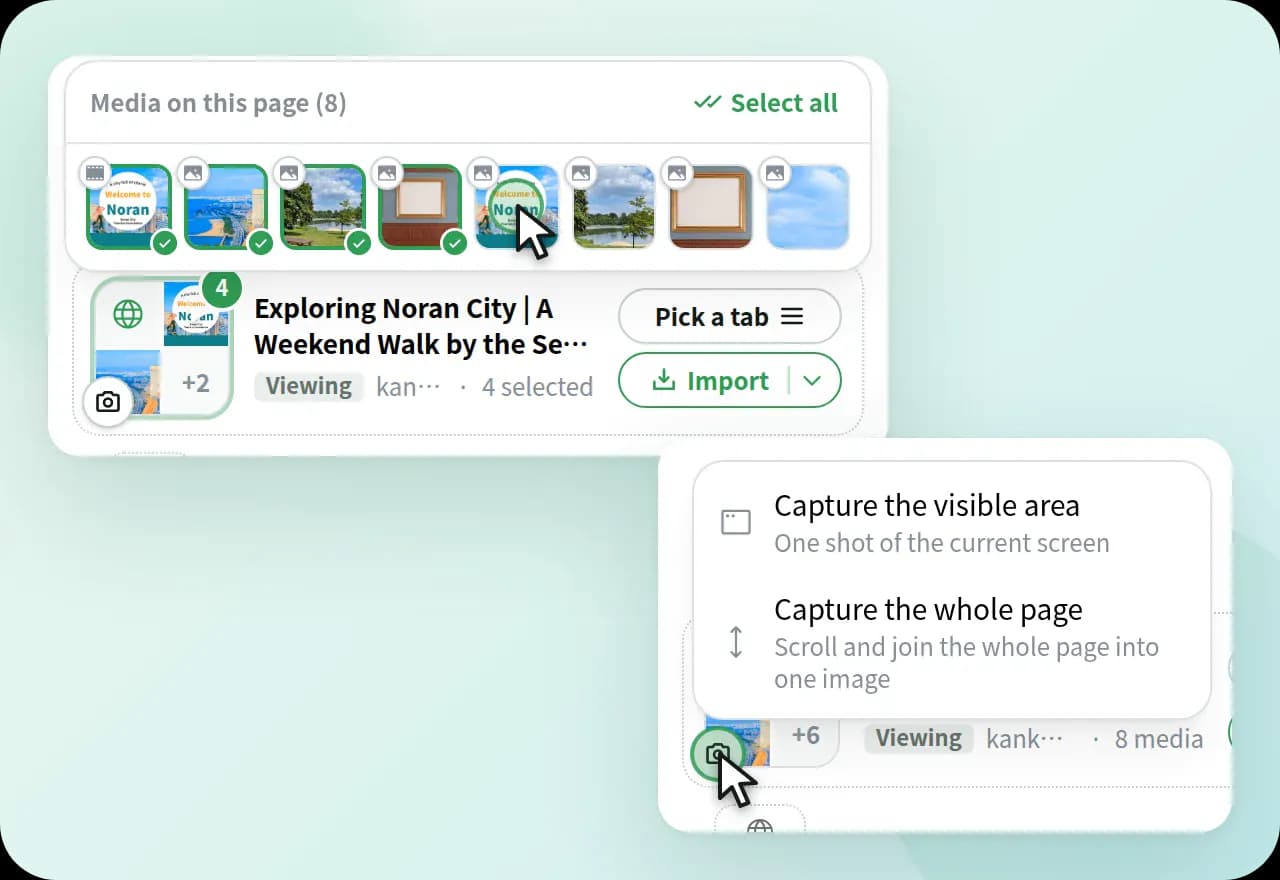
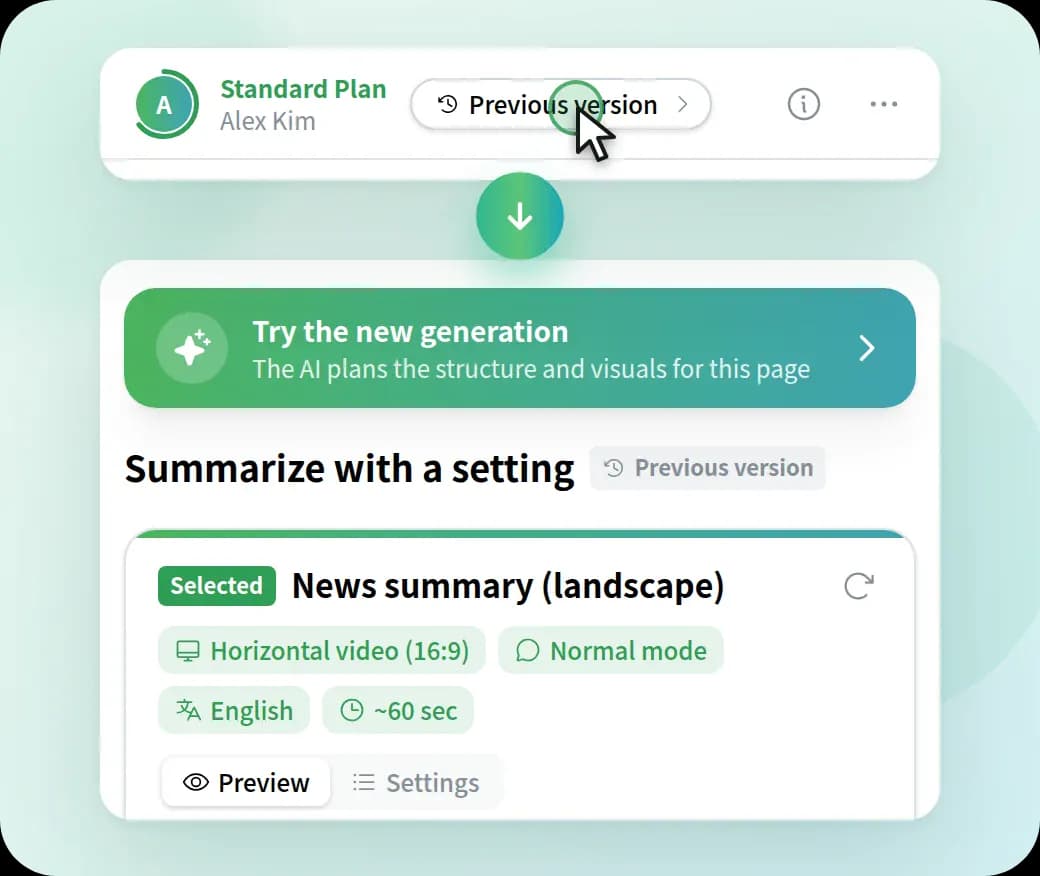
With a single click on the Chrome extension button, you can instantly watch a video summarizing and explaining the website you are viewing.

Install
Chrome Extension

How to use the Chrome extension

Download method

Open NoLang in the Chrome Store and click Add to Chrome to download.

the way of downloading app

Pin NoLang

Click the icon in the upper right corner to open the extension list, and click the pin button on the right of "NoLang" to pin it.

pin chrome extension

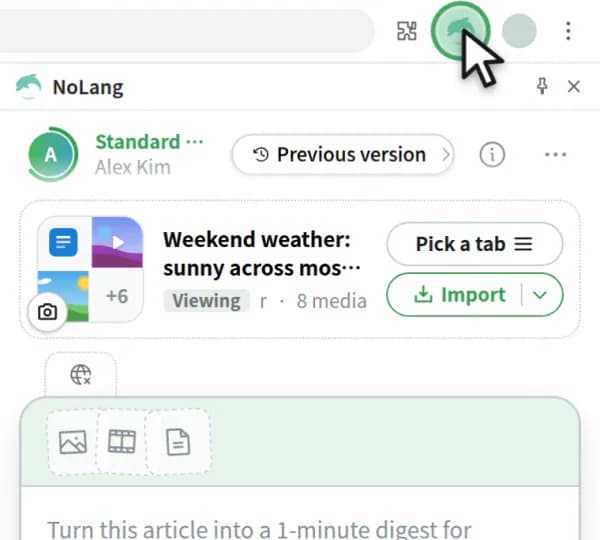
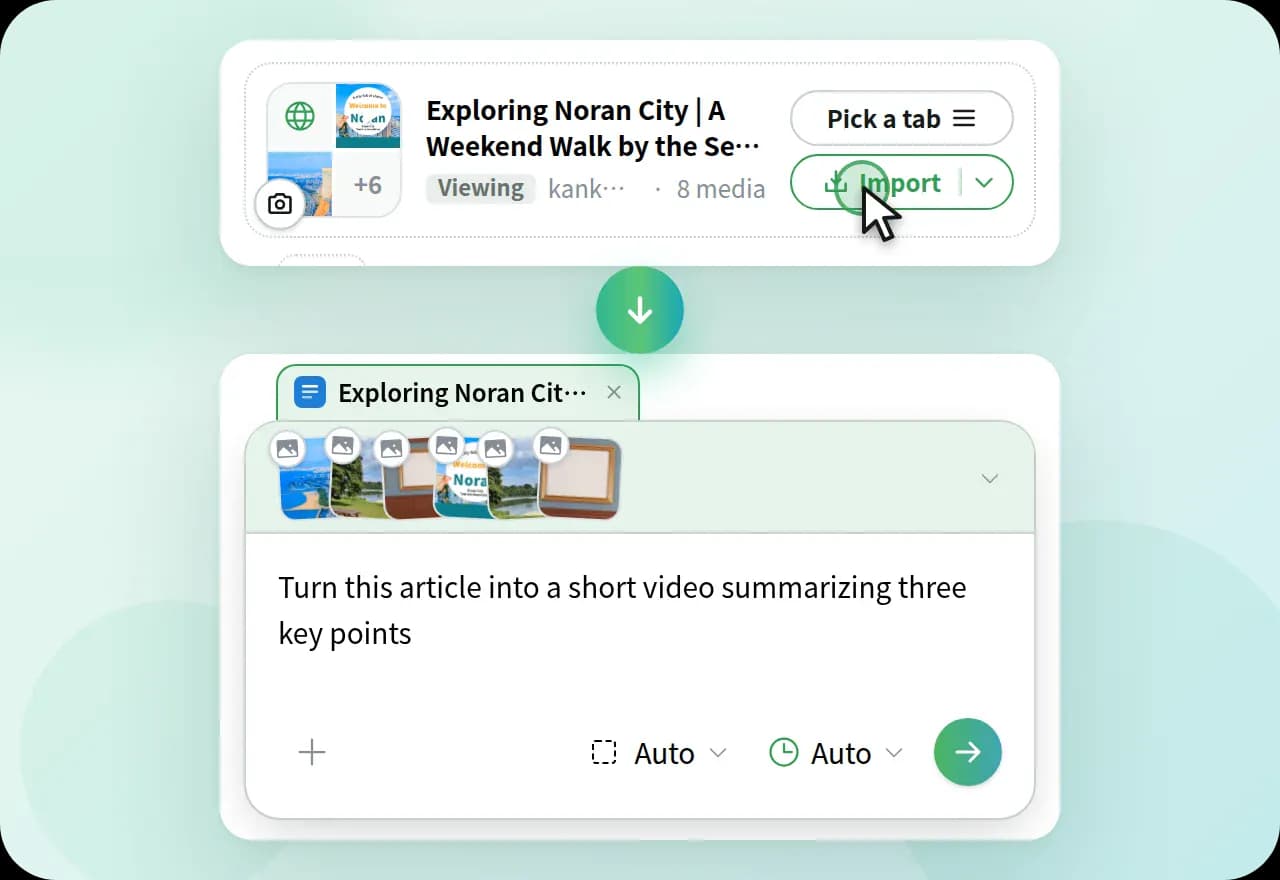
Click the icon on the page you want to make into a video

Open the web page you want to generate an explanatory video and click the extension icon.

click chrome extension icon

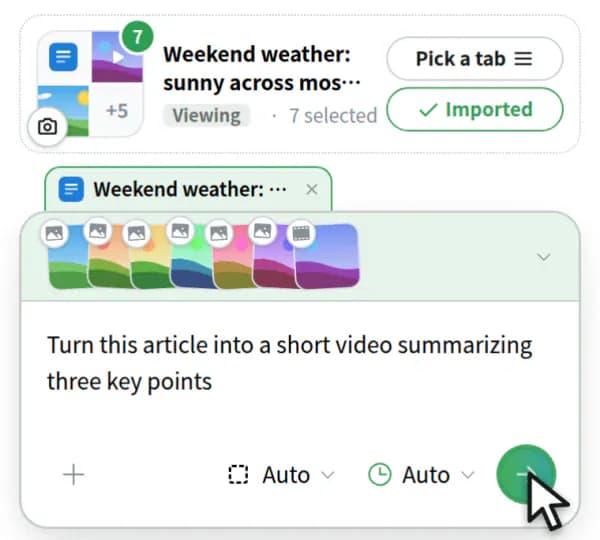
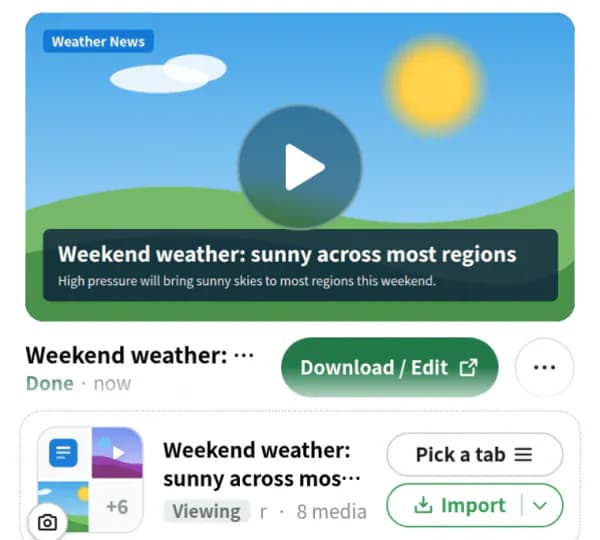
Watch Explanation Video on the Spot

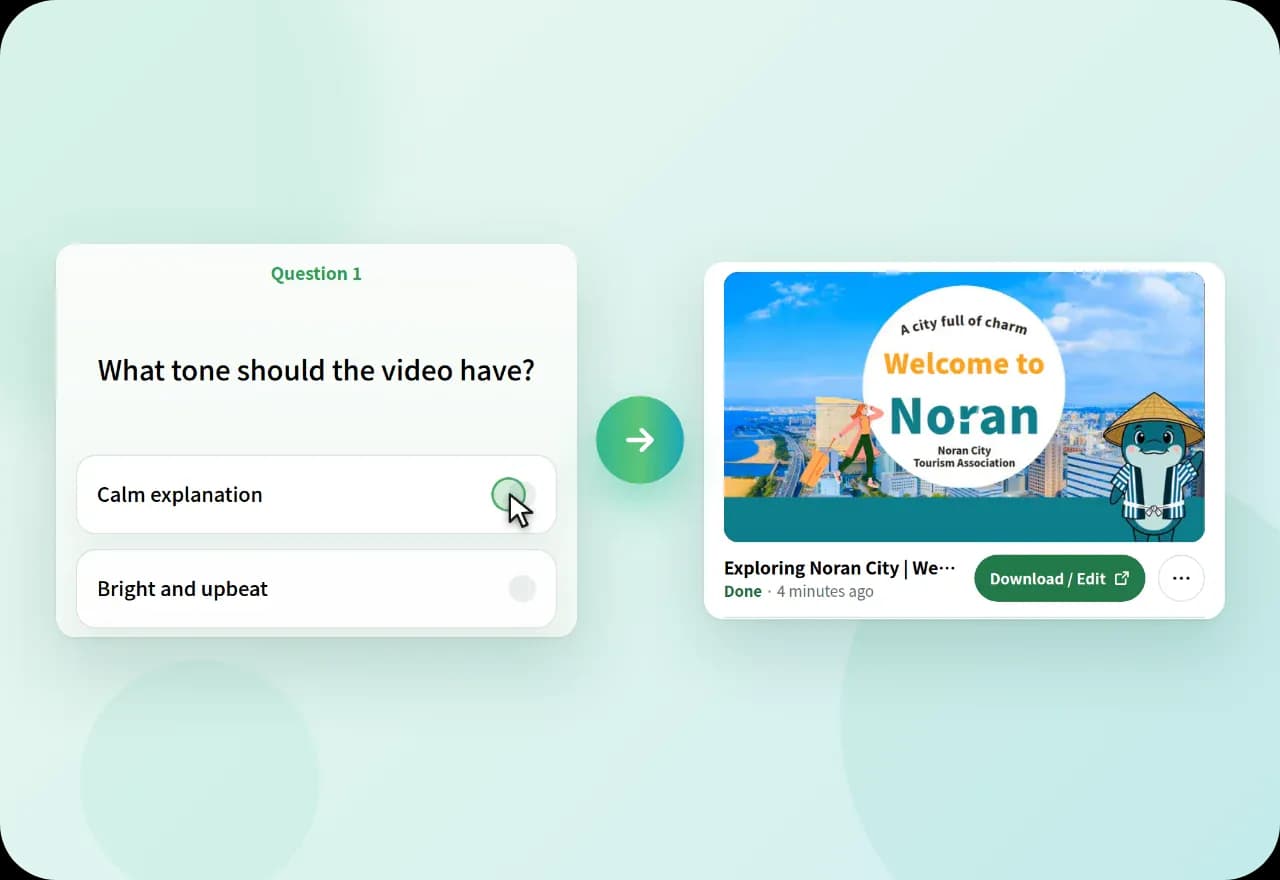
A small window opens, and the explanation video of the web page starts instantly. You can also ask questions immediately after that.

Example of generated video