
 Latest release notes A summary of the features and improvements added in the latest version. Start here if you want to check what is new at a glance.
 NoLang Tutorials
Last updated
★ New features
NoLang video generation has been renewed
Just enter a prompt and you can generate remarkably expressive videos. We walk through the generation flow and then the bigger picture of templates and the various ways to generate a video.
Read about the video generation flow
Create from Video Gallery tutorial
You can watch the finished video on the spot and go straight to the video explaining how it was made
-
Trivia explainer video (scientifically proven study methods)
Video tutorials -
News explainer video (What payroll deductions really are)
Video tutorials -
Yukkuri-style history trivia video (The mystery of the Voynich Manuscript)
Video tutorials
How to use these tutorials
This is a tutorial site where you can learn how to use NoLang.
If this is your first time with NoLang, we recommend starting with the Basic Tutorials and reading on from there.
If you have used NoLang before, we recommend jumping straight from the left sidebar to the topic you are interested in and reading only the parts you need. Each page is written so that it can be read on its own.
If you want to learn by actually creating a video, or if you are not sure where to start, we recommend the Create from Video Gallery tutorial. Starting from a finished video, it shows you in video form how that video was made.
Other content
Release notes / using the new editor / guides by category
-
Latest Latest release notes A summary of the features and improvements added in the latest version. Start here if you want to check what is new at a glance. -
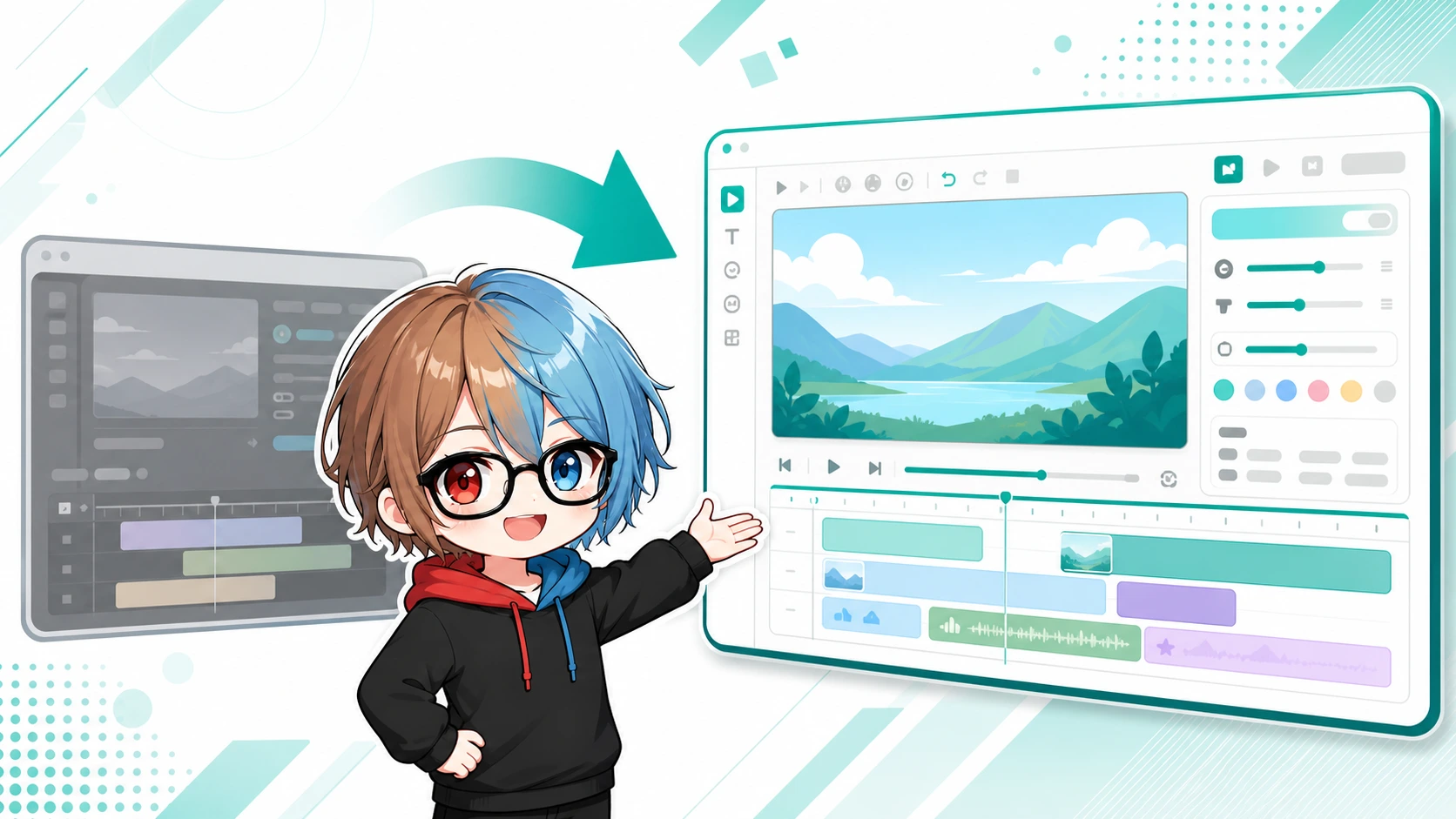 Using the New Editor A clear introduction to the renewed video editor, written for people moving over from the old editor.
 -
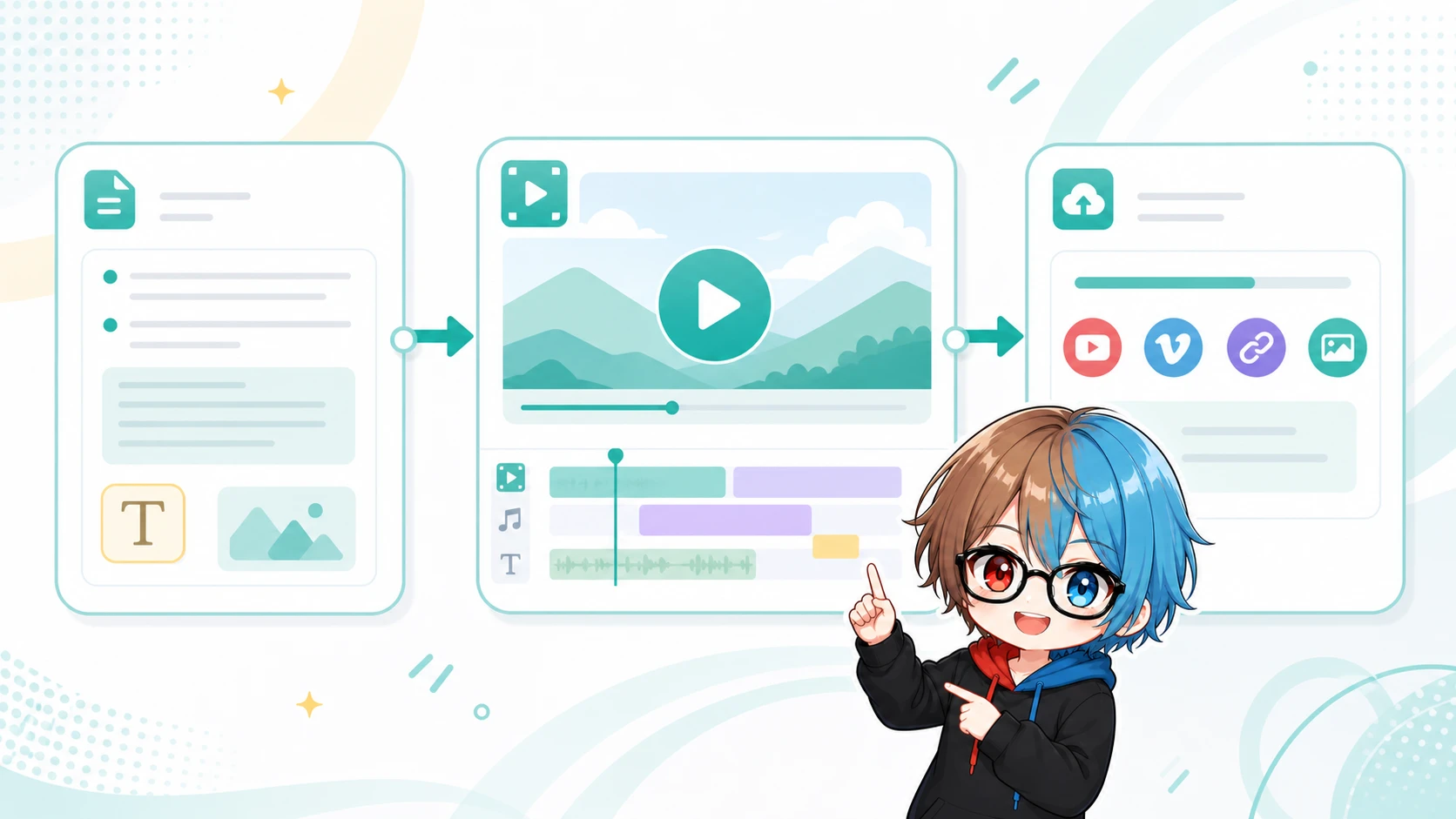 Video Creation Variations on video creation, such as original characters, real avatars and dialogue formats.
 View table of contents
-
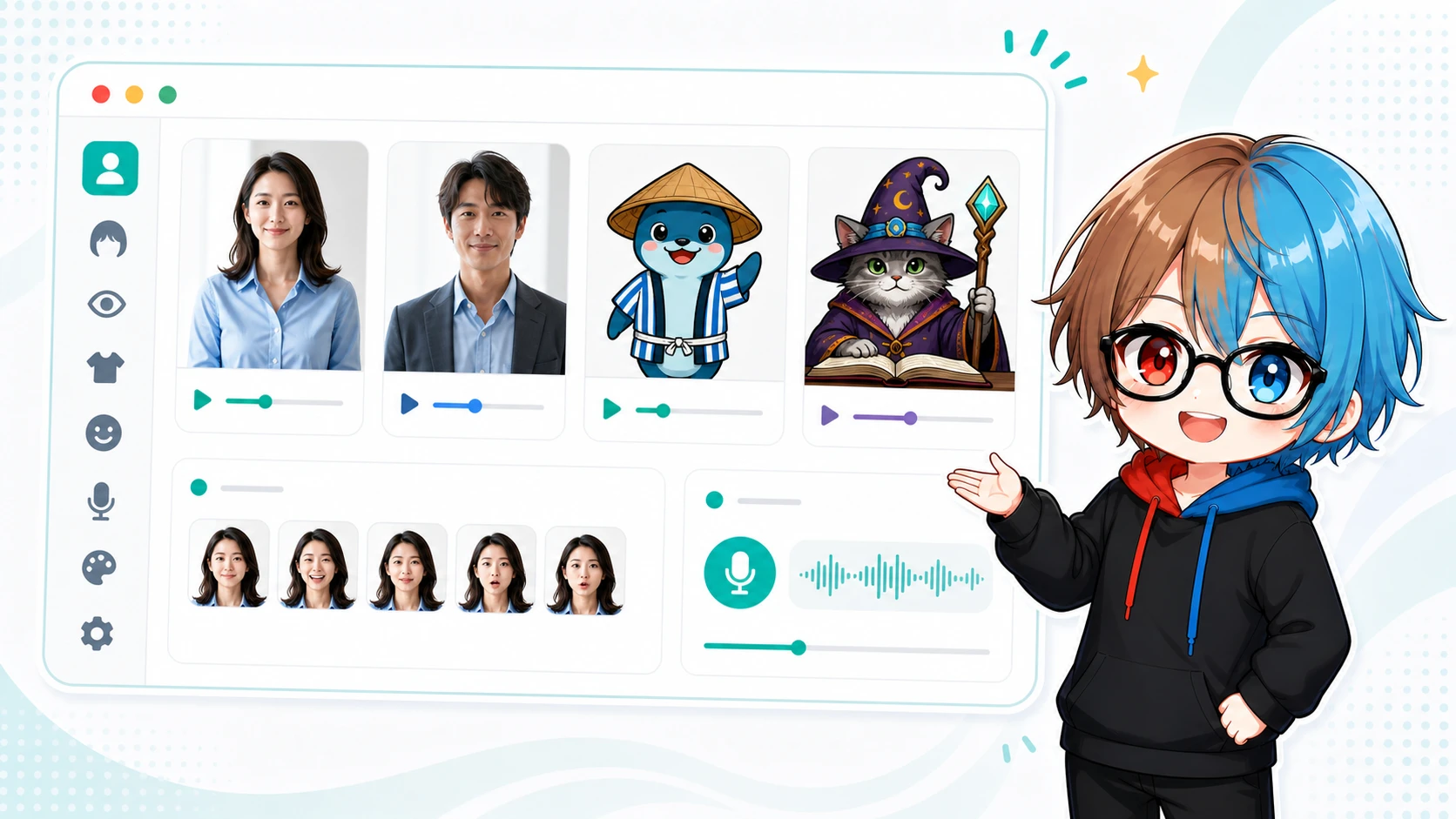 Character creation A full walkthrough of the steps for creating an avatar and voice of your own.
 View table of contents
-
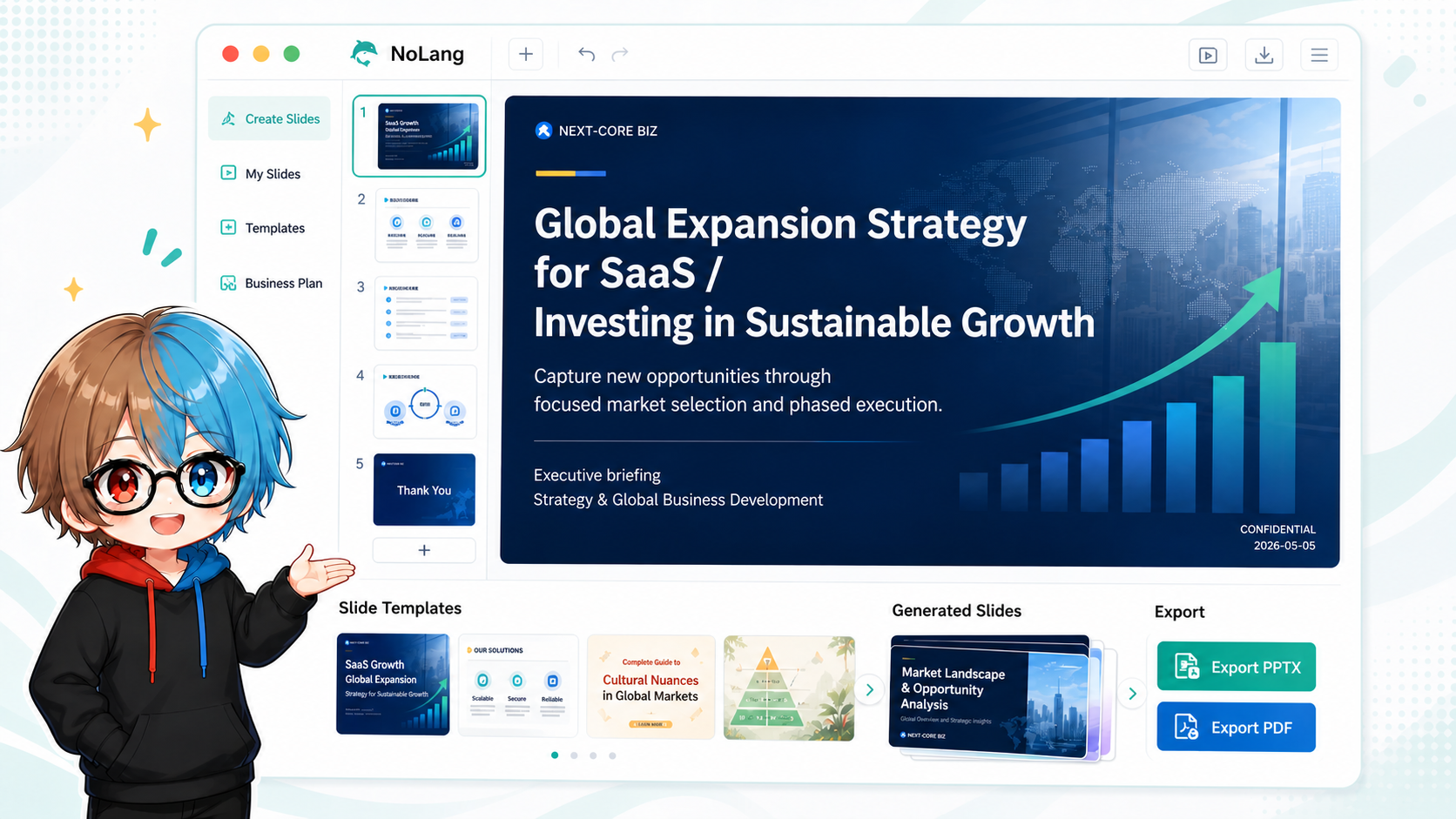 Slide creation Covers everything from creating and editing slides to making use of templates.
 View table of contents
-
 Other Tips Advanced tips such as downloading standing character illustration PSDs and editing Live2D.
 View table of contents