
Turn photos or characters into talking avatars
Make the photo itself talk
Turn a single photo of a person into a realistic avatar whose whole face moves naturally with the audio.
Turn a photo into an illustrated character
Create an illustrated avatar from a photo. It talks with moving lips and changing expressions.
Use any character you like
Pick from ready-made avatars, or bring your own illustrations and Live2D or VRM models.
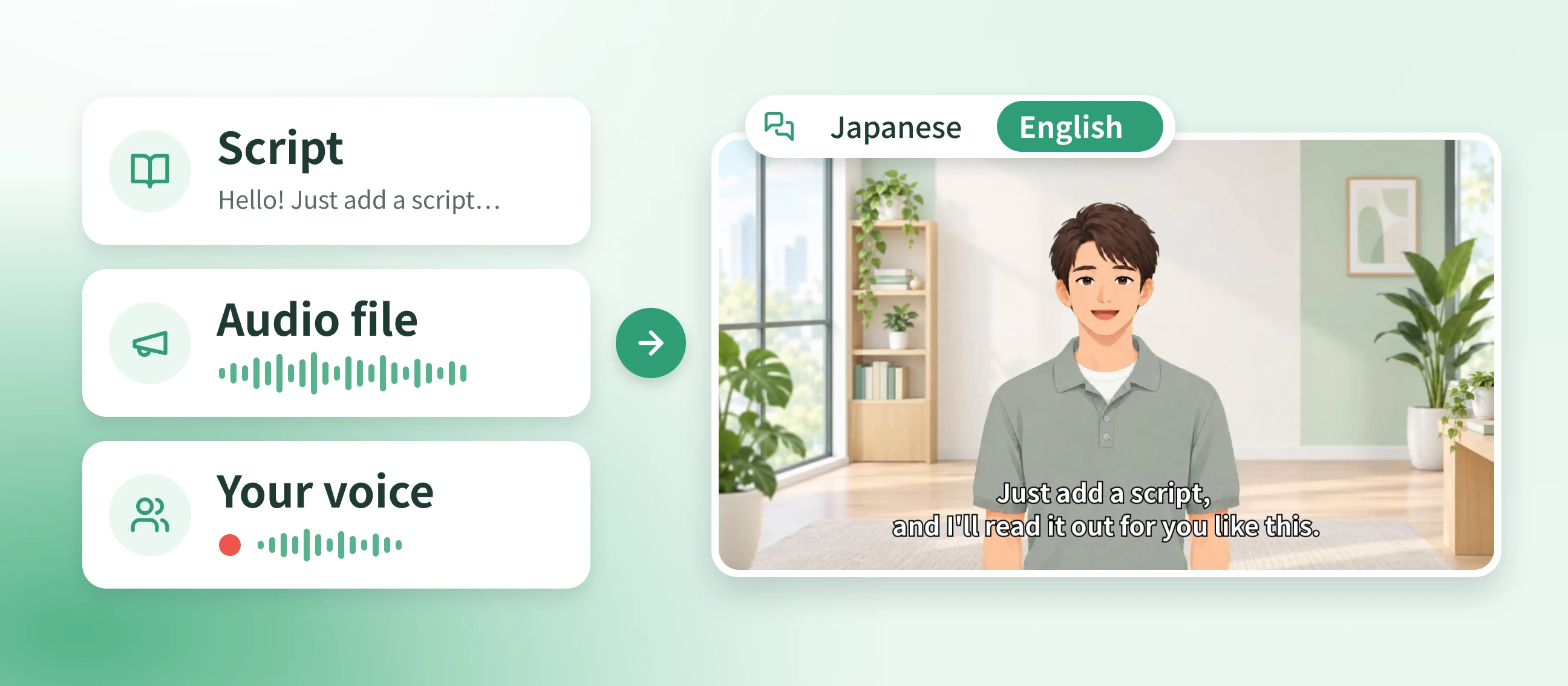
How to make a talking photo
Open NoLang in your browser, turn a photo or illustration into an avatar, and add a script or audio. That's all it takes to get a talking video.
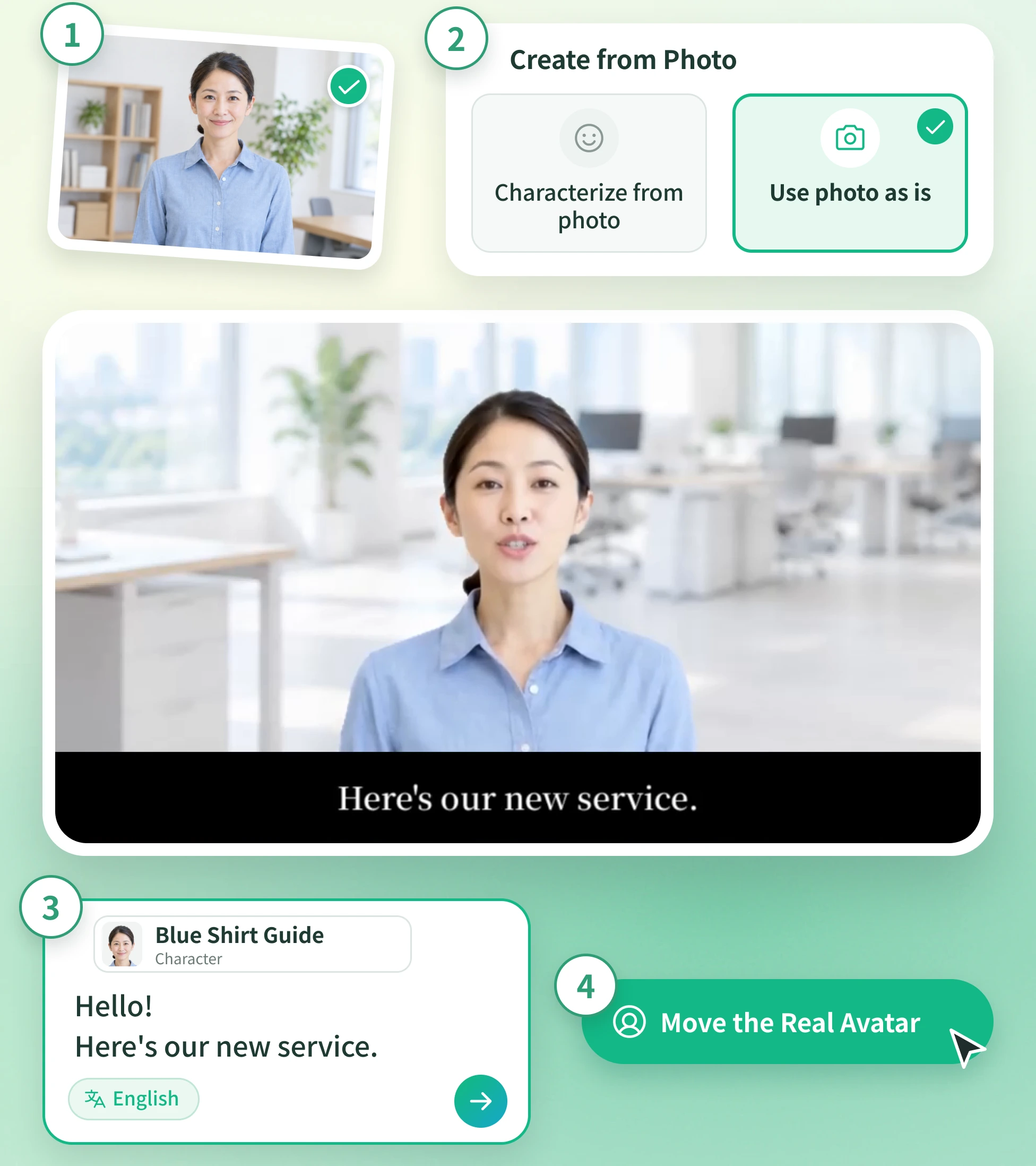
Steps
- 1
Choose a photo or image Pick a photo with just one person in it, or an illustration or character image. Instead of a photo, you can also use a ready-made avatar or your own Live2D or VRM model.
- 2
Create your avatar Open “Create Character” and choose “Characterize from photo” for an illustrated avatar, or “Use photo as is” to animate the image as it looks. Upload your image, then pick a voice and save.
- 3
Add a script or audio and generate When you create a video, choose your saved avatar, add a script or an audio file, and generate.
- 4
Animate your real avatar To make the photo itself talk, click “Move the Real Avatar” on your finished video's page. The face then moves with the voice.
Talking avatar video examples
FAQ
Common questions about making talking avatar videos.
Yes. Upload a single photo of a person, and they become an avatar that talks in sync with the audio. You can also turn the photo into an illustrated avatar.
Photos of people, illustrations, and character images can all become avatars. Beyond images, you can also use Live2D and VRM models.
A photo with just one person works best. For an illustrated avatar, use a full-body photo with the face looking straight ahead. To animate the photo as it is, choose one with simple clothes and few accessories for a cleaner result.
Enter your script and it's read aloud in the voice you choose. You can also lip-sync the avatar to a recorded audio file.
Yes. Record or upload your voice to create an original voice, then use it for your avatar.
Yes. You can make videos with voices in English, Japanese, and many other languages.
Yes. Add a second avatar in dialogue mode and they'll talk back and forth.
Yes. Log in to NoLang and pick a ready-made avatar and voice to make a talking video for free.
No. NoLang works in your browser, so you can make talking avatar videos without installing an app.
Talking Avatar Video Maker