
Paste your script. AI turns it into a video.
Paste the script you already have and choose how many speakers. NoLang adds a voice, subtitles, and visuals to every sentence and turns it into a narrated video. Afterwards you can edit the text, visuals, and voice on the spot.

Your words become the video
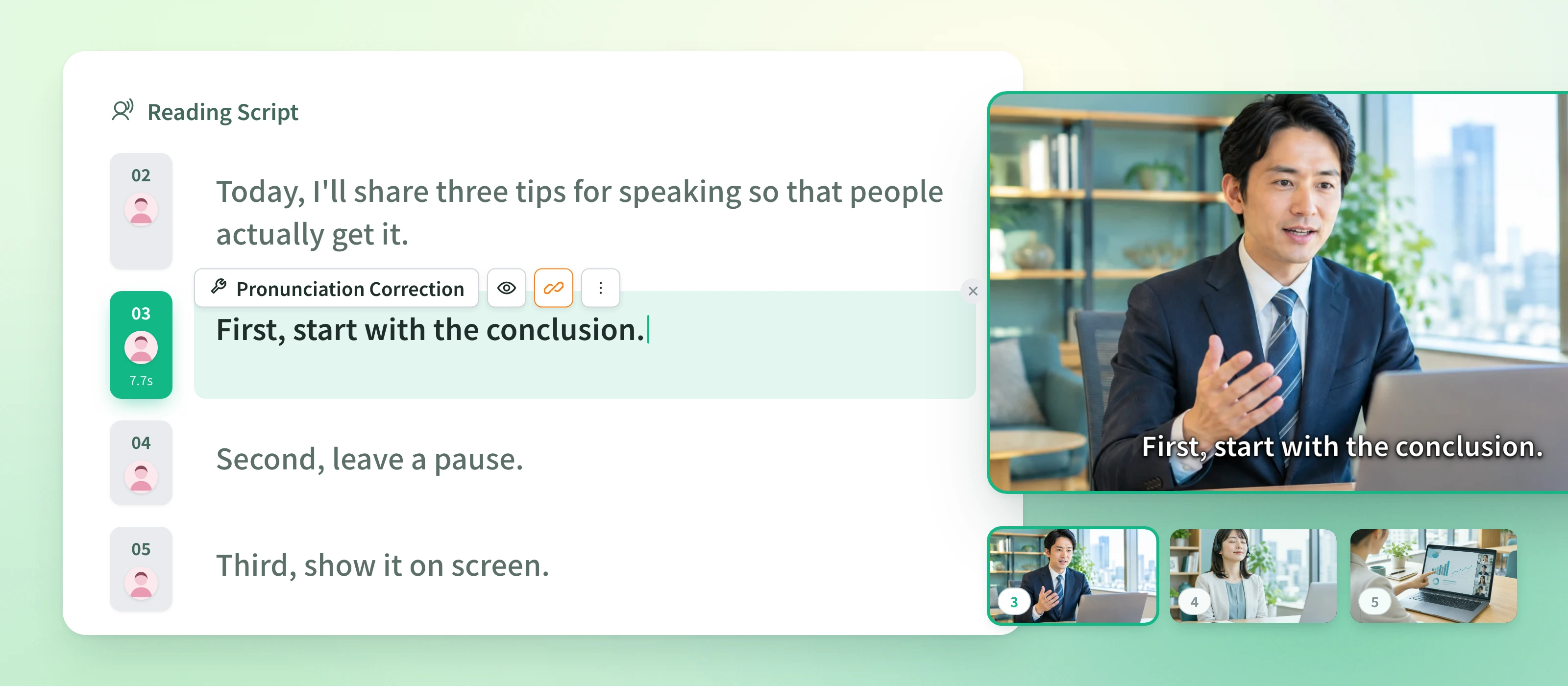
From pasting the script to the finished video
Choose "Generate" in NoLang, then "From a script". Three steps and you're done.
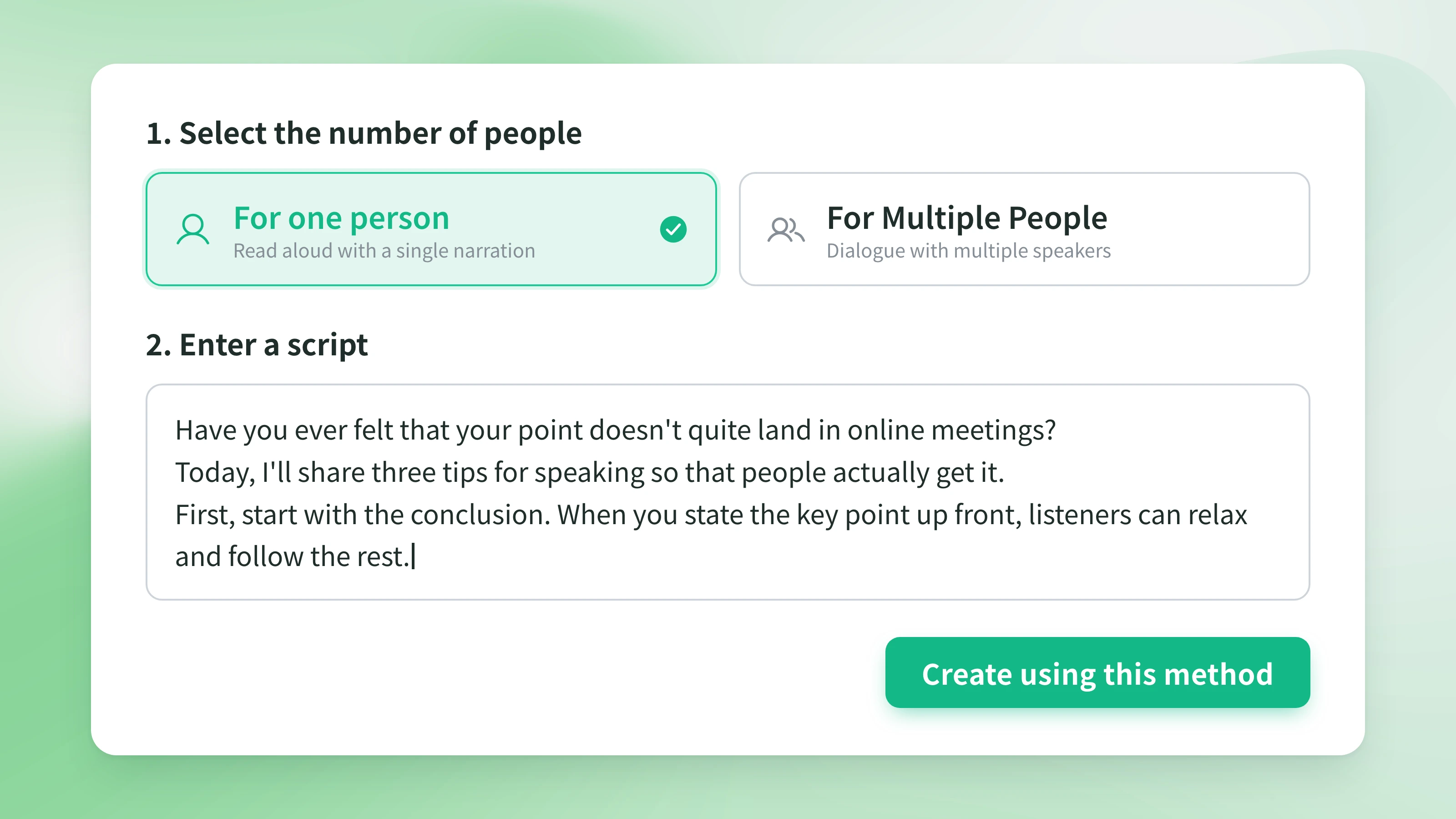
Steps
- 1
Paste your script. Choose "For one person" or "For Multiple People" and paste your script as it is.
- 2
Choose the format and generate. Pick landscape or portrait, attach photos or clips if you like, and generate.
- 3
Review and export. Play the finished video, edit anything you want to change, and save it as an MP4.
FAQ
Common questions about turning a script into a video.
Just paste the text. For a conversation, start each line with a speaker label such as "A:" or "B:" and each speaker gets their own voice.
The video is generated with the instruction to read the script as is. You can review the finished video in the editor and rewrite any sentence on the spot.
You can change the narration voice and the avatar in the editor after generation. Characters and voices you created yourself can be used too.
Paste a script in English and the video is generated with English narration and subtitles. Scripts in other languages work the same way.
You choose landscape or portrait before generating. The same script can become a vertical video for social media.
Download it as an MP4 and use it for social media, internal sharing, or your website.
NoLang