
An AI video generator you can try for free. Turn text, documents, and images into video.
Write what you want, upload a document, or choose an image. NoLang's AI turns it into a finished video with narration and subtitles.
Create a video from text
Just describe what you want in writing. AI plans the structure and script, then adds narration, subtitles, and images to turn it into a video.
Create a video from documents (PDF or PowerPoint)
Upload a PDF or PowerPoint file, and it becomes a video in which AI explains the content while showing each page. Turn training materials and sales decks straight into videos.
Create a video clip from an image
Choose a photo or illustration and describe how it should move. AI turns it into a short video clip.
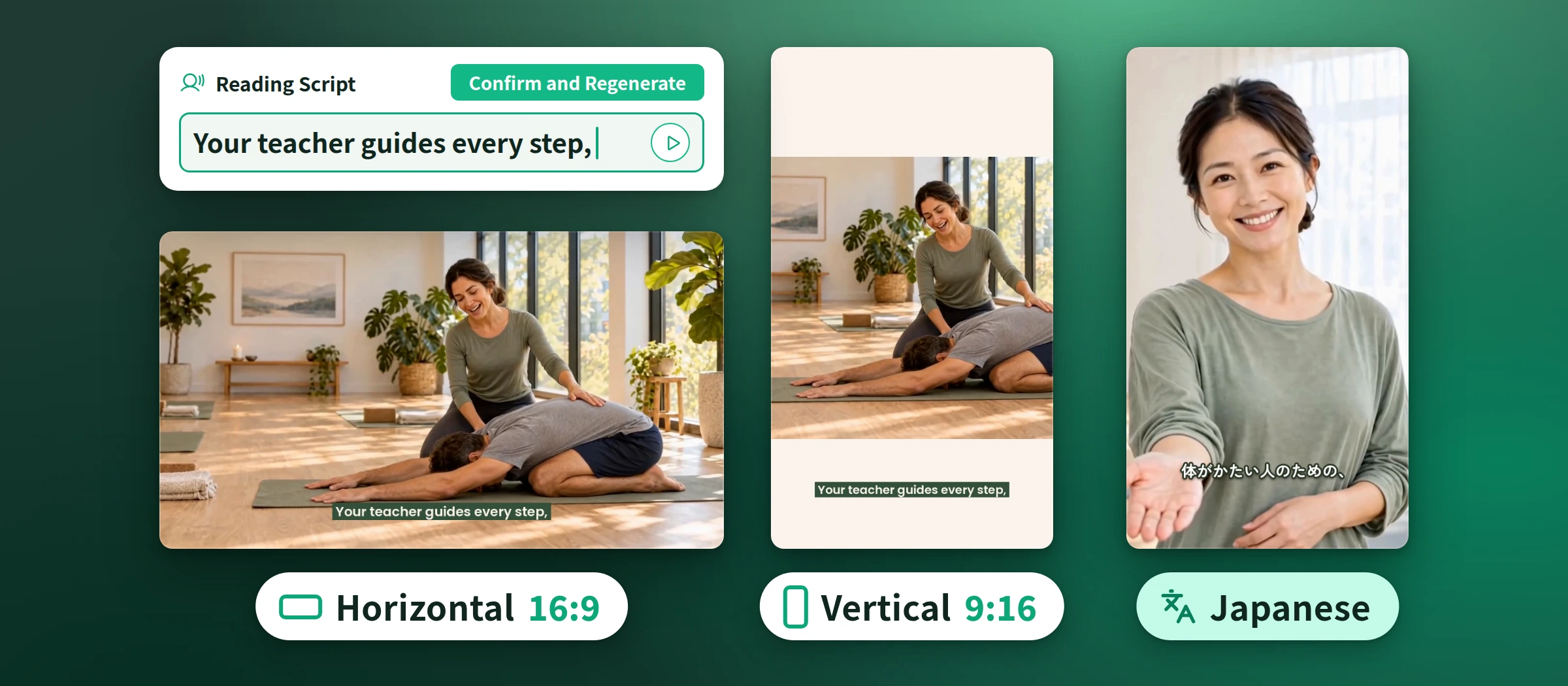
Pick the right way to create your video
Each page shows detailed examples for that way of creating.
From Text
Just write your idea, and AI plans the structure and script and turns it into a video
From Script
Turn your prepared script into a video that reads it aloud as written
From Documents
Turn PDFs and PowerPoint files into narrated videos
From Image
Turn photos and illustrations into short videos that move the way you describe
From Audio
Turn recorded audio into a subtitled video
AI Avatar
Turn a single photo into a talking avatar video
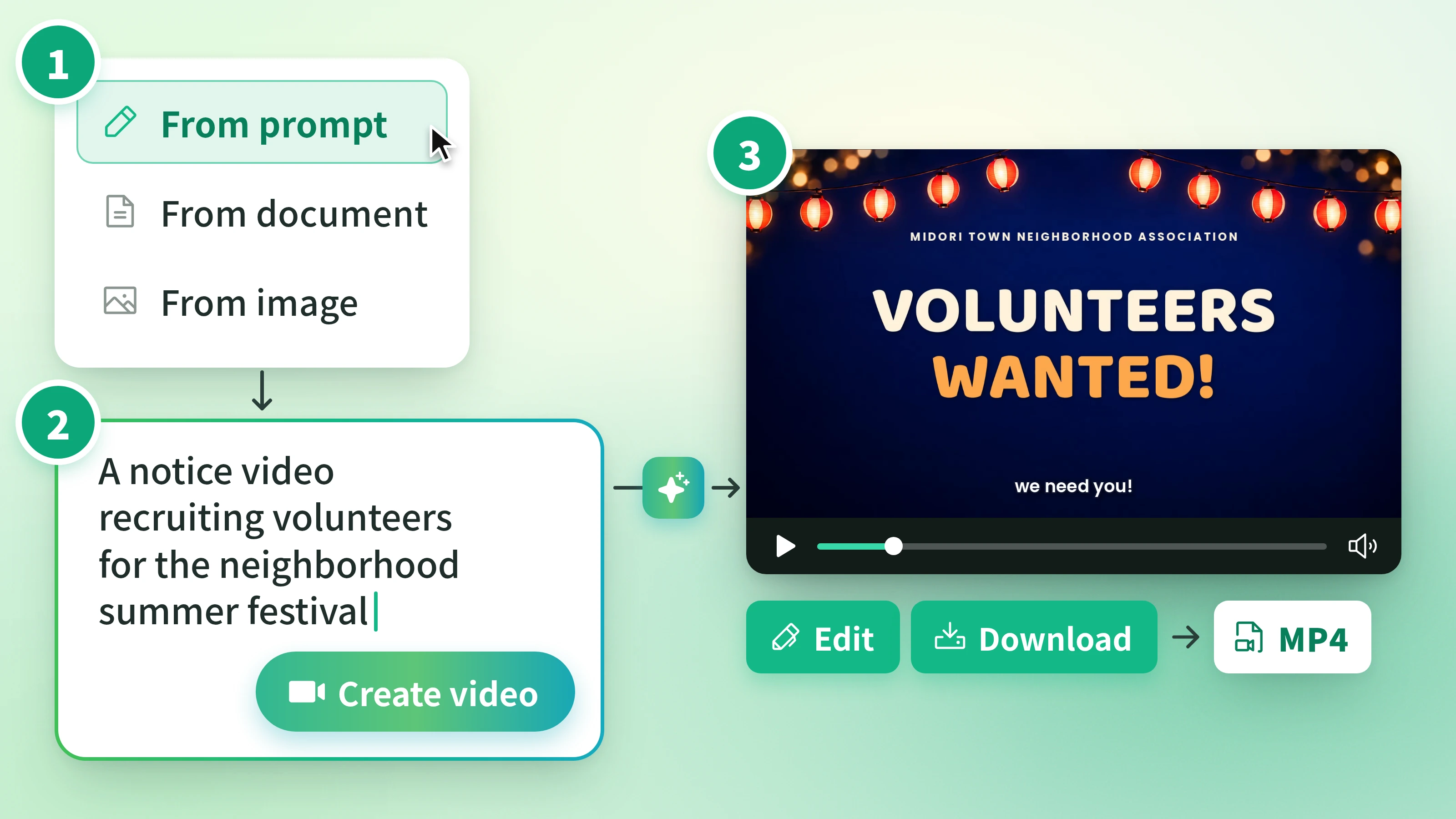
Three steps to your video
Whichever way you choose, the process is the same.
Steps
- 1
Choose how to create your video Choose text, documents, or images, whichever fits the material you have.
- 2
Enter your input and generate Write some text or upload a file, then generate.
- 3
Review and save Play it back, edit anything you want to change, and save it as an MP4.
FAQ
Answers to common questions about AI video generation.
It's technology in which AI creates videos from text, documents, images, and more. In NoLang, AI builds the structure, narration, subtitles, and visuals from your input and puts them together into a single finished video.
Yes. You can try it for free. Start creating videos from text, documents, or images right away.
You can create videos from text, scripts, PDF or PowerPoint documents, images, and audio files.
Yes. You can create videos with Japanese narration and matching subtitles.
Yes. You can add narration and subtitles in 34 languages, including English.
Yes. In the editor, you can revise the script and subtitles and swap out images and background music. You can also make changes by giving instructions in text.
Yes. Videos made with NoLang can be used commercially.
It depends on the amount of input and the method you choose. While generating, an estimate of the time remaining is shown.
NoLang is suited to videos that convey the content of text or documents through narration and subtitles. You can use it for videos that explain training or sales materials, internal announcements, procedures, and more.
NoLang AI Video Generator