
AI URL to Video Generator
Paste the URL of an article or web page. The AI reads the text and uses the page's photos to make a video with narration and captions.
Articles, announcements, and product pages become videos
From URL to finished video
All you enter is the URL and a few words about the video you want.

How to make a video from a URL
- 1
Paste the URL Drop the page's link into the input box on the home screen. You can also add what you want, such as "make a 1-minute intro video."
- 2
Answer a few questions The AI asks questions based on your article, such as which angle to focus on. The more you answer, the closer the video gets to what you have in mind, or you can skip and leave it to the AI.
- 3
Edit and export Change the script, captions, and images in the editor, then download the video as an MP4.

A script written from the page text
NoLang reads the text of the page and uses it as the source for the script. The script is read aloud as written, with captions timed to the narration.

Use the page's photos in your scenes
NoLang picks the photos on the page that fit the content and uses them in the video, so the photos on your site can go straight into your video.

Start from the page you have open
With the browser extension for Chrome and Firefox, you can import the page or PDF you have open and make a video right there.
For businesses
NoLang for Business
NoLang is a Japanese AI video generation service developed and operated in-house by Mavericks, Inc. The interface is available in Japanese, English, Korean, and Vietnamese.
500+ companies use NoLang Used by businesses, local governments, and public agencies.


-
Certifications
Certified to ISO/IEC 27001:2022 (ISMS) for information security and ISO 9001:2015 for quality management.
-
Account management
Supports Microsoft Entra ID single sign-on, IP address restrictions per tenant, operation logs, and inviting and suspending members.
-
How your documents are handled
Documents you upload are never used to train generative AI.
-
Rights and commercial use
Generated videos are copyright-cleared and can be used commercially.
FAQ
Common questions about making videos from a URL.
Yes. Paste the URL of the page into the input box on the home screen. NoLang reads the page text and uses its content and photos to make a video.
You can turn web pages such as blog posts, news articles, press releases, and product pages into videos. Use it with pages on your own site or pages you have permission to use.
Paste the URL into the input box on the home screen, add what kind of video you want, and send it. Answer the AI's questions to start generating, or skip them and leave it to the AI.
NoLang reads up to 10 URLs per video. For the first 3 pages, up to 6,000 characters of body text become the source for the script.
Yes, when the page has photos that fit the content. NoLang picks up to 8 photos from the page to use. When you download the video, you can add the site name and source URL to the credits at the end.
Yes. The Chrome and Firefox extensions import the page or PDF you have open and make a video from it. Add it from the browser extension page.
Yes. Paste a URL and try the whole process through to the finished video.
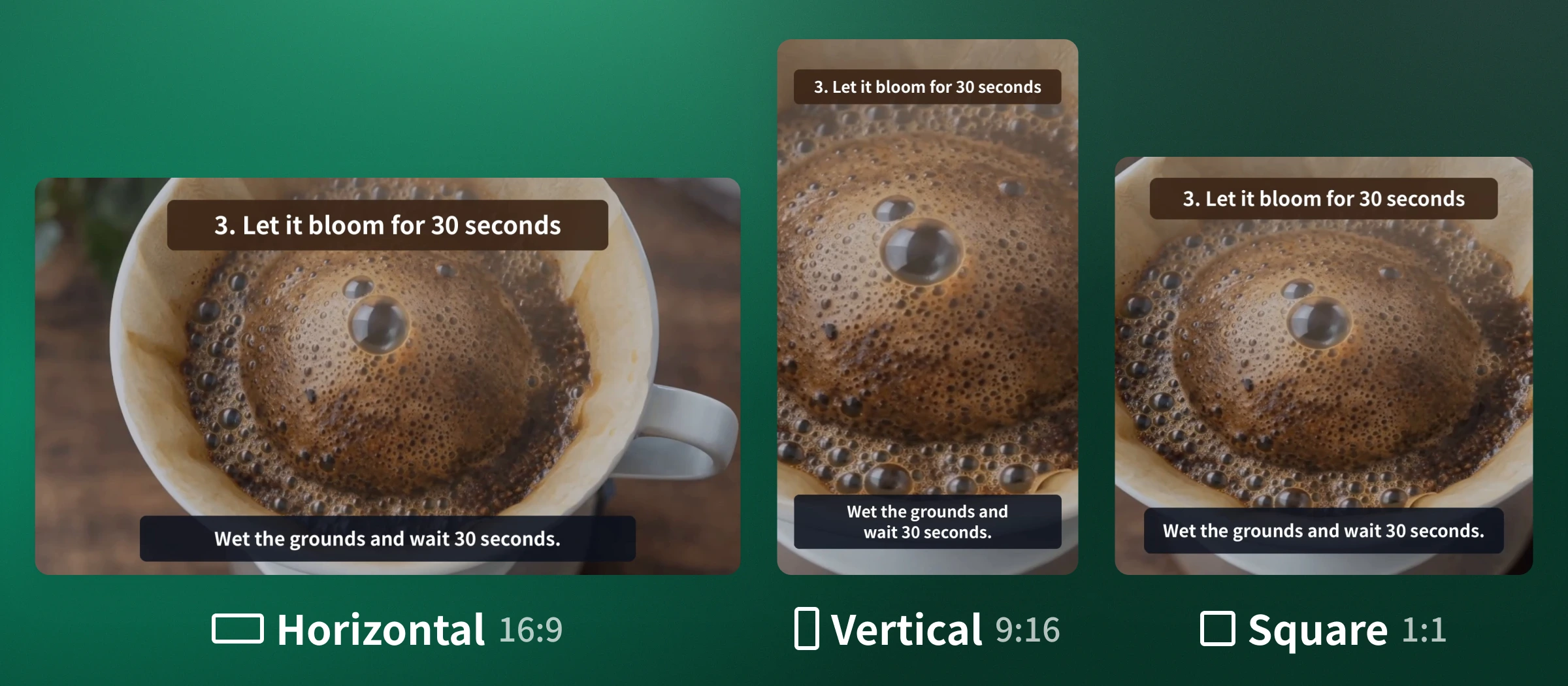
Yes. You can choose horizontal 16:9, vertical 9:16, 1:1, 4:5, 2:3, 4:3, 21:9, or Auto, and convert to another aspect ratio after the video is made.
Yes. The timeline editor lets you edit the script, captions, images, video clips, text, shapes, music, and sound effects. You can also type an instruction on the finished video's page to make a version with just that part changed.
Yes. You can download your videos as MP4 files.
NoLang offers more than 2,500 voices (more than 500 in Japanese). You can correct the pronunciation of each word using hiragana or katakana, register up to 1,000 words in the Dictionary, and set the reading speed from 50% to 300%. With supported voices, you can also describe how to speak in text, such as "in a calm, smooth voice."
NoLang has over 600 avatars across static illustration, Live2D, VRM, realistic, 2.5D, and famous character types. You can also create your own avatar from an illustration or character image.
Yes. Videos made with NoLang can be used commercially. Photos from your own pages, or from pages you have the rights holder's permission to use, can go straight into the video.
The features and conditions for each plan are listed on the pricing page.
Free to Try