
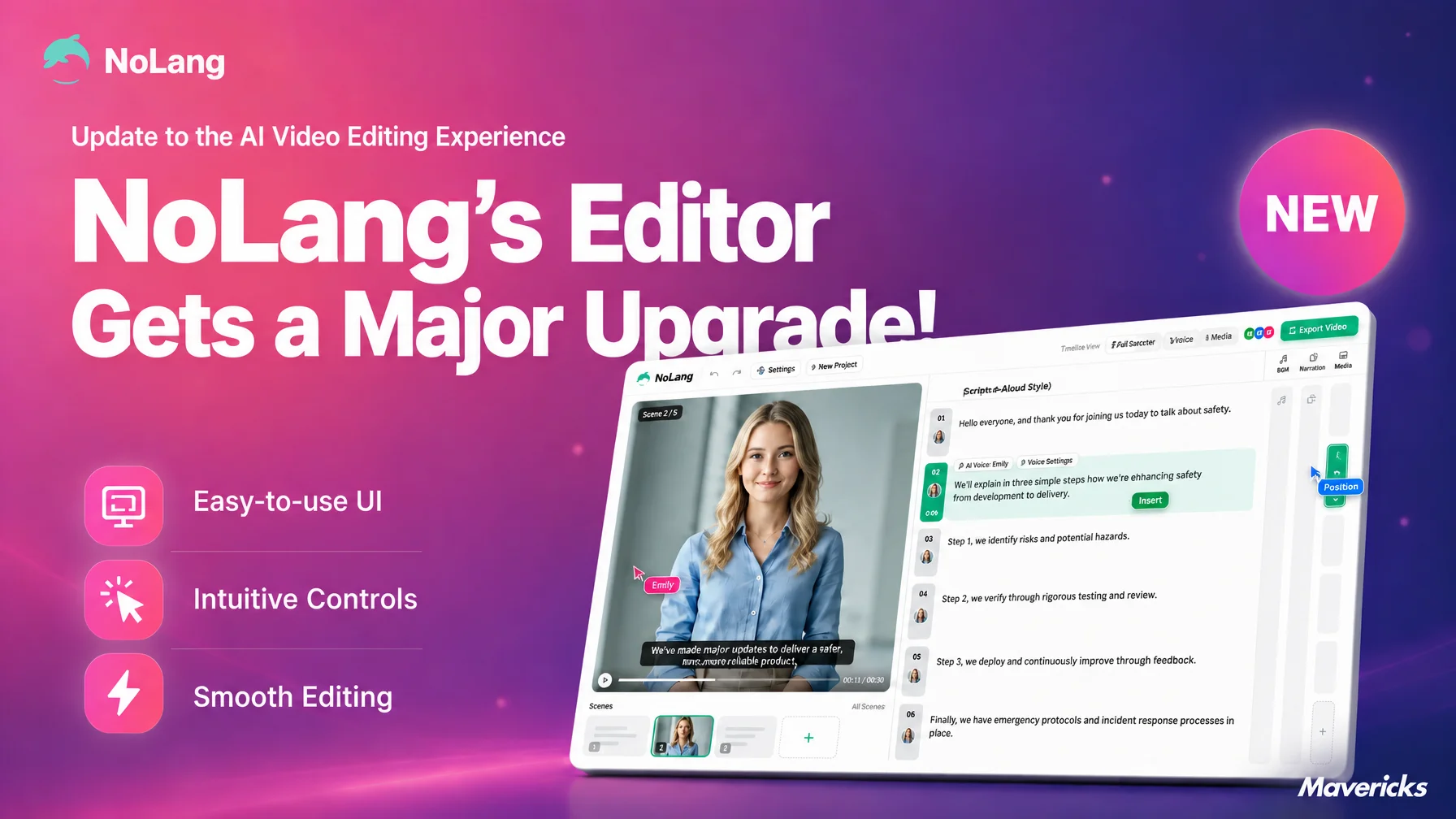
Mavericks, Inc., the company behind the AI video generation service NoLang, has completely rebuilt the NoLang editor screen. Background, Image, Video, Text, BGM, Sound effect, Character and Subtitle display are each placed on their own lane along a time axis, so their position and length can be adjusted by dragging them directly. Everything from AI generation to finishing work on the timeline now happens on a single screen, and instead of running the generative AI again, users can correct only the spot they meant to change.
A small fix changes the whole video: the weak point of generative AI
Teams that create images and videos with generative AI spend much of their time on revisions. PRIZMA Inc. surveyed 1,003 people who use generative AI at work and have experience producing images or videos (conducted March 6-8, 2026). The most common complaint, at 44.2%, was “I only want to change one part, but when I give an instruction the good parts disappear as well.” Revisions ran to four or more rounds for 60.8% of respondents (four to six rounds 30.5%, seven to nine 16.5%, ten or more 13.8%), and 76.4% said the revision work felt like a burden (a great deal 20.1%, somewhat 56.3%). The most common answer for the time spent on a single revision was one to three hours, at 27.8%1. After AI builds the rough version of a video, a large share of the remaining time goes into describing the parts that came out wrong in natural language and generating the video again.
That round trip is hard to avoid, because AI generation works on the whole video at once, and aiming an instruction at one small difference is not straightforward. A prompt can only carry so much information, so parts the user never mentioned are rebuilt along with the rest. What users want is an AI-generated first draft, followed by the ability to fix exactly the piece they have in mind. NoLang has rebuilt its editor screen to answer that need.
The NoLang editor, rebuilt: easier editing after generation
In the new editor, Background, Image, Video, Text, BGM, Sound effect, Character and Subtitle display sit on independent lanes and can be seen together along the time axis. A screen that used to be for reviewing generated results is now a screen for working on them directly in time.
NoLang has always paired automatic video generation from sources such as text, PDF files and URLs with an editing screen, but the range of adjustments was limited. With this update, each element type has its own lane and can be adjusted directly on the time axis, which greatly widens what users can change. Video projects generated in the past open in the same timeline screen, so videos made before the update do not need to be recreated.
Intuitive enough without video editing experience
On the timeline lanes, materials such as background, image, video, text, BGM and sound effects can be dragged to change their position and length along the time axis. Right-clicking a segment, one of the parts a video is built from, opens an editing menu with commands such as Split, Extend Forward and Extend backward, so trimming and splitting are done on screen without memorizing the shortcuts and nested menus of professional software. Extend Forward stretches the boundary in one step, up to just before the neighboring segment or, if there is no neighbor, to the start of the lane, which removes the need for repeated second-by-second dragging.
Each lane has its own icon and color, making it clear at a glance where background, image and video, text, BGM, sound effects, characters and subtitle display are adjusted. In a survey of video editing app users run by Appliv, a service operated by Nile Inc. (conducted November 13-20, 2023, with 557 people in their teens through their sixties who had used video editing apps), the most common frustration was “the operation is complicated,” cited by about 41% (229 people)2. NoLang answers that with a screen layout that does not assume knowledge of video editing jargon or complex menu hierarchies. To rewrite a caption, users go to the text lane; to shift the timing of background music, the BGM lane. Because each task maps to a color-coded place on screen, there is no need to dig through layered menus to find the right function.
The timeline and the preview are also linked, so a change made on a lane appears in the preview immediately. Rewriting the wording of a caption does not require exporting the video again to check the result. Seeing the effect of each action right away is another reason the editor is manageable for users with no video editing background.
From generation to finished video on one NoLang screen
This kind of direct editing on the lanes is available immediately after AI generation. Once the AI has produced the base of the video, users move straight to the timeline without switching screens and adjust anything that bothers them.
Video production has so far involved two kinds of round trips. The first is describing every part that did not turn out as intended in natural language and having the AI generate the video again; in the PRIZMA survey cited above, 60.8% of respondents went through four or more rounds of revisions. In NoLang, that repetition is replaced by editing the relevant part directly on the timeline.
The second is exporting the AI-generated video to a separate video editing application, finishing it there and exporting it again. In NoLang the generated video is itself the object of timeline editing, so the step of exporting a file and opening another application never arises.
The approach of leaving the first draft to AI and finishing it by hand now works within NoLang alone, without moving between applications. Rather than rewriting prompts again and again to see what lands, an editing environment that lets users touch exactly the part they want reduces the number of round trips itself.
Outlook
Building on this renewal, which connects generation and timeline editing into one flow, Mavericks plans to keep refining usability for people at any level of video editing experience. Alongside expanding what the generative AI can do, the company will continue developing the editing features that handle the finishing work, with straightforward operation as the guiding principle.
Footnotes
-
PRIZMA Inc., “Survey on revisions and fine-tuning in image and video production with generative AI” (in Japanese) (conducted March 6-8, 2026, with 1,003 men and women in their twenties through fifties who use generative AI routinely at work and have experience producing images or videos) ↩
-
Nile Inc., “Survey on video editing apps” (in Japanese) (by Appliv, conducted November 13-20, 2023, with 557 people in their teens through their sixties who had used video editing apps) ↩

