
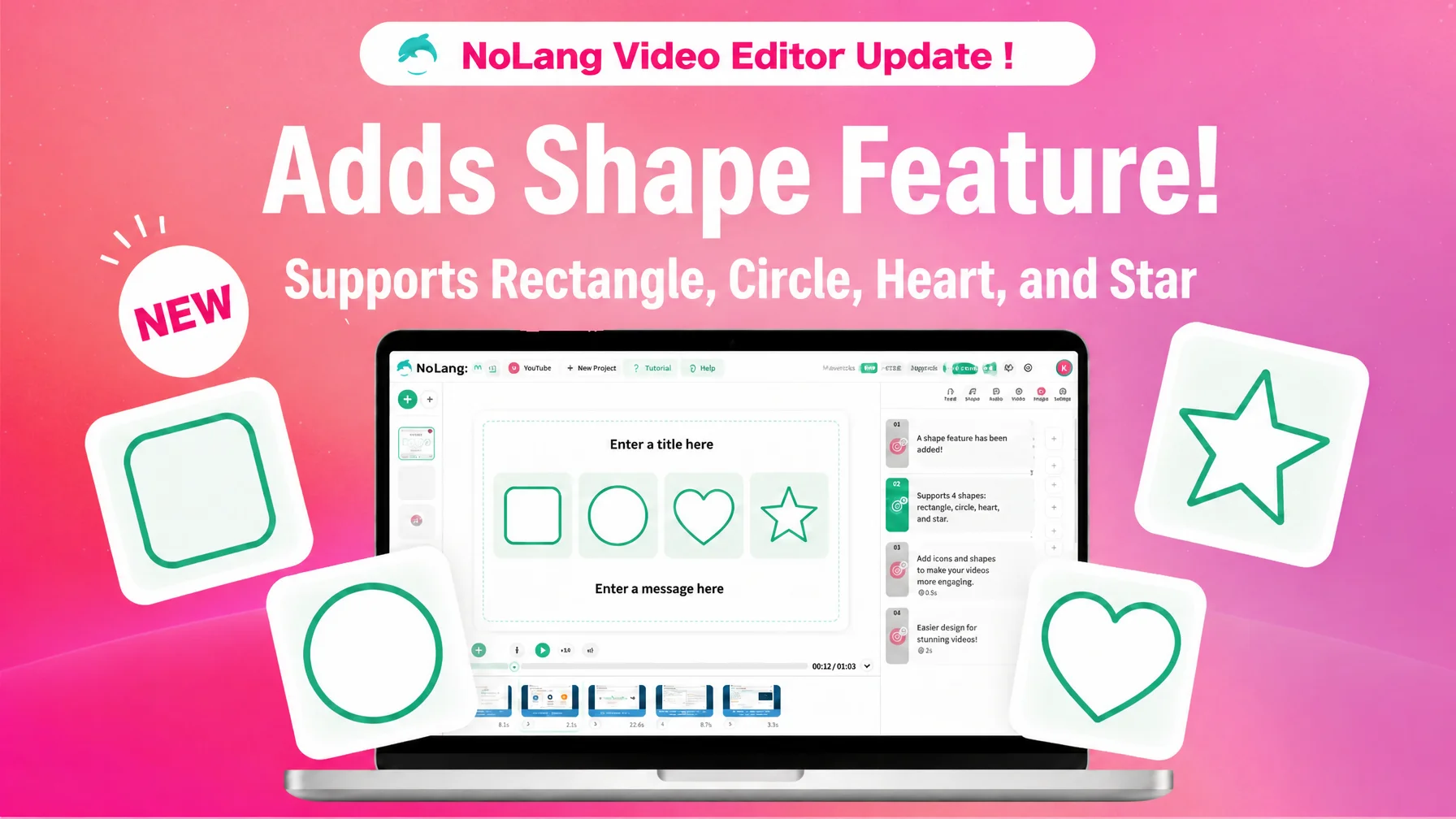
Mavericks, Inc., the company behind the AI video generation service NoLang, has added a shape feature to the NoLang video editor. Users pick one of four shapes — Rectangle, Circle, Heart or Star shape — and apply a border or background color to text, images and video, with no coordinate handling or path editing required. The same shapes apply to images, video, backgrounds and avatars as well as text, so anyone can produce videos that read clearly on screen, regardless of design skill or production budget.
Contact us about NoLangIn-house video production is growing, but decoration remains hard for non-designers
Companies are moving video production in-house at speed. One survey found that the share of video produced in-house reached 69.6%, up roughly 40 points from 29.7% the year before1. At the same time, a joint survey by Hikaku Biz and Mteam points out that the “editing” step — building out decoration and design — still weighs on the people doing the work in teams that have brought production in-house2.
That burden also shows up in the cost of outsourcing. One data set puts the average order value for outsourced video production at 815,000 yen, with a median of 540,000 yen, and notes that costs tend to climb as graphic design and other decorative elements are added on top of narration and captions3. Whether the work is done in-house or outsourced, the structure is the same: the more decoration a video carries, the more effort and cost it takes. Data on social video also shows that around 20% of viewers drop off within the first 10 seconds4, so whether the key message registers at a glance in those opening seconds decides whether people keep watching. Framing text or images to guide the eye, and highlighting the important parts with decoration, is considered effective at making information register instantly5, which helps a video survive the opening stretch where drop-off concentrates.
As decoration has grown more important, the shape features in video editing software have often demanded specialist operations such as coordinate and path handling, which puts them out of reach for people with no design background. NoLang added the shape feature to its video editor to answer that need: to let people decorate and emphasize text and images in a video without design skills.
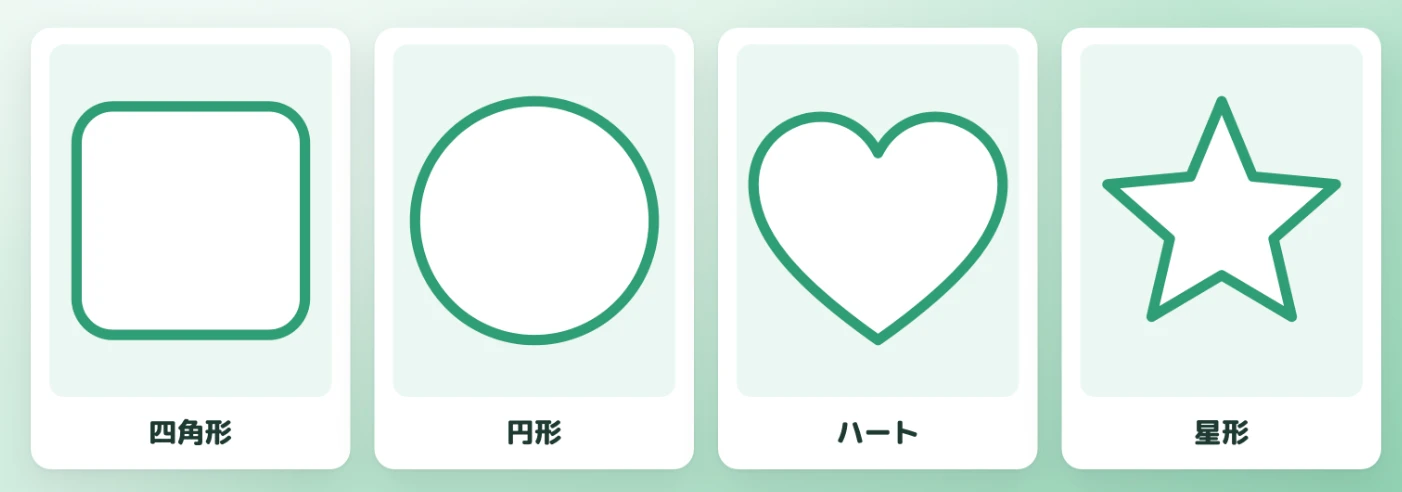
Four shapes — rectangle, circle, heart and star — for easy framing
With the shape feature in the NoLang video editor, users select one of four shapes under “Shape” — Rectangle, Circle, Heart or Star shape — and apply a frame to text, images or video. No coordinate handling or path editing is involved; choosing one of the supplied shapes completes the decoration.
The border can be switched between “None” and “Enabled.” With “Enabled” selected, “Border color” and “Width” can be adjusted freely, so the decoration matches the tone of the video and the message it carries.
A “Background Color” can be set alongside the border, which supports a wide range of treatments — speech-bubble styling around text, or images and video framed in a heart or star outline. Because the decoration takes no specialist design work and is applied by simply choosing an option, people with no design background can add clear, easy-to-read touches without effort.
Decoration applies to images, video, backgrounds and avatars, not just text
Decoration through “Shape,” “Border” and “Background Color” is not limited to text. The shape feature is available from several places in the video editor: the text settings panel, the visual media settings panel for images and video, the background settings panel for the whole scene, and the avatar layout settings panel.
Beyond framing text for emphasis, users can frame inserted image and video assets, add a shape outline to a scene background, or outline an avatar layout — applying consistent decoration across the different elements of a video. The same operating flow applies shapes in every settings panel, which makes it easier to keep the tone and manner aligned across the whole video.
From holding attention in short-form video to aiding comprehension in internal training
The shape feature is expected to be useful across a wide range of video production. In short-form video for social media, framing key words raises their visibility and helps prevent viewers from dropping off at the start. In product and service videos, framing an image with a decorative outline is effective for making a selling point stand out.
In internal training and manual videos, framing cautions and supplementary text helps viewers follow the content. Heart and star frames also make it easy to add a playful look for entertainment and social media. As a feature that lets users match decoration to the purpose and message of a video regardless of design skill or production budget, it is expected to see wide use — including among companies and individuals who had given up on decoration because they lacked specialist design knowledge.
Contact us about NoLangWhat comes next
The shape feature was implemented as part of an ongoing expansion of the video editor. NoLang will continue to build out the video editor toward an environment where anyone, with or without design skills, can create videos that decorate and emphasize text and images. As in-house video production spreads and demand for decoration keeps rising, Mavericks will support video production for a broad range of users, companies and individuals alike.
Footnotes
-
Allied Architects, “Survey on video usage” (in Japanese) — in-house production at 69.6%, up 40 points year on year ↩
-
Hikaku Biz and Mteam joint survey, “Survey on in-house versus outsourced video production and its challenges” (in Japanese) — conducted April 2025, 111 respondents ↩
-
BGM Now, “Market rates for outsourced video production” (in Japanese) — average order value 815,000 yen, median 540,000 yen ↩
-
Video viewing analytics service, “Data on video drop-off rates” (in Japanese) — about 20% drop off in the first 10 seconds ↩
-
Video production know-how media, “Article on the legibility of captions and decoration” (in Japanese) ↩

