
Mavericks, Inc., the company behind the AI video generation service NoLang, has added two features to the NoLang User Settings screen: changing the email address on an account, and switching which Google account the account is linked to. A “Change” button now sits next to the email field, and the new address takes effect as soon as the user opens the link in the confirmation email. Google account linking now supports replacement as well, so an account can be re-linked to a different email address. For users who want to manage their own sign-in methods, the update widens how flexibly an account can be run.
Email address changes added to the account settings screen
A “Change” button for the email address has been added to the NoLang User Settings screen (the profile screen). Until now the email field was display-only and there was no way to change it; with this update the address can be changed entirely from within the screen.
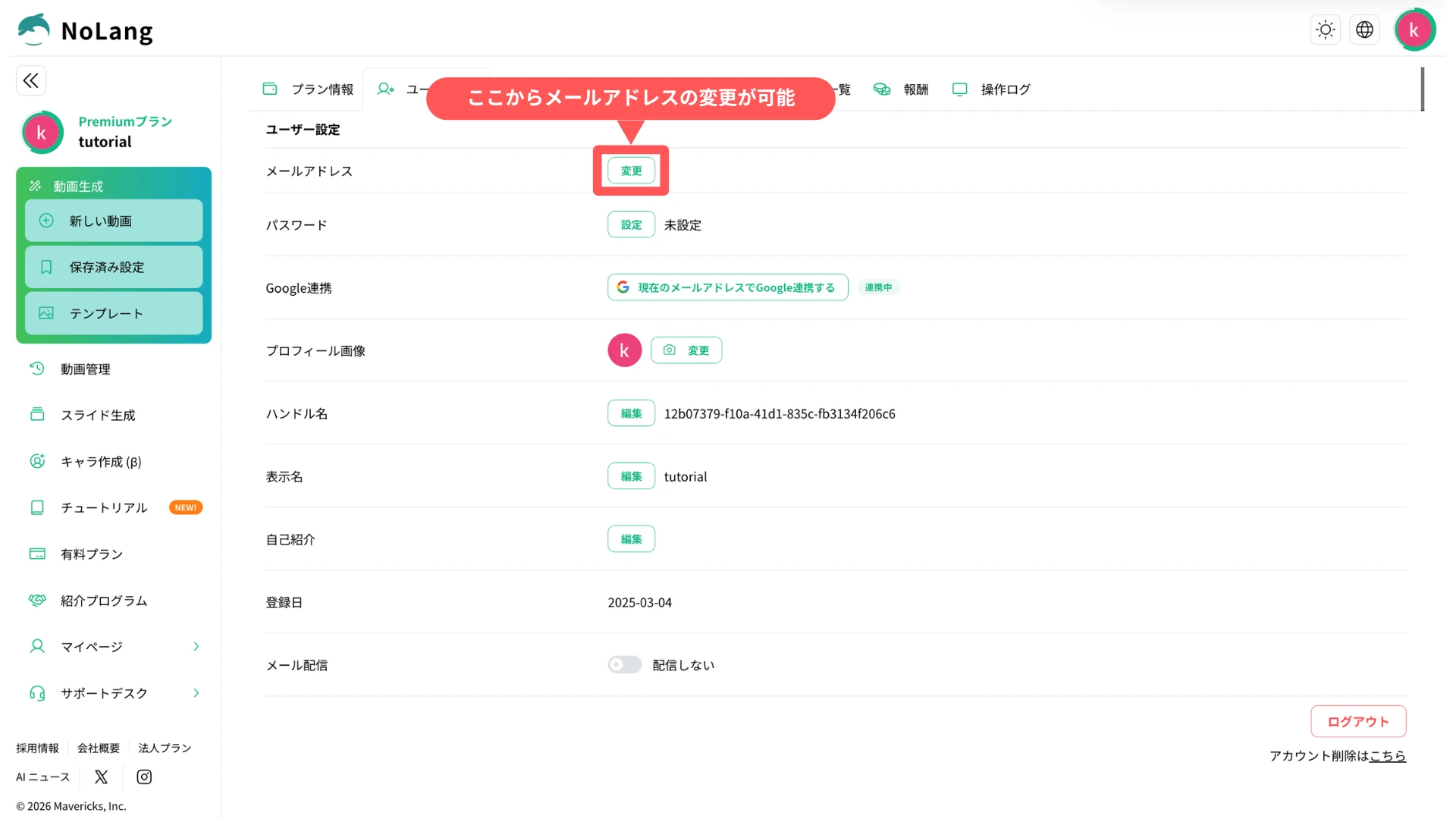
Pressing “Change” opens a “Change Email Address” modal, where the user enters the new address and presses “Send confirmation email”. The new address is applied to the account the moment the link in the confirmation email is opened, and nothing else is required.
Accounts registered through Google linking can also now set a password, which lets them sign in with an email address and password in addition to Google.
Google account switching is now supported, so links can follow the latest address
A “Google Integration” row has been added to the User Settings screen, where the status of the link to a Google account can be checked and changed (available on the Personal plan). Signing up and signing in with a Google account was already possible, but with this update an account that was registered with an email address and password can also be linked to a Google account afterward.
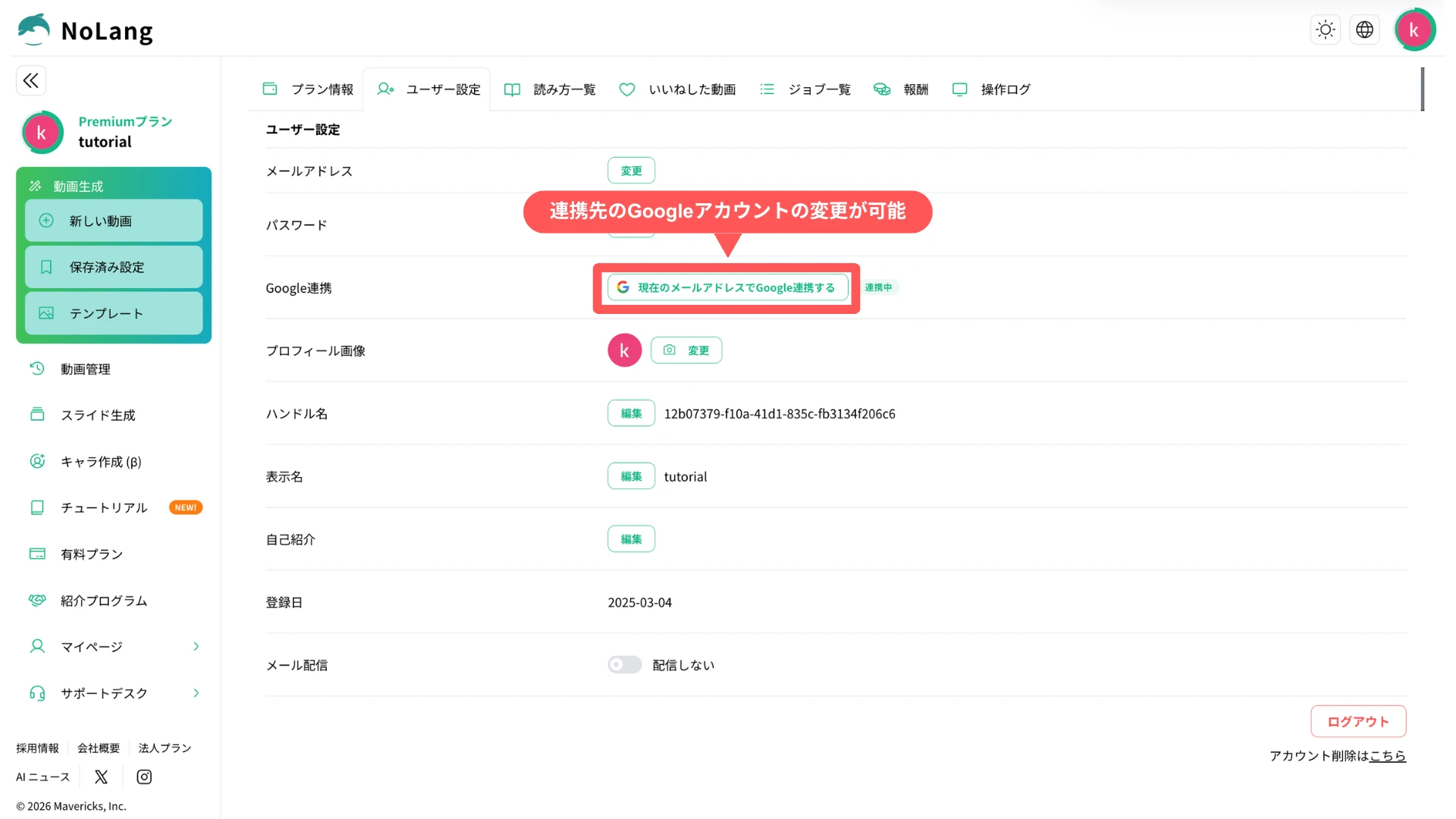
When no account is linked, a “Connect with Google” button is shown, and pressing it moves to the Google authentication screen. Once linking is complete, an “Integrating” badge and the email address of the linked Google account are displayed, and from then on the user can sign in with the Google account instead of a password.
A NoLang account can have only one Google link, and the operation replaces the linked account rather than removing the link. If the email address of the linked Google account differs from the email address of the NoLang account, a “Link with Google using the current email address” button is shown; pressing it switches the link to the Google account that matches the current email address. After changing an email address, this operation brings the link back in line with the latest address.
Looking ahead
Mavericks, Inc. plans to keep improving convenience around accounts, not only to expand features related to video production. By building an environment where users can flexibly manage their own email addresses and sign-in methods, the company aims to make NoLang a service that is easier to keep using day to day.

