
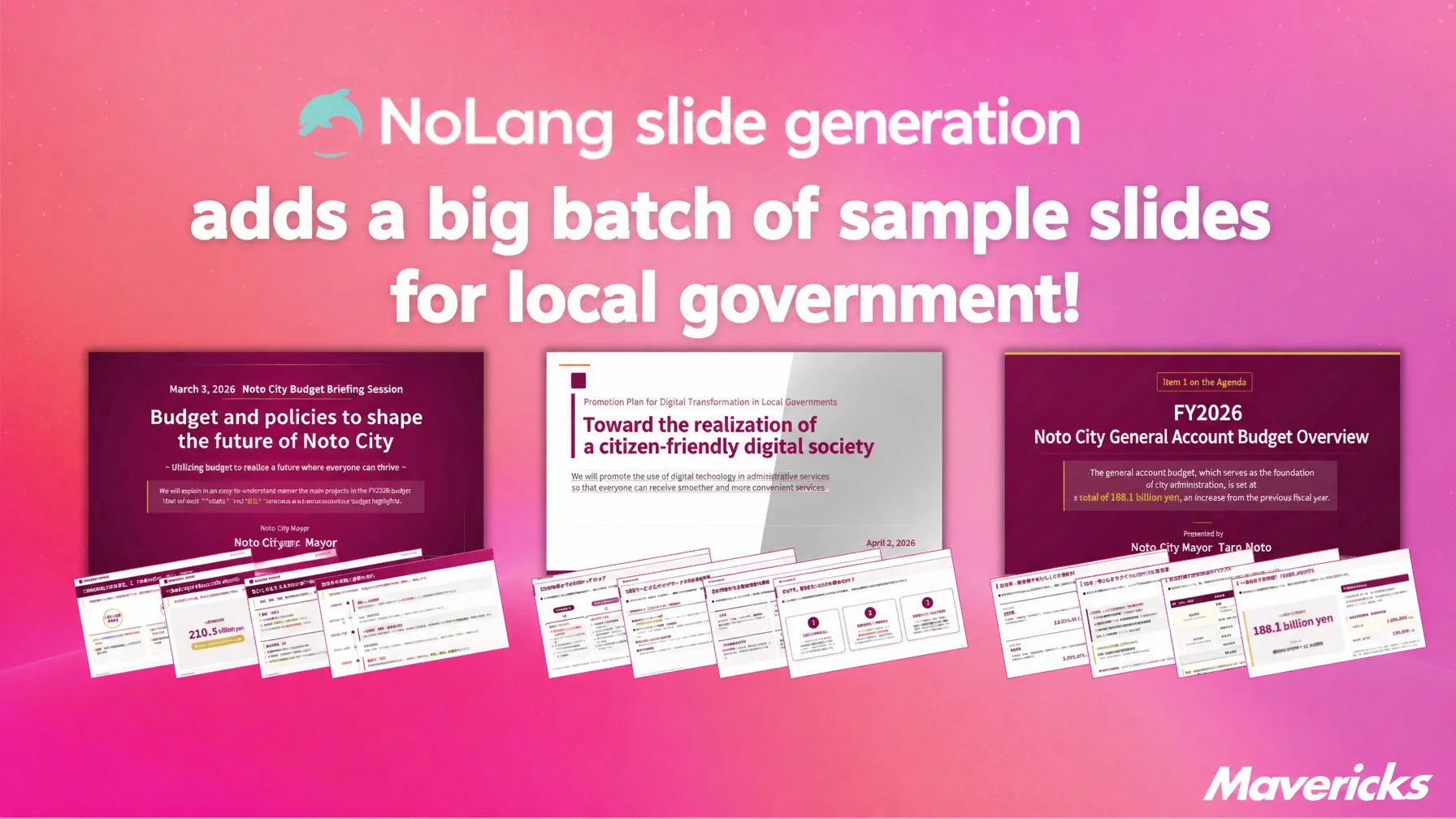
Mavericks, Inc., the Japanese company behind the AI video generation service NoLang, has added a new set of sample slides built for local government work to the Slide Generation feature. Users upload a PDF or paste text — council minutes, ordinance text, a draft budget document — and NoLang automatically builds slides with headings, tables and charts, then exports them as a narrated video. The sample slides cover the document tasks that come up most often in local government, including council reports, ordinance explainers, budget briefings and service-counter guidance, so staff without design skills can produce high-quality explanatory materials and videos quickly, and spend far less time on document and video production.
Create Slides with NoLang68% of local government staff are open to AI, yet structural barriers stall digital transformation
Local government work involves producing a wide range of documents every day, from explanatory materials for residents to reports for the municipal council. Most local governments, however, face structural barriers: a shortage of digital talent, the cost of outsourcing video and document production, and the difficulty of rolling material out across an entire organization. The workload of producing these documents and videos weighs on frontline operations.
The shortage of digital talent is severe. A 2023 survey of administrative digitalization covering 477 Japanese local governments found that 31% cited “no suitable people in-house” and 30% cited “difficulty securing budget” as barriers to digitalization1. In municipalities with populations of 50,000 or less, 292 bodies have one or fewer staff assigned to digital transformation or information systems, so the talent gap is widest at the smallest organizations2. Only 35% of local governments with populations under 50,000 have drawn up a digital transformation plan1. Production cost is the second barrier. Outsourcing a PR video to a production company typically costs between 200,000 and 1,000,000 yen per video in Japan3. Even when a local government wants an explanatory video for every ordinance revision or policy change, the labor and expense of planning and design make an ongoing production capability hard to sustain. The third barrier is organization-wide rollout. Distributing one document or video across every department, ward and field office normally means rebuilding it for each one, which makes a single consistent design almost impossible to deploy at once.
Beyond these structural barriers, the content itself is a problem. Because public communications must follow the wording of laws and official documents, the writing tends to be complex, and residents often find it hard to understand4. Visual formats such as video and slides matter more than ever, yet the resources to produce them are missing.
At the same time, local government staff are strongly interested in generative AI: 68% are considering it positively, and 63% expect it to make external document production more efficient1. NoLang has added sample slides built for local government work to the Slide Generation feature in response to these frontline needs.
From slide creation to video in one place: sample slides for local government
The NoLang Slide Generation feature takes source material such as text or PDFs and automatically builds slides with headings, tables and charts, then exports them directly as a narrated video. Everything from slide creation to video production happens in a single service. Previously this meant running two separate tools, a document tool and a video tool, and learning both.
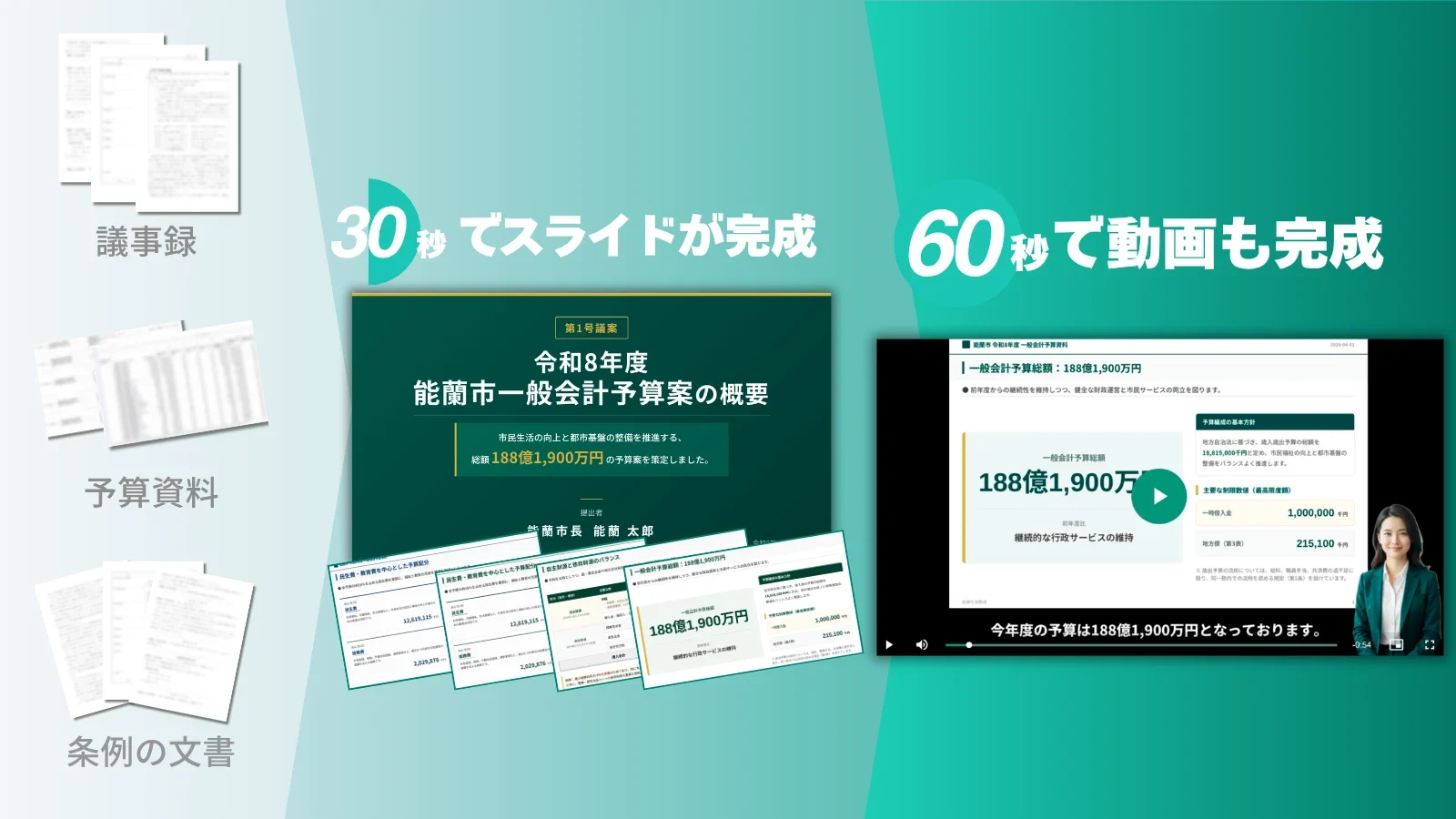
The new sample slides are built for local government work. Choosing a sample slide as a template gives users a design and structure that already fit the task, so they can start immediately. To create a report video for the municipal council, for example, users pick the matching sample slide and upload the minutes as a PDF; NoLang generates slides with the tables and headings already organized. No specialist design skills are needed to produce high-quality explanatory materials and videos, which reduces the document and video workload on local government staff.
Create Slides with NoLangA tour of the sample slides for council reports, ordinance explainers, budget briefings and more
Here are five representative examples from the new sample slides for local government. All of them address document and video needs that arise frequently in local government work.

The first is a slide set for summarizing council proceedings. It turns a summary of council minutes into slides with headings, tables and charts, and then into a video. It answers the need for an explanatory video for council members after every session: upload the minutes as a PDF or text and a video ready for distribution can be produced right away. Summarizing minutes, turning them into a document and producing a video used to be three separate steps; this sample compresses the whole sequence, so information can be shared quickly after each session.
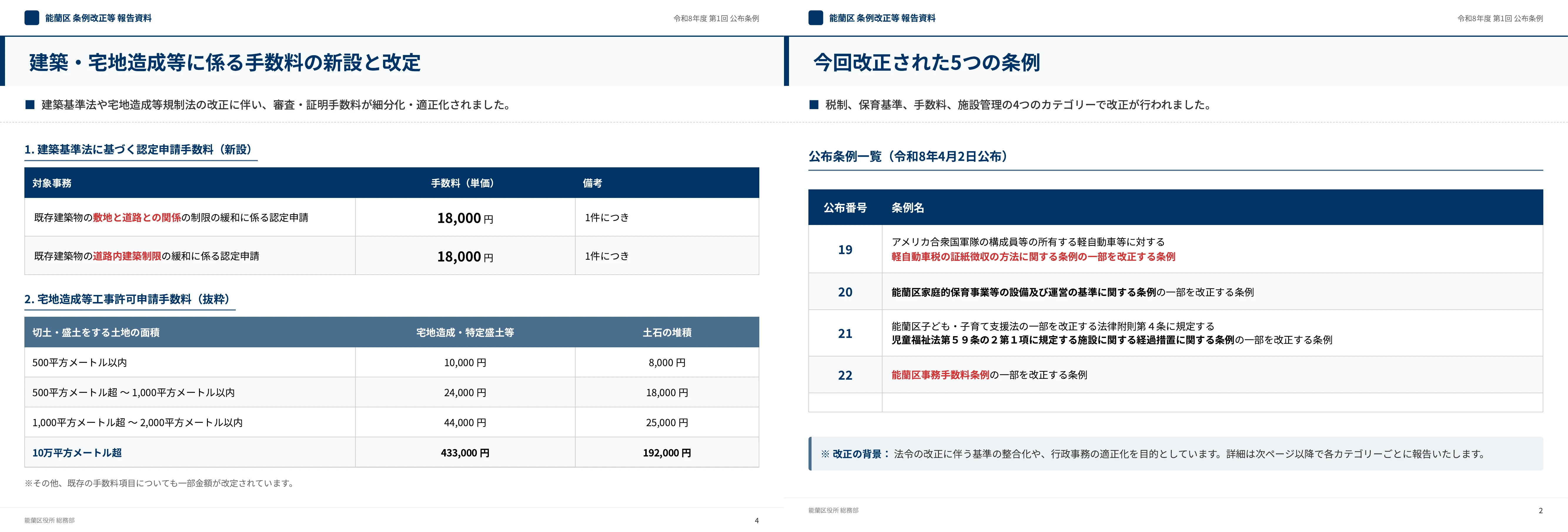
The second is a video that visualizes laws and ordinances. Text-heavy laws and ordinances are reorganized into diagrams and flowcharts, generated as slides and then as a video. It streamlines the videos needed for staff training and resident briefings after each ordinance revision or policy change, and the text of the law or ordinance, or a PDF explaining the system, can be used as source material as it is. Conveying the overall shape of a system and the sequence of procedures visually, rather than in text alone, helps both staff and residents understand it.
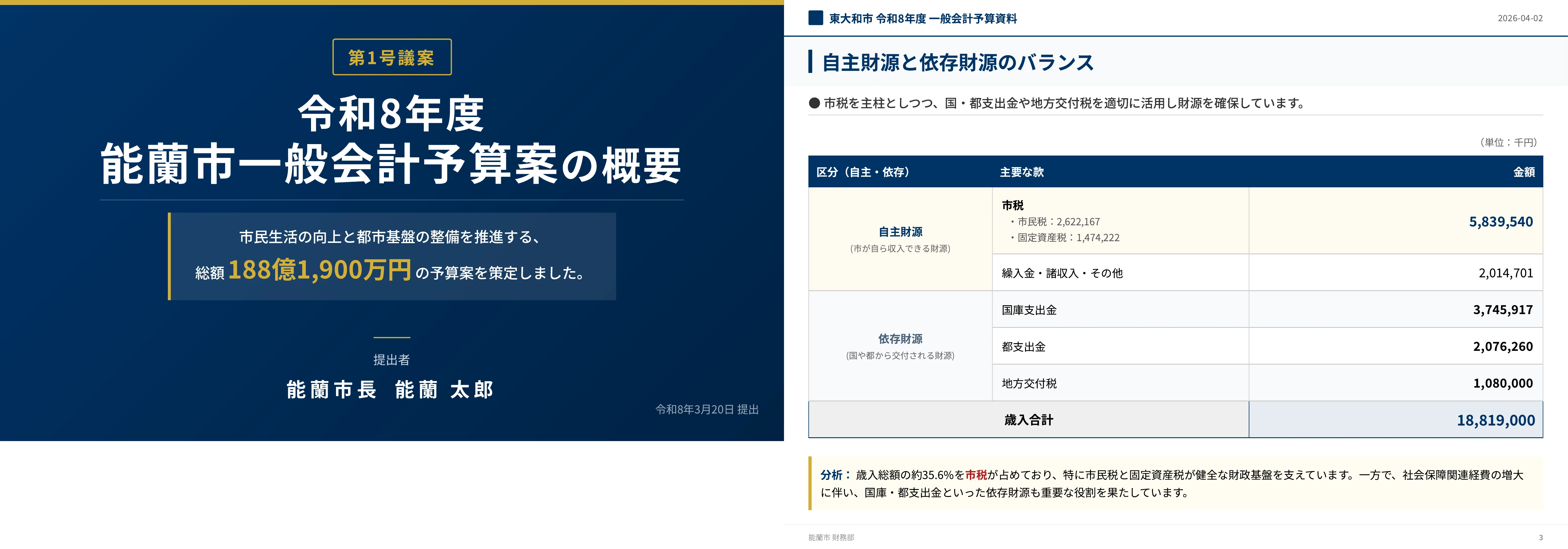
The third is a video explaining budgets and plans. It generates slides that explain how budget money is used, city planning, or the outline of a new facility, with tables and charts, and turns them into a video. It shortens the time spent preparing materials for budget and plan briefings aimed at residents or the council — presenting a draft annual budget to residents, for instance, or reporting a construction plan for a new facility. Visual explanations with figures and charts make information easier for residents to follow and support greater transparency in public administration.
The fourth and fifth sample slides are designed for rollout across multiple departments and locations.
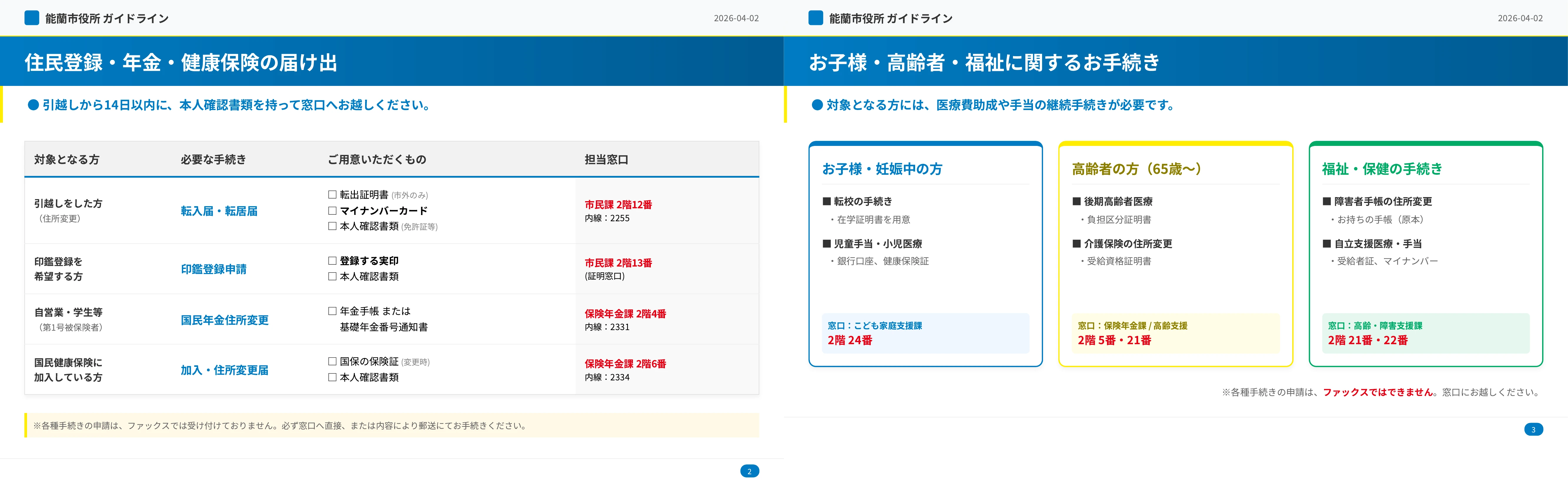
The fourth covers service-counter guidance and procedure explanations, for organization-wide rollout. It generates slides that explain counter services and procedures in a design shared across departments, and turns them into a video. One base video can be varied to match the procedures at each ward office and field office, and when the rules change, every department can be updated at once. Frequently used counter procedures are explained in a consistent design and kept current. Because each location no longer rebuilds the material on its own, the work required at each rule change drops sharply and the quality of the information reaching residents becomes uniform.

The fifth is a resident-facing summary of a comprehensive municipal plan, for rollout across every ward. It condenses a plan running to several hundred pages into roughly ten slides and turns them into a video. One base summary video can be deployed consistently across every ward and field office, so a clear summary video reaches residents and the council quickly whenever a plan is drawn up or revised. The plan document can be used as source material in PDF form, so there is no new script to write. Residents no longer have to work through hundreds of pages, and conveying the key points in a short time can raise both understanding of and interest in the plan.
Create Slides with NoLangWhat comes next
The sample slides for local government released here cover representative scenarios selected from interviews with local government staff. Mavericks plans to expand the range of sample slides over time, guided by what it hears from the field. NoLang will continue to strengthen features that support digital transformation in local government.
Footnotes
-
Graffer / GOVTECH TRENDS, “Administrative Digitalization Survey Report 2023” (in Japanese) ↩ ↩2 ↩3
-
Ministry of Internal Affairs and Communications, “Efforts to Secure Digital Talent for Local Government DX” (in Japanese) ↩
-
Mubiru Plus, “How Much Does a Local Government PR Video Cost? Explained by Example” (in Japanese) ↩
-
Tokyo Municipal Research Council, “Research Report on Effective Communication Media for Local Governments” (in Japanese) ↩

