
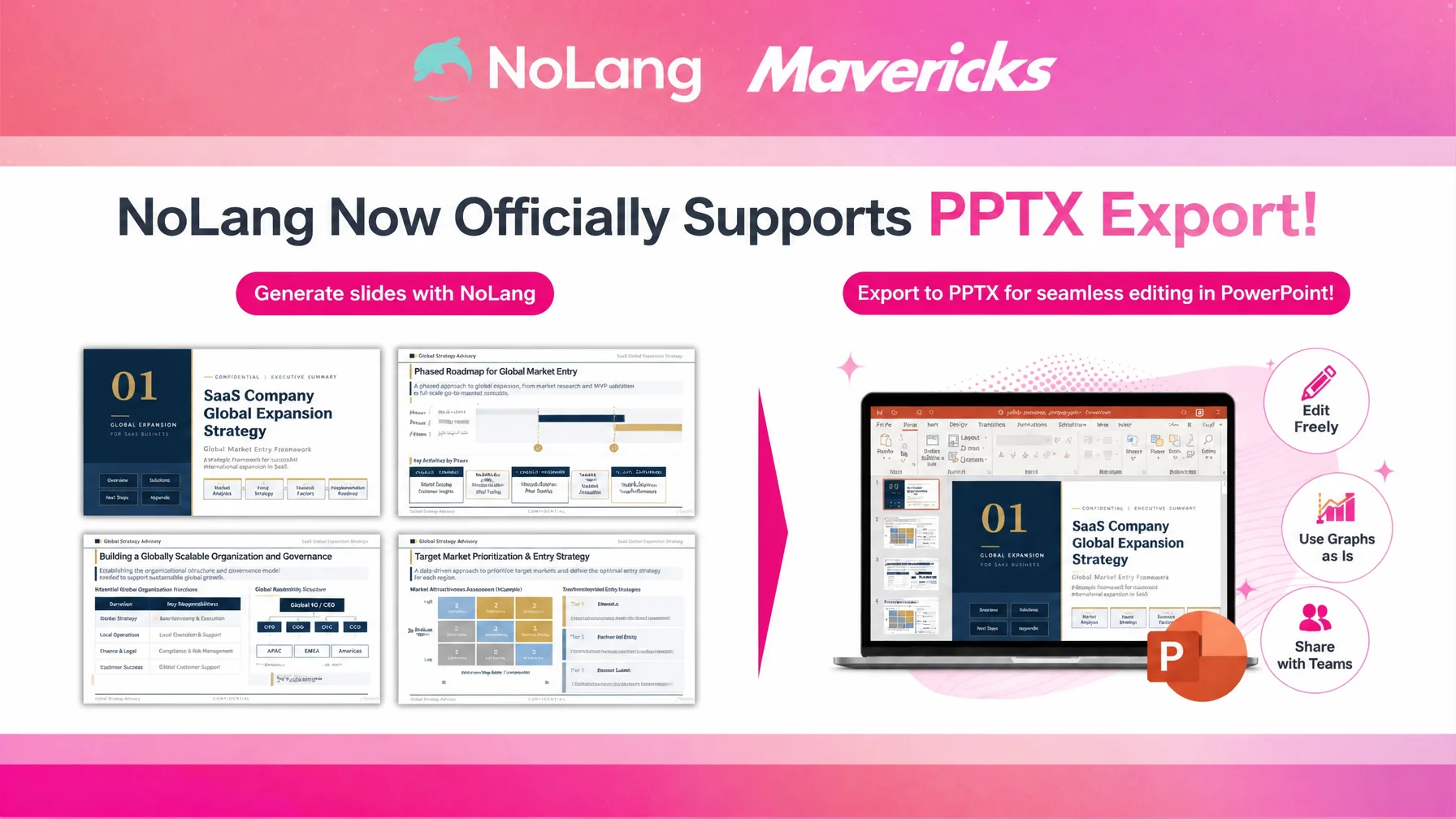
Mavericks, Inc., the Japanese company behind the AI video generation service NoLang, today added official PPTX export to the slide generation feature on the Business plan, producing files that can be edited directly in PowerPoint and Google Slides. Slides generated in NoLang can now be reworked freely in either tool, enabling a hybrid document workflow that combines automatic generation by AI with manual finishing work.
PPTX export closes the last gap in AI slide generation
PowerPoint and Google Slides are used every day in business and have become the de facto standard format for corporate presentation decks. A survey of 400 sales professionals found that preparing documents is the single task sales staff spend the most time on, and that each person spends 619 hours a year on it, equivalent to roughly 1.67 million yen in labor cost1. Even as AI-generated slides spread, work that still needs a human hand remains firmly in place: final polishing, merging decks into in-house templates, and dropping in photos and diagrams the team already owns.
The strength of slide generation in NoLang is that AI produces illustrated slides in moments. At the same time, users frequently asked to handle detailed edits such as replacing the deck with their own logo, inserting real product photos, or merging the slides into an existing corporate template in the PowerPoint and Google Slides tools they already know.
Exporting NoLang slides in PPTX format
Selecting the PPTX format from the Export button at the top right of a generated deck is all it takes to write out an editable PowerPoint file. The exported file opens in PowerPoint or Google Slides as an ordinary deck, and every element, including text, images, shapes and layout, can be edited freely.
Detailed edits that automatic generation alone cannot cover are finished in familiar tools: inserting images from your own library directly into a slide, or adjusting colors and fonts to match a corporate template. Building the foundation of the deck in one pass with the AI in NoLang and doing only the final detail work by hand is a hybrid workflow that sharply reduces the total effort of preparing documents while leaving the level of polish free to match what the business requires.
How it is used in practice
Manuals and training materials

For internal training decks such as onboarding, compliance and management programs, the base slides can be generated in one pass in NoLang, and organization charts, diagrams of internal rules, photos of actual work scenes and instructor introductions can be dropped in through PowerPoint. Statistics and examples that need a yearly refresh, and chapter structures adjusted to the audience, can also be maintained efficiently in a familiar tool.
Sales and proposal decks

After generating a draft proposal in NoLang for a given industry or problem, teams can add the customer name, logo, case study photos, specific pricing and projected ROI in PowerPoint, producing a proposal personalized for each customer in a short time. Small title changes and slide swaps prompted by a pre-meeting conversation can be handled quickly with familiar controls.
IR and earnings presentations

IR materials such as earnings presentations, decks for individual investors and summary slides for integrated reports must follow corporate design and brand guidelines strictly. The structure and draft diagrams can be built quickly in NoLang, moved into the official template in PowerPoint, and then edited precisely for financial figures, performance charts and footnote conventions. Review and revision by several parties, including executives, IR staff, legal and designers, also proceeds smoothly when combined with collaborative editing in Google Slides.
What comes next
Mavericks, Inc. will continue to deliver, through the AI video generation service NoLang, workflows that connect automatic generation by AI with the finishing work users do by hand, and to help companies resolve the challenges they face in producing content and communicating information.
Footnotes
-
Smart Slide, Inc., “Preparing documents is the single task sales professionals spend the most time on: 2021 survey of working practices in the field released.” (in Japanese) (survey of 400 sales professionals; sales staff spend 619 hours per person per year preparing documents) ↩

