
Mavericks, Inc. (headquarters: Bunkyo City, Tokyo; representative: Shota Okuno), the developer of the AI product NoLang and the operator of one of Japan’s largest AI news outlets, has substantially updated the official tutorial for the AI video generation service NoLang to cover newly released features such as pronunciation correction with a dictionary and pause adjustment inside videos. The update helps users keep up with features that are evolving quickly, and answers the frequent request to learn how to pronounce technical terms correctly and how to use pauses within a video. Anyone who has been correcting pronunciation by hand in the editor, or who wanted to insert a pause into a video scene, is encouraged to read the tutorial and try the new features.
Try the New Features in NoLang NowUpdate to the official tutorial
NoLang, a Japan-born AI video generation service and one of the largest in the country, has been used by more than 150,000 people and over 60 companies since its release. Its features are improved rapidly and continuously in response to requests from users.
The NoLang tutorial is updated daily to answer questions such as “how do I use the new features?” and “how do I edit in more depth?” This time, explanations were added for two long-awaited features: pronunciation correction with a dictionary, and the newly added voices. Because the tutorial is delivered in a form that always reflects the latest information, users can learn new features without delay and maximize the efficiency and quality of their video production.
Read the TutorialWhat the tutorial covers
The updated tutorial first explains the following fundamentals in a structured way, so that users can understand NoLang as a whole and immediately start producing the kind of video they need.
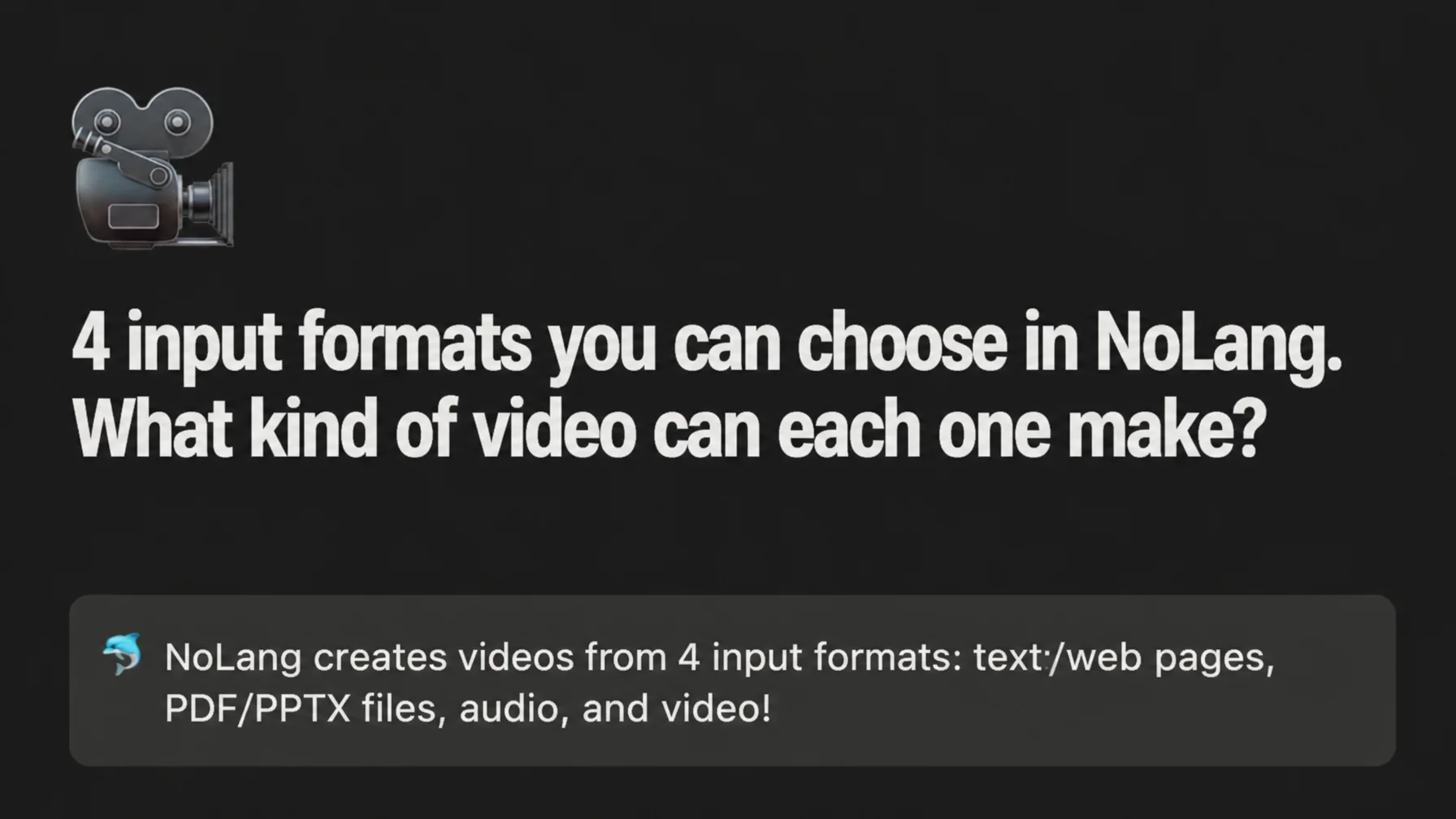
Four input formats and the videos you can create
NoLang supports four input formats: text, web pages, documents such as PDFs, and audio or video files. Each mode can be selected right after logging in, and the design is intuitive even for people who rarely use generative AI. The tutorial explains, with examples, what kind of video each input format produces, along with its characteristics and the situations it suits best, so users can choose the right production flow for the video they have in mind without hesitation.
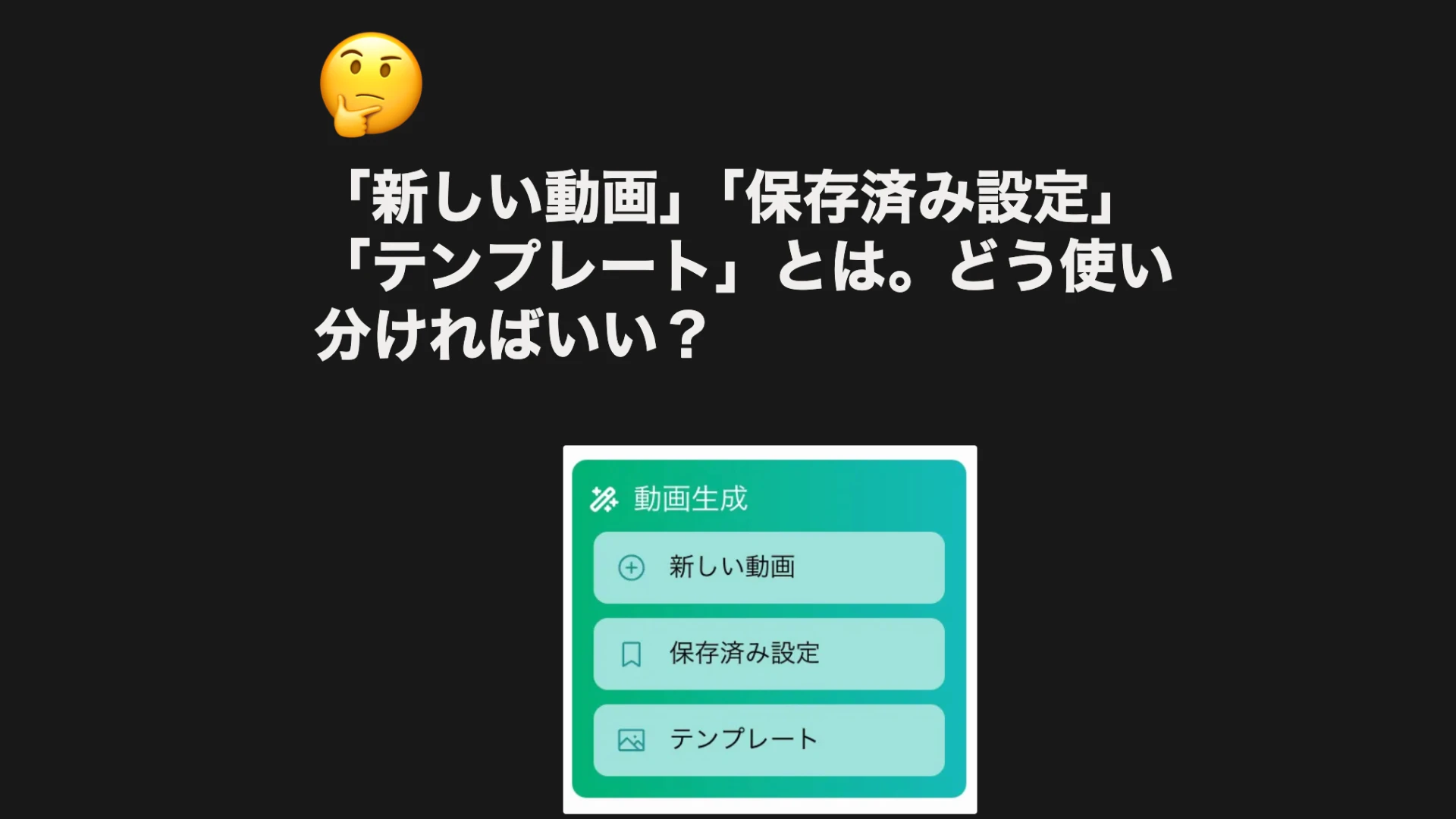
Choosing among the three ways to generate
NoLang offers three ways to generate a video, prepared for different levels of experience and different purposes: new video (standard generation), Saved settings (recalling a favorite configuration), and Template (reusing a design). The tutorial explains how each of them works and when to use which. It guides users from beginners to heavy users toward the best way to apply each feature, so that everyone has a comfortable generation experience.
Uploading and customizing avatars
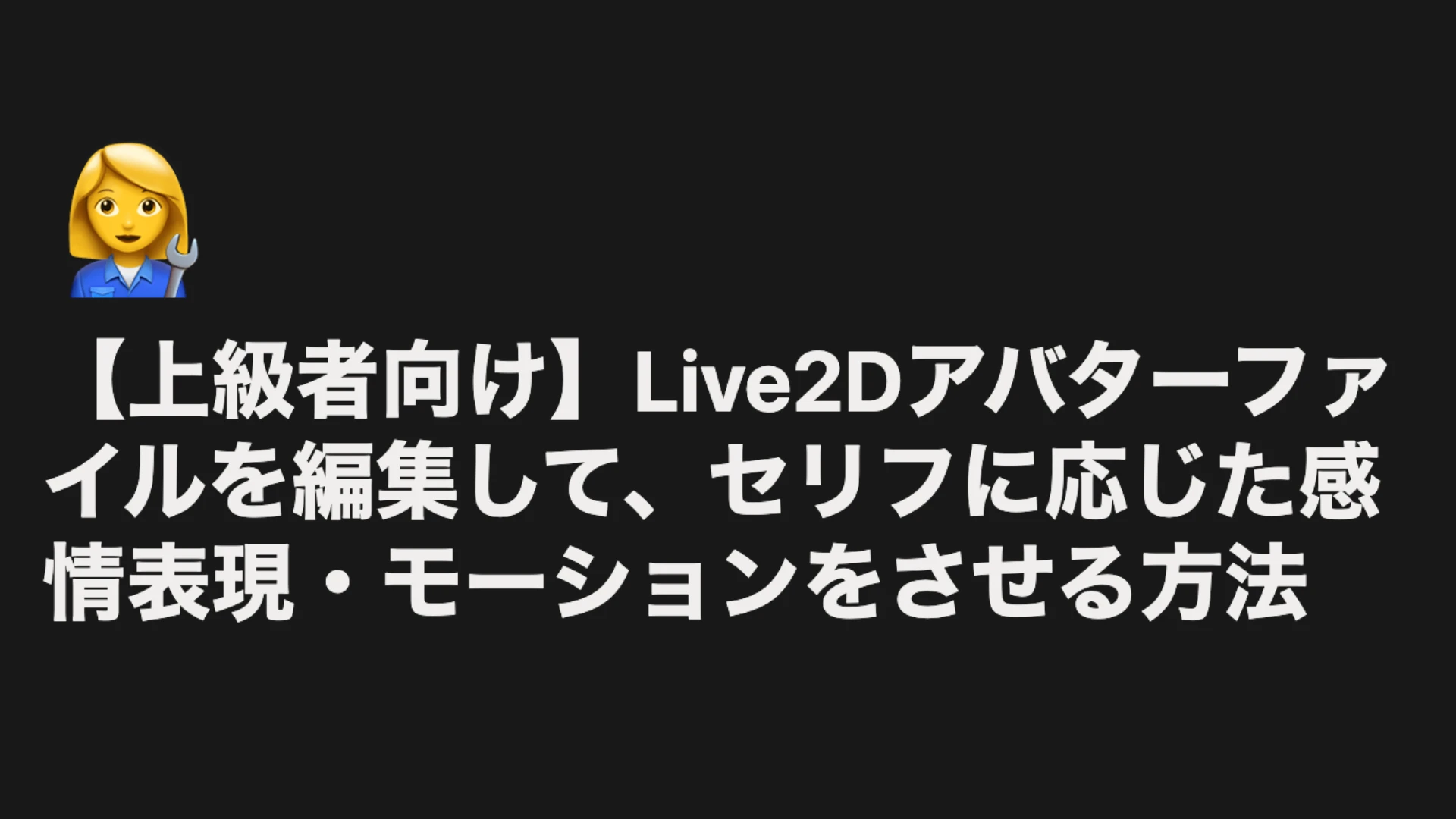
NoLang lets users bring their own company characters or original avatars into a video for a distinctive result. This guide covers everything from the basic method of putting a standing character illustration in PSD format into a video, to an advanced section on editing a Live2D avatar to configure emotions and motions in detail according to the dialogue.
Hands-on procedures and the latest features
Beyond the fundamentals, the tutorial devotes detailed sections to more specific and advanced production procedures, as well as to the features added in recent updates. The content is practical and grounded in real business situations and demanding editing needs.
Creating videos with a real avatar
This section explains how to select a high-quality real avatar, resembling an actual person, from the presets and use it in a video. Because no filming or casting is required, the result looks like live-action footage, which is effective in business situations that call for credibility and in IR videos. Generation starts when the user presses the Move the Real Avatar button on the video generation screen. Once the video is finished, a notification is sent to the email address of the logged-in account.
Creating dialogue-format videos with avatars
This part guides users through creating dialogue-format videos, in which several avatars appear and the video progresses through their exchanges, rather than a single narrator explaining everything. Q&A and interview-style presentations become possible, keeping viewers engaged throughout.
The tutorial also explains in detail the other features added in recent updates.
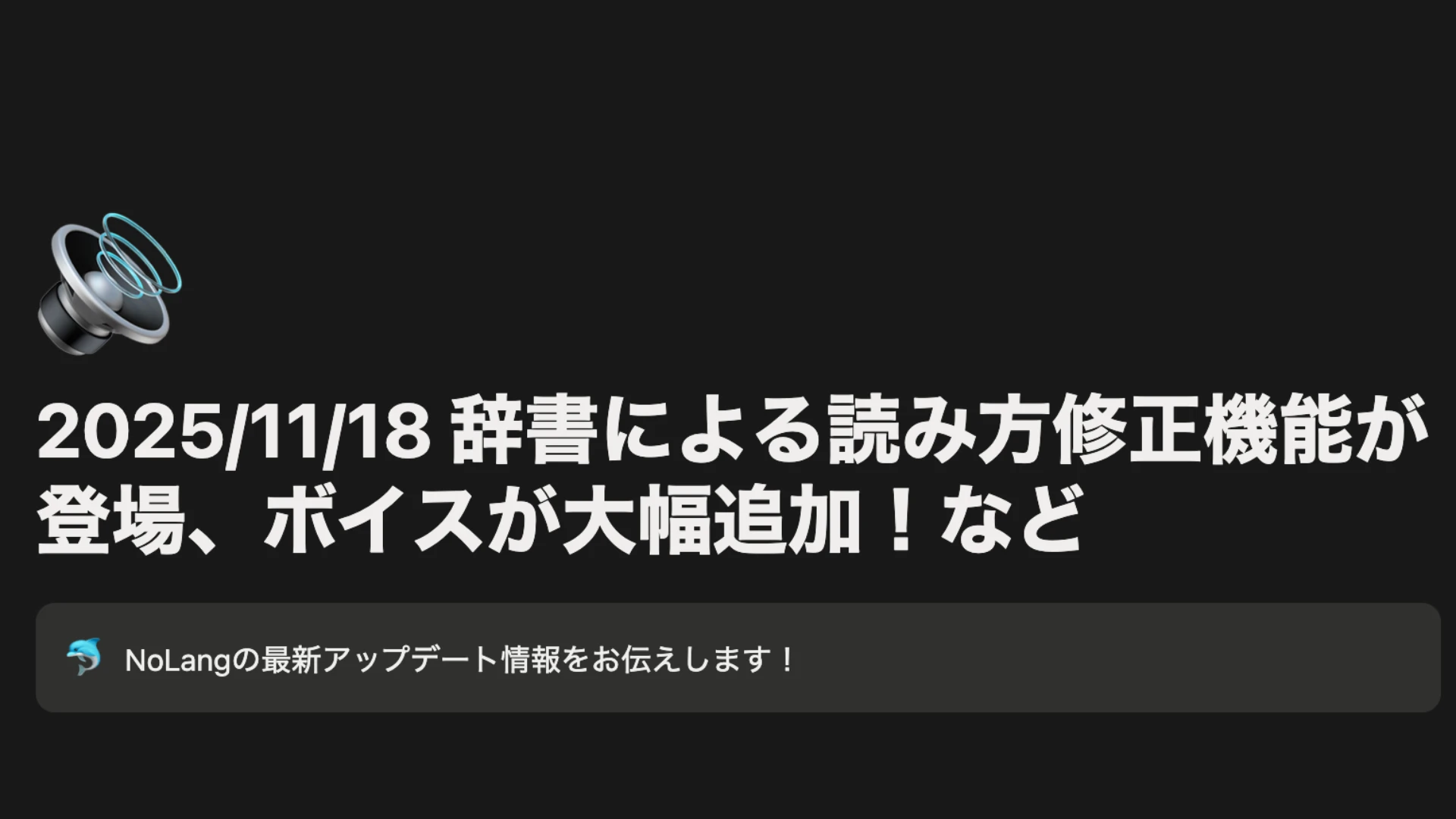
[Updated 2025/11/18] Pronunciation correction with a dictionary and a major addition of voices
Explanations were added early for two frequently requested topics: how to use the dictionary feature to make company names and technical terms read correctly, and how to choose the right voice from the substantially expanded voice library.
Outlook
Mavericks, Inc. will continue to expand the tutorial and its support content in step with the evolution of NoLang. Aiming to democratize video production so that everyone can express their creativity, the company will support users through both the tool itself and the learning environment around it.
Contact Us
