
Sakiyama holds down a company job while running YouTube channels that cover specialist subjects such as math, chemistry and AI.
A single video used to take him as much as half a day to put together, and one upload a week was about all he could manage.
Looking for an AI tool that would make video production easier, he eventually arrived at NoLang.
Today he has cut his production time dramatically and runs two channels, one on data science and AI and one on healthcare. We asked Yojiro about how he uses the tool.
The limits of making videos by hand
― Could you tell us how you got started on YouTube?
I have a regular company job, and alongside it I was uploading videos to YouTube that pulled together information on fields like math, chemistry and AI.

But back then I made everything by hand, and it was really tough.
Adding captions and so on, a single video could take me half a day.
Well, some people will tell you half a day is fast (laughs).
Unlike people who do this professionally, I’m doing it while working a company job, so I don’t have much time.
― And that’s when you started looking for AI tools.
That’s right.
I started trying out all sorts of AI tools, wondering if there was some way to speed up making videos.
In that situation, one upload a week was about the best pace I could manage. That was where I stood at the time.
― One a week being your limit sounds like a real grind. What kind of videos were you making back then?
A lot of them were explainers on math, or roundups of trends in chemistry and AI-related information.
I was making both vertical and horizontal videos.
Production simply took too long, so I was stuck in a state where I couldn’t produce content in any volume.
Doing something about that was my biggest motivation for starting to look at AI tools.
What made NoLang the one
― Which AI tools did you try?
Sora, Runway, various ones.
I played around with them a bit, but somehow they didn’t quite work for me.
How to put it — they didn’t line up with what I wanted to do. Video generation wasn’t fast enough, or the controls were complicated.
― What made you choose NoLang out of those?
The biggest deciding factor was, again, the speed of making a video.
Compared with the other tools, NoLang is the only one that makes them quite fast.
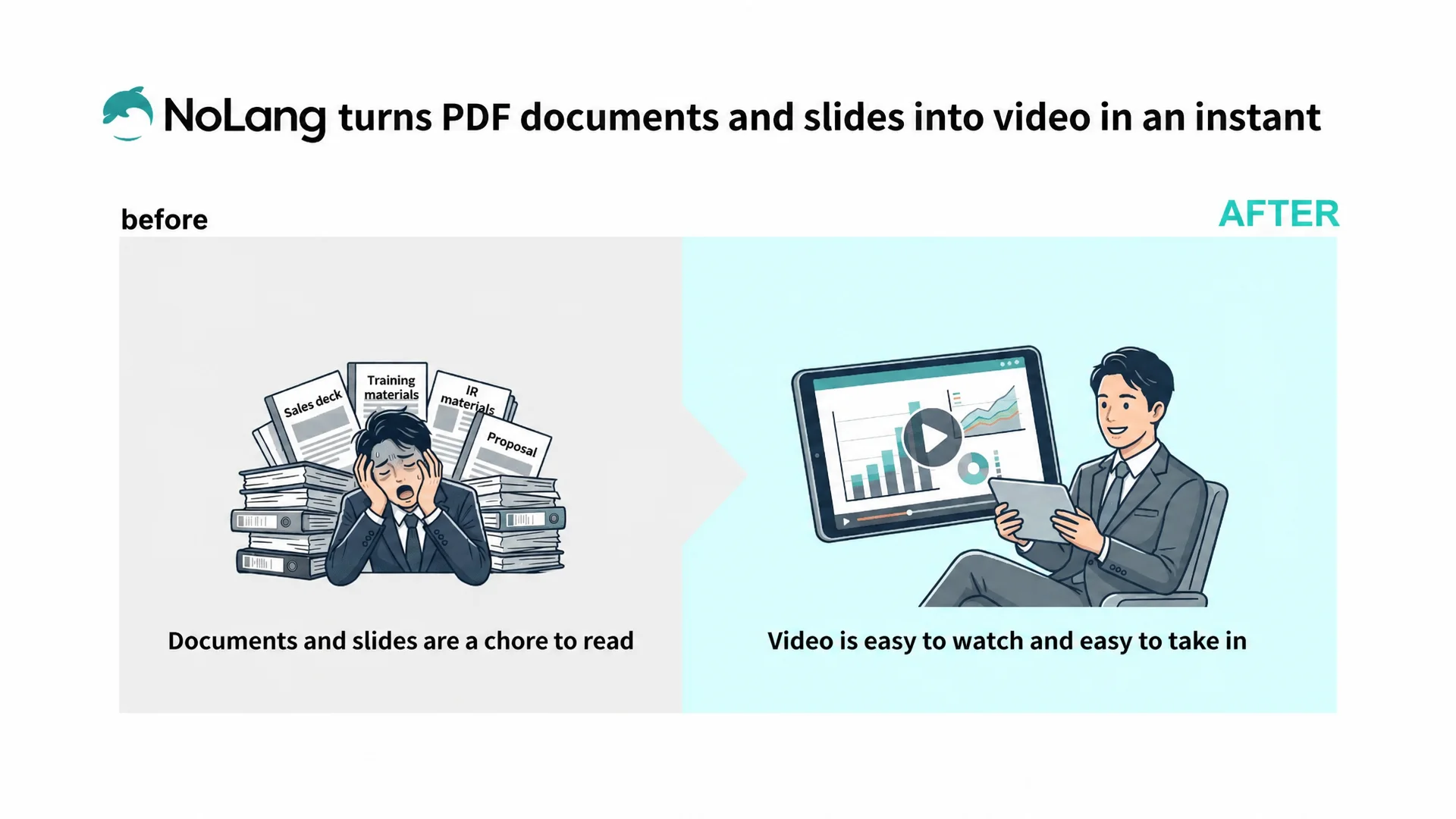
And there’s the feature where you just upload a PowerPoint document and it turns it into a video, right?
That one is enormously easy.
― Were there other points that decided it for you?
Being able to make both long horizontal videos and short vertical videos in a single tool was also big.
When you run a channel, you end up wanting to make long explainer videos and short videos both.
Not having to handle that with separate tools is really helpful for work efficiency.
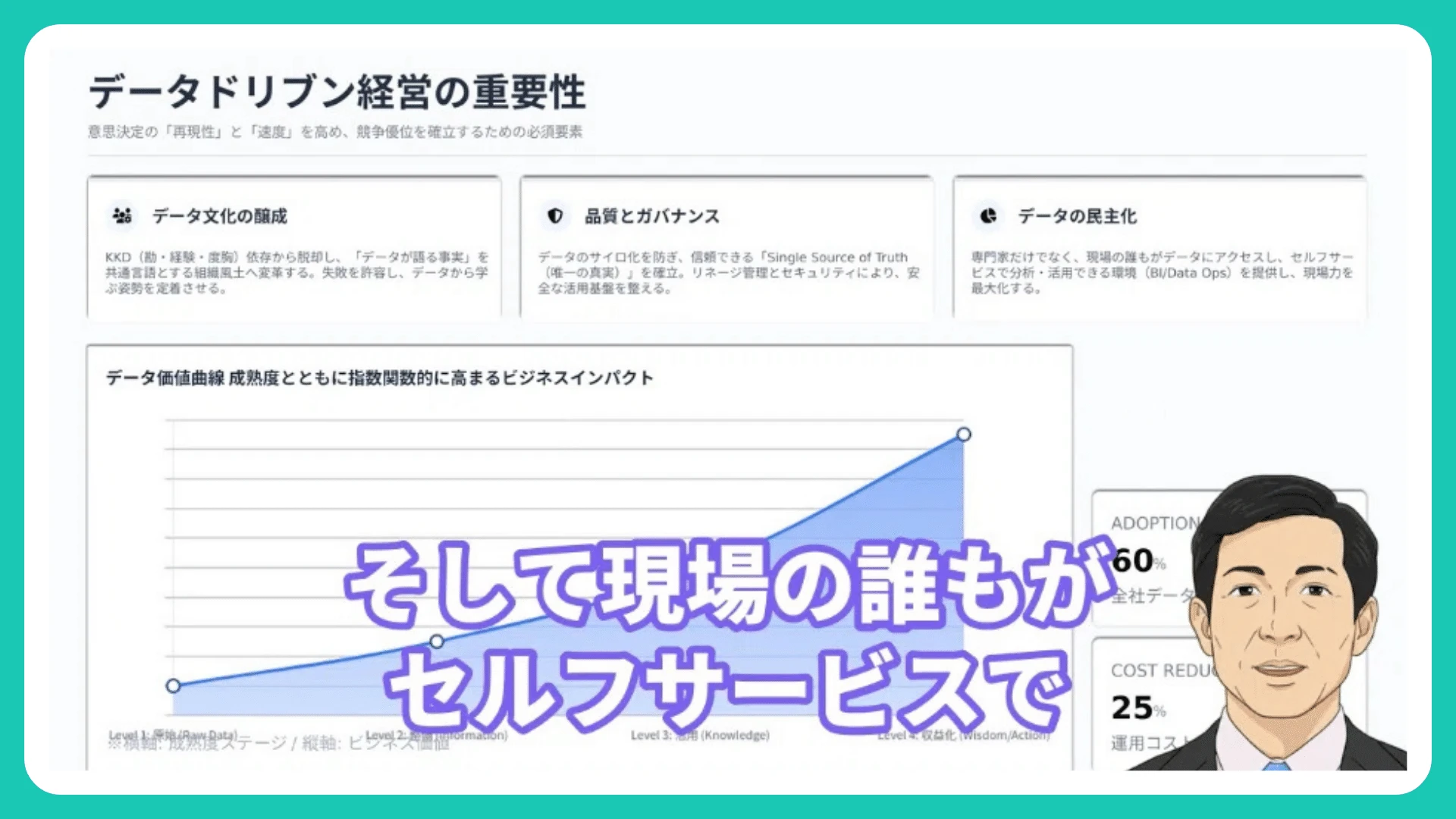
There’s also the avatar feature — if you use your own avatar, you can make videos that look for all the world like you’re the one speaking.
Right now I’ve set up my own avatar under the name “Yojiro,” and it works out pretty nicely.
I’m also giving Genspark a bit of a try at the moment, but honestly, when it comes to speed I still find NoLang the appealing one.
From half a day to 30 minutes
― Could you tell us how you produce your videos now?
These days I make the slides in Genspark, turn them into a video with NoLang, and finally add the opening and ending footage in Filmora — three steps.
Even so, it still takes me 30 minutes to make one and get it uploaded to YouTube.
― How does 30 minutes compare with before?
Against the half a day it used to take it’s far faster, but I’m an impatient sort who really worries about time (laughs).
I make quite a lot of videos, so even 30 minutes each adds up.
If I could shave off even five minutes, that’s more videos I can make.
― What’s the reason you use Filmora to finish the videos at the moment?
I want to use separately made footage just for the opening and the ending. I finish only the first and last parts in Filmora.
If NoLang eventually lets me drop in opening and ending videos inside it, I won’t need Filmora any more, and I think that would save a huge amount of time.
The road to monetizing on YouTube
― Do you have goals for your YouTube channels going forward?
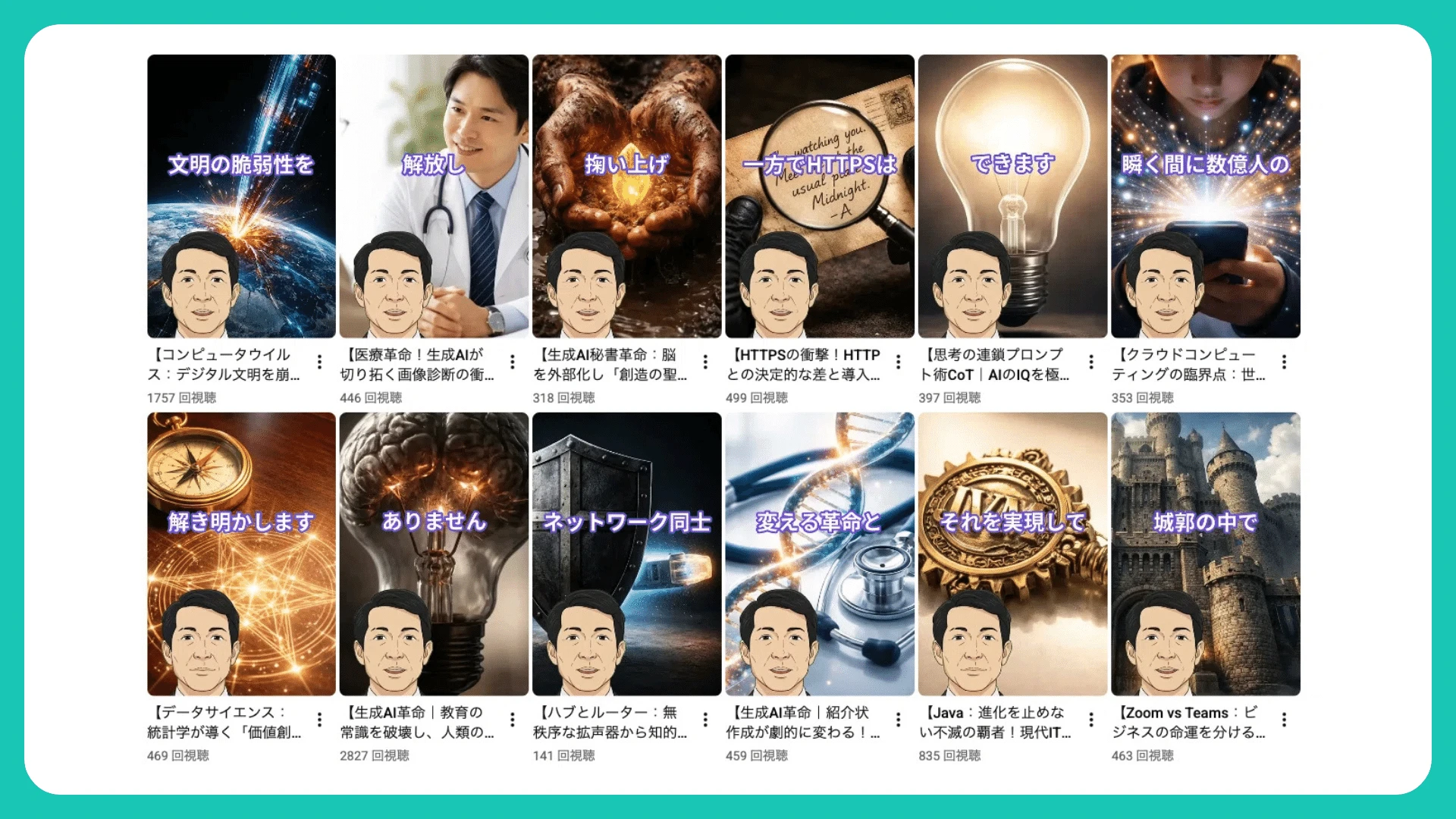
Right now I run two channels, one on data science and AI and one on healthcare, and I’ve only just passed 300 subscribers.
▼ The YouTube channels Sakiyama runs (in Japanese)


Monetization needs 1,000, so I have to push a bit harder, but I want to grow them steadily, including guiding people from the shorts to the long videos.
I also embed videos made with NoLang in my blog site and link the two together, so I’d like to grow that alongside them.
― So you’re working on building the channels up steadily. What are you hoping for from NoLang in the future?
If the YouTube revenue does come in eventually, I think putting part of that revenue toward a NoLang Business plan is entirely on the cards.
At the moment I can’t use things like real avatars and other Business-plan-only features, so it would be nice to invest there once the channels have grown.
Growing the channels properly comes first, though (laughs).
Beyond that, it’s being able to finish everything inside NoLang.
If I could do it all in NoLang — making the slides, the opening and ending, and posting to social media — the 30 minutes I spend now could come down further.
The shorter video production gets, the more videos I can make.
For someone like me who is putting out content while holding a company job, saving time really matters.
― Thank you so much for all of the valuable stories today. We’ll keep developing so that videos can be made faster and finished entirely within NoLang, so we look forward to working with you from here on!
[Editor’s note]
Finishing a single video used to take half a day.
Hearing that NoLang has brought that down to 30 minutes was a real pleasure, and it made us feel the potential of NoLang all over again.
At the same time, the reality is that videos are currently produced by combining several tools, each according to its strengths.
It reminded us that we want to push our product development further, so that every step can be completed with NoLang alone, just as Sakiyama hopes.
Profile: Yojiro Sakiyama


Unauthorized use, reproduction or duplication of the text and the specific content published in this article is strictly prohibited.

