
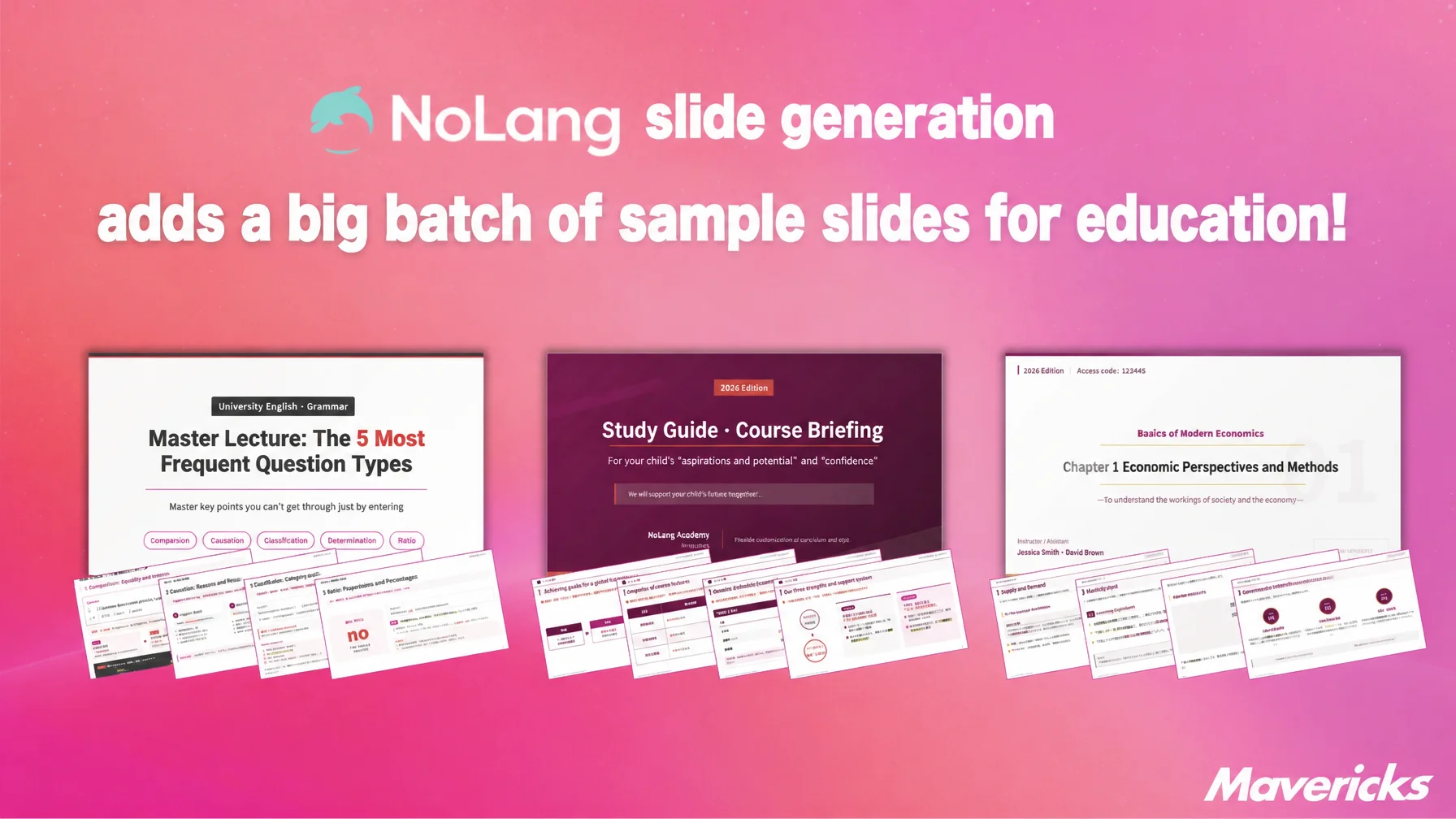
Mavericks, Inc., the Japanese company behind the AI video generation service NoLang, has added a set of education-focused sample slides to the slide generation feature in NoLang. The new samples cover exam question walkthroughs, e-learning course decks, classroom teaching materials, and parent briefing decks. Teachers and course creators upload a PDF or paste text, and NoLang handles everything from the designed slide deck to a finished video with narration in one place. About 90% of teachers in Japan say they cannot find enough time to prepare teaching materials, and these samples are aimed at removing the time, cost, and design-skill barriers that keep video materials from being made at all.
Create Slides with NoLangAbout 90% of teachers say they lack time for lesson preparation, while demand for video materials keeps growing
Demand for video-based learning content is rising sharply across the education sector. According to Yano Research Institute’s 2025 survey of the education services market, the market reached 2.8555 trillion yen in fiscal 2024, up 0.7% year on year1. Growth is especially clear in video materials and e-learning: Japan’s e-learning market recorded 381.2 billion yen in fiscal 2024, up 2.1% year on year, and the BtoB segment expanded steadily to 123.2 billion yen, up 7.8%2. In schools, the GIGA School initiative has put a device in the hands of every student, while cram schools and prep schools are adopting recorded lectures and flipped classrooms. Demand for video materials is increasing everywhere teaching happens.
The people who have to create those materials, however, cannot keep up with that volume or pace. School teachers face a chronic shortage of time. The Ministry of Education, Culture, Sports, Science and Technology’s fiscal 2022 survey of teacher working hours puts average time at school at 10 hours 45 minutes per weekday for elementary school teachers and 11 hours 1 minute for junior high school teachers3. In a 2022 teacher survey by School Voice Project, about 90% of respondents answered that they can secure “hardly any” or “no” time for lesson preparation during working hours, and roughly 50% of elementary school teachers spend under 15 minutes on it4. Asked what they would do with shorter working hours, about 48% of elementary school teachers said they would put the time into further lesson preparation and material development3. The motivation is there; the hours are not.
Cram schools, prep schools, and e-learning providers face the same problem. Demand for exam walkthrough videos and lecture videos grows every year, but slide creation still depends on manual work by instructors and content staff, and production rarely keeps pace with the number of subjects and units to cover. Outsourcing is not a realistic alternative for organizations that need a steady stream of materials: commissioning a production company typically costs between 100,000 and 1,000,000 yen per video5. Producing in-house is difficult too, because instructors and staff who are not fluent in design tools struggle to make materials that look good, and video projects are often shelved entirely as a result.
Across the education sector, from public schools to private providers, demand for video materials keeps outpacing the people, time, and skills available to create them. The education-focused sample slides now added to the slide generation feature in NoLang are a response to that gap.
See the Training Video Solution Read the Guide to Creating Training VideosEducation sample slides added: from a PDF or text to a finished video material in one pass
The slide generation feature in NoLang builds slides with headings, diagrams, and charts from source material such as text or PDF files, then exports the same deck as a video with narration. Everything happens inside a single service. Previously the same job meant preparing a document tool such as PowerPoint and a separate video editor, and learning to operate both.

The education-focused sample slides have now been added to that feature. Selecting a sample as a template gives an immediate starting point with a design and structure that fits the intended use. To build an exam walkthrough, for example, the user picks the matching sample and uploads a PDF containing the question, answer, and explanation; NoLang generates slides that lay out the sequence from question to explanation. The samples cover e-learning course decks, exam question walkthroughs, classroom teaching materials, parent briefing decks, and bulk generation of lecture slides across every subject, so schools, cram schools, prep schools, and e-learning providers can produce high-quality teaching slides without design skills.
Create Slides with NoLangExam walkthroughs, classroom materials, parent briefings: four sample slides now available in NoLang
Here are four representative examples from the education sample slides added in this release. Each one addresses a slide-creation need that comes up constantly in education.
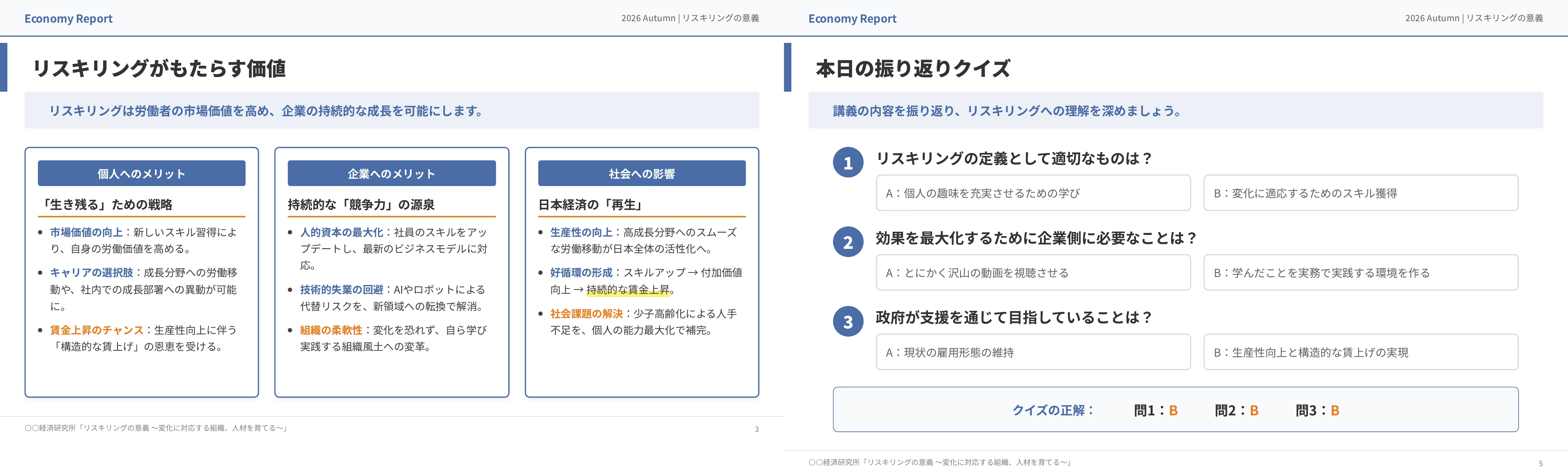
The first is the e-learning course deck. Aimed at e-learning participants, it generates slides covering the course content plus comprehension quizzes. For e-learning providers, adding courses and revising materials on a regular schedule directly affects enrollment, yet each course takes considerable time to build, and the content team’s capacity becomes the bottleneck. With this sample, a curriculum PDF or course syllabus is enough to generate the course deck, which speeds up both new course launches and material revisions.
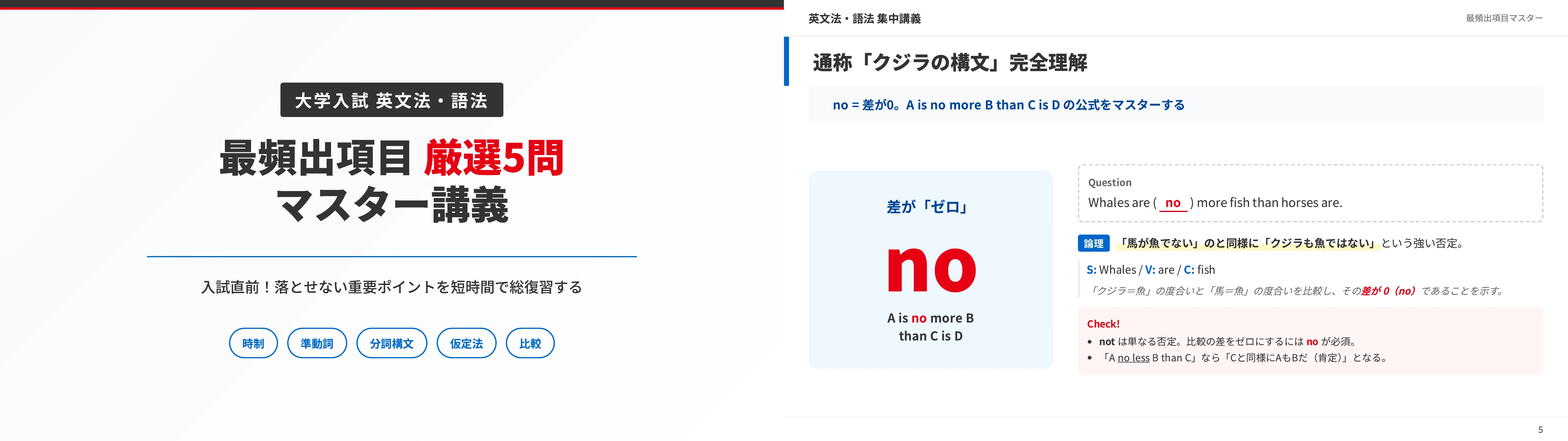
The second is the exam question walkthrough. Aimed at students preparing for junior high, high school, or university entrance exams, it structures the flow from question to answer to explanation, one question per slide. At cram schools and prep schools, a strong library of past-paper and practice-question explanations translates directly into learning outcomes and student satisfaction, but building those slides one question at a time eats into instructors’ lesson preparation. With this sample, uploading a PDF of the questions, answers, and explanations generates the walkthrough slides automatically, so large volumes of explanations for exam-season past papers or daily unit practice can be produced efficiently, and instructors can spend their time on teaching quality instead.
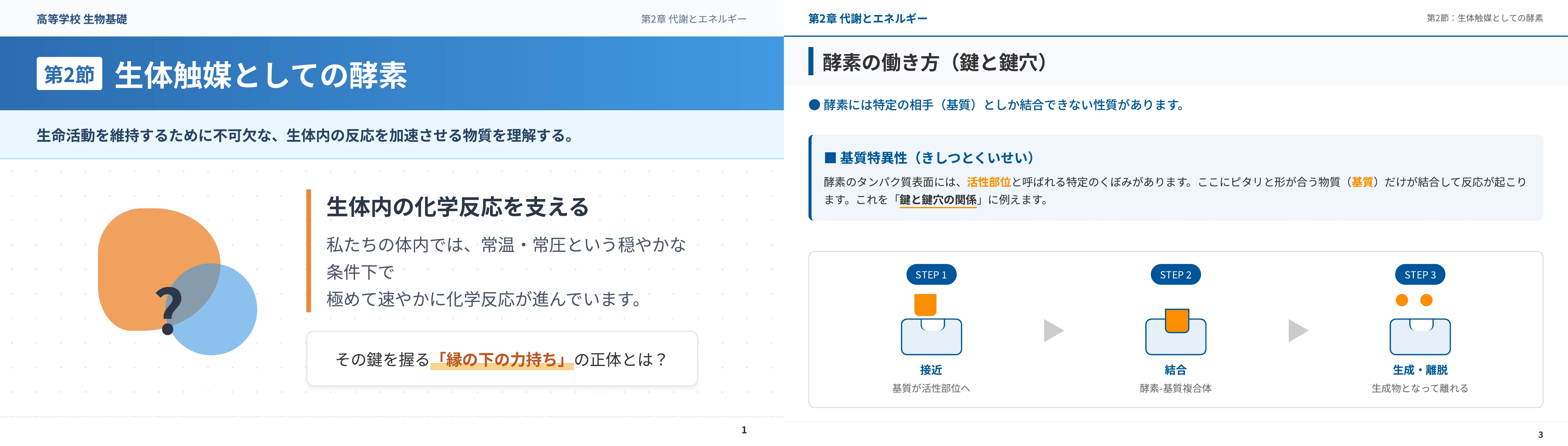
The third is the classroom teaching deck. Aimed at students, it generates lecture slides that summarize the key points and diagrams for each textbook unit. Flipped classrooms and on-demand lessons have increased the need for slide materials students use before and after class, but building clear slides from scratch takes time that is hard to find alongside daily lesson preparation. With this sample, a textbook or reference-book PDF produces lecture slides with organized headings, diagrams, and charts, reducing the material preparation load.
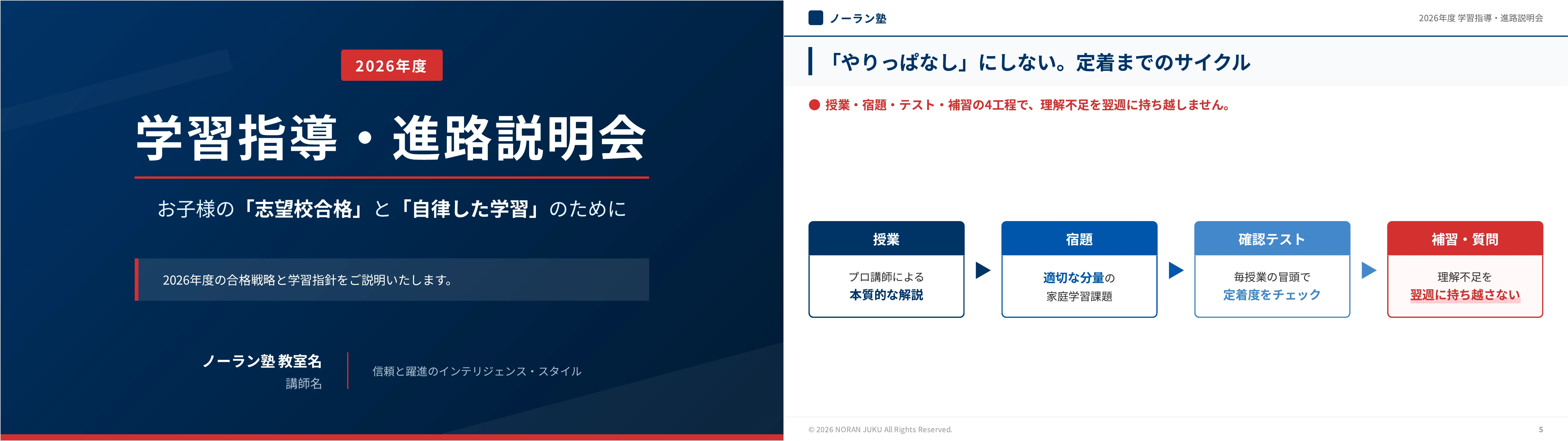
The fourth is the parent briefing deck. Aimed at parents, it generates slides explaining course paths, curricula, and fee structures. Cram schools and prep schools have to refresh the materials used at enrollment briefings and termly parent meetings, and every change to a course or a price list means rebuilding the deck. With this sample, curriculum documents or a fee table in text form are enough to produce a briefing deck with a consistent design in a short time, so parents receive accurate and easy-to-follow information.
Create Slides with NoLangWhat comes next
The education sample slides added in this release cover the most common scenarios at schools, cram schools, prep schools, and e-learning providers. NoLang will continue to cut the time and cost of creating teaching materials so that educators can concentrate on teaching and on their students, and will keep strengthening the features that support digital transformation in education.
Footnotes
-
Yano Research Institute, Survey of the Education Services Market (2025) (in Japanese) ↩
-
Yano Research Institute, Survey of the E-learning Market (2025) (in Japanese; survey of e-learning businesses) ↩
-
Ministry of Education, Culture, Sports, Science and Technology, Survey of Teacher Working Conditions (fiscal 2022), final figures (in Japanese; teachers at public elementary and junior high schools nationwide) ↩ ↩2
-
School Voice Project, teacher survey on time for lesson preparation (in Japanese) ↩
-
Douga Kanji, Training Video Cost Guide (2025 edition) (in Japanese) ↩

