Shop intro
AI writes the script from your photos and text
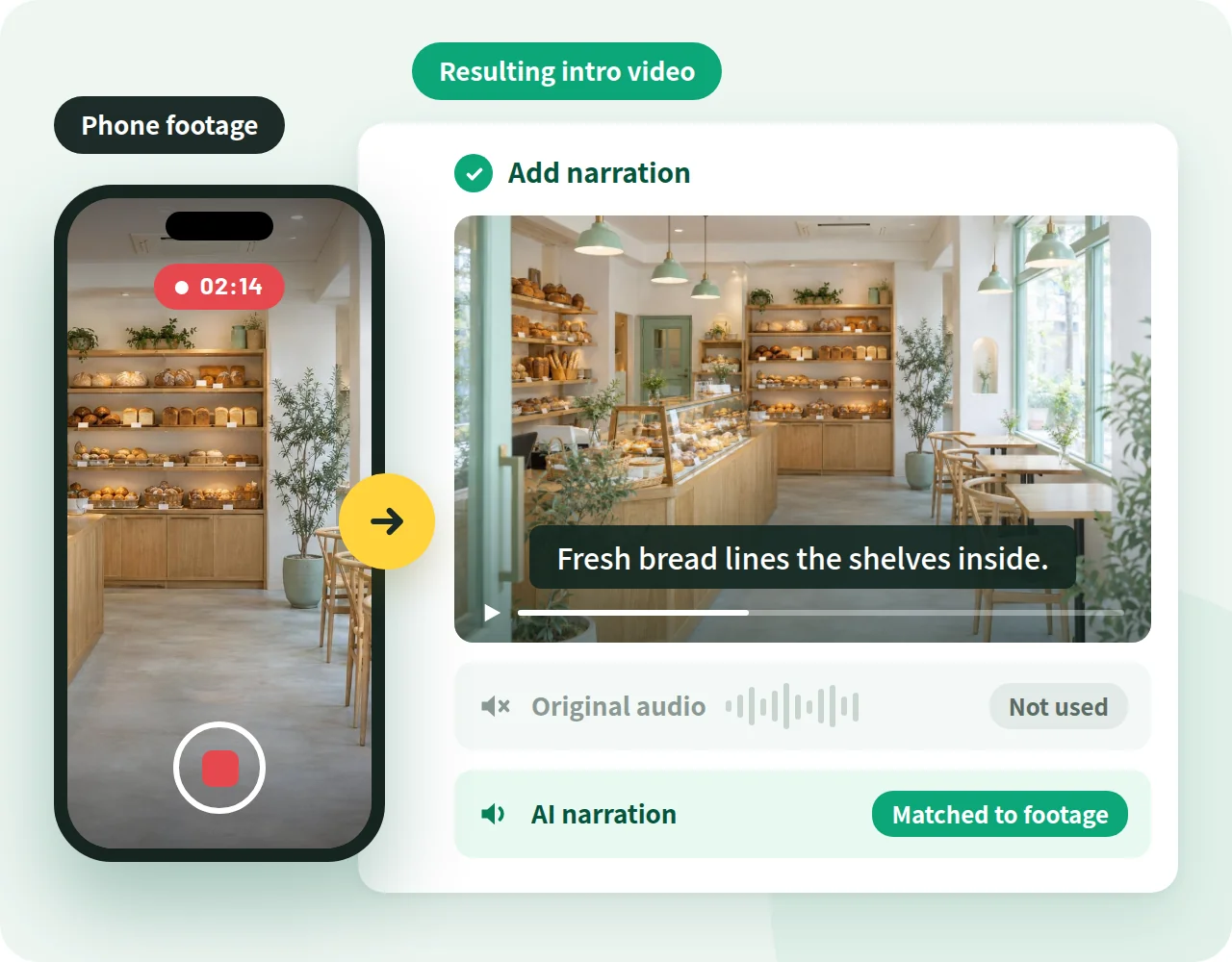
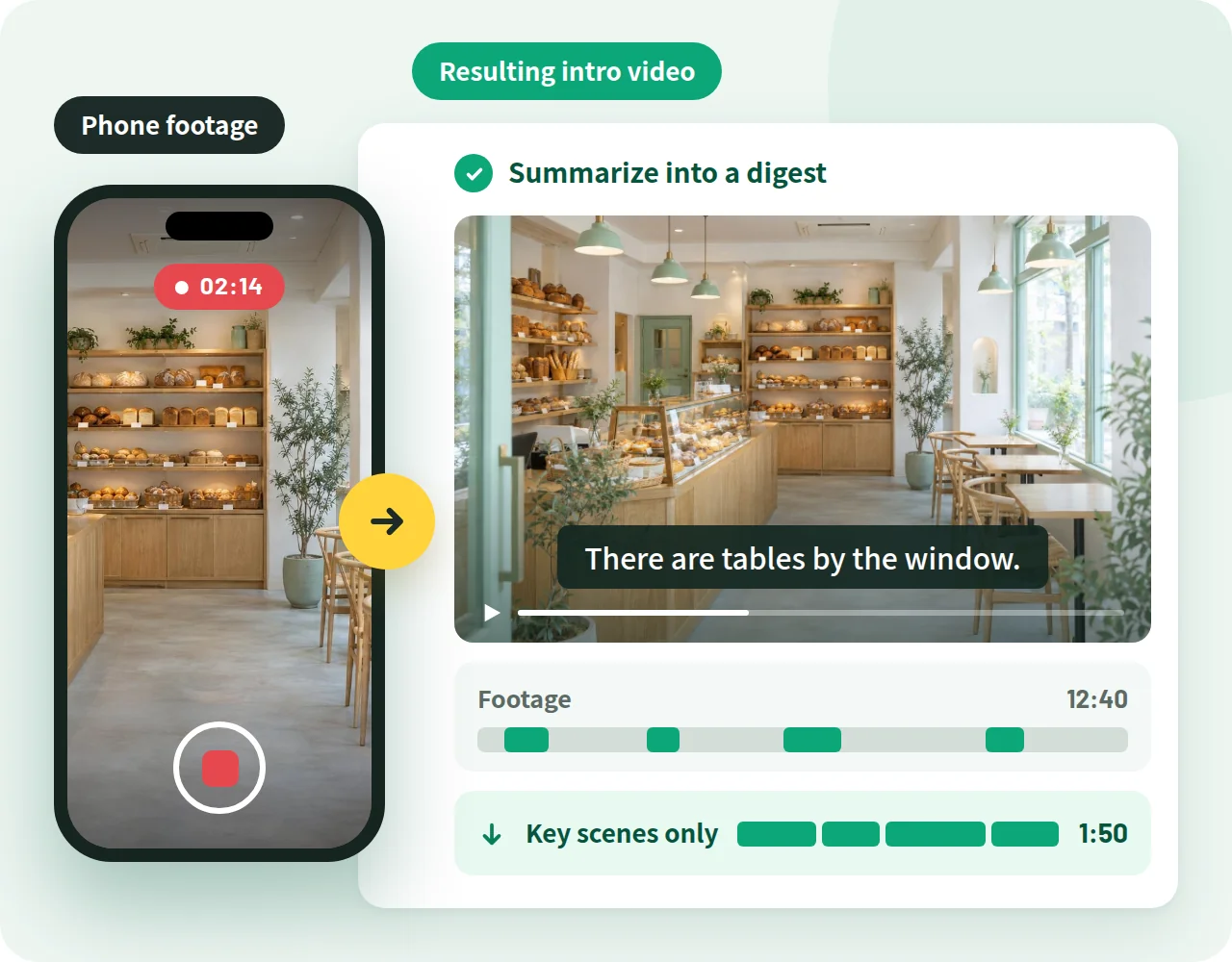
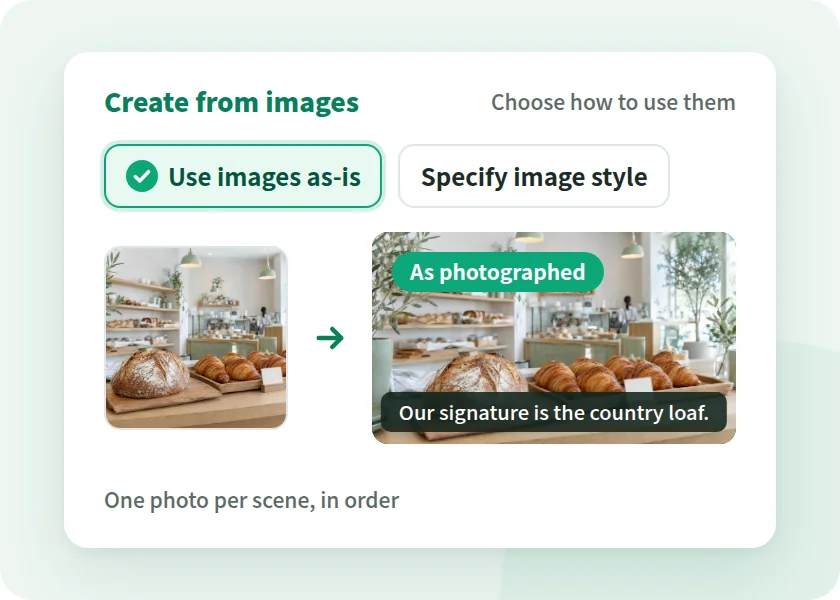
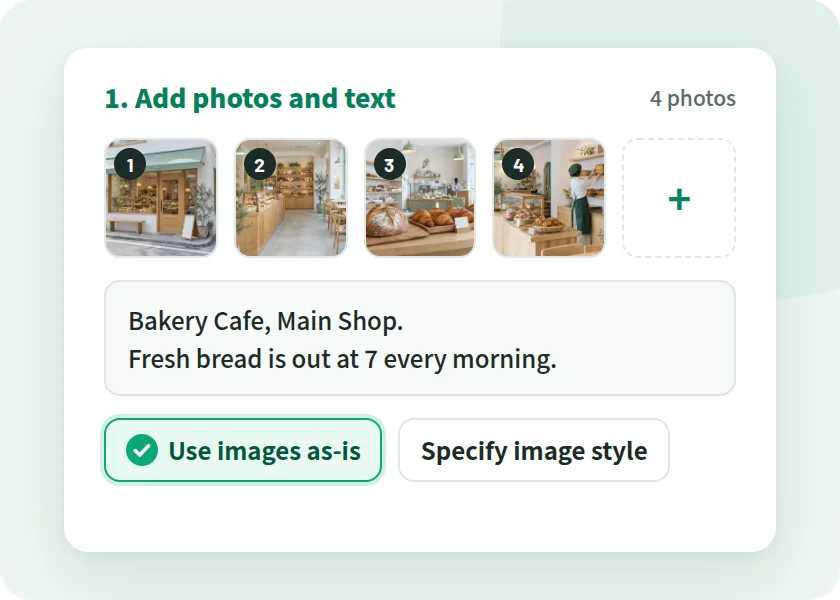
Add photos under "From images" and choose "Use images as-is," and the photos are shown in order, one per scene. Your introduction text becomes the narration and subtitles.
Method in the app Use images as-is
-
Exterior and entrance
Intro text The corner shop with the green awning.

-
Interior
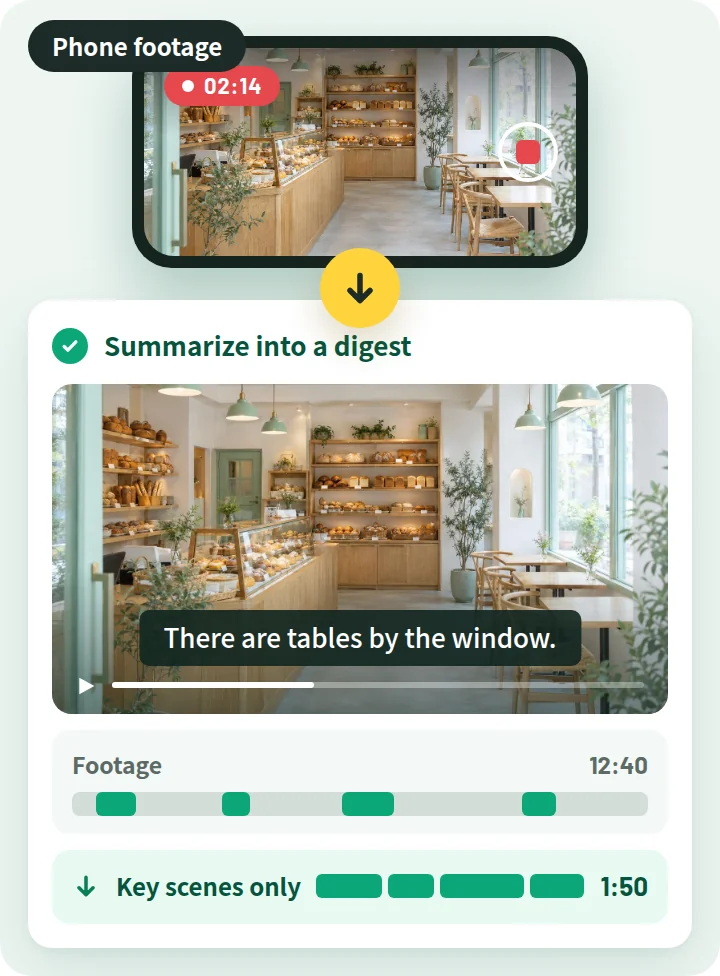
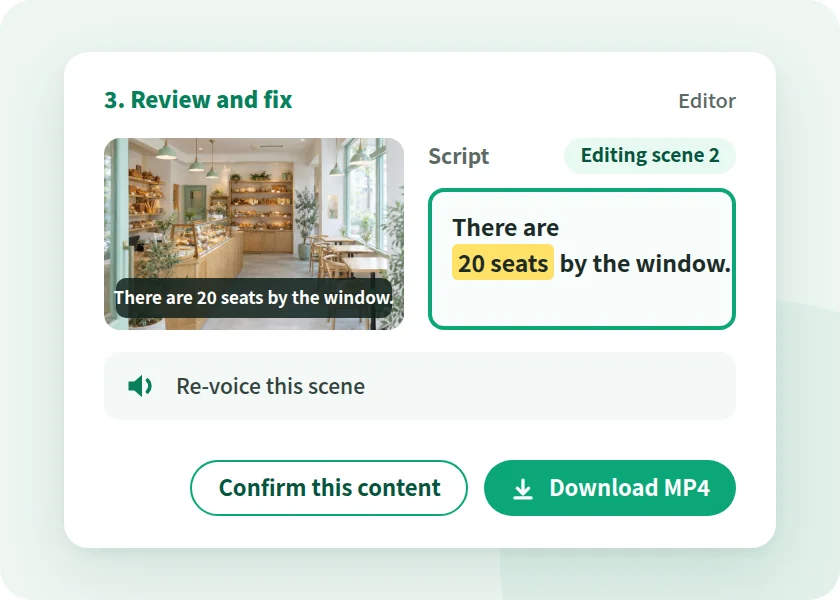
Intro text Inside, there are 20 table seats by the window.

-
Signature product
Intro text Our signature is the country loaf, made from scratch.

-
Staff
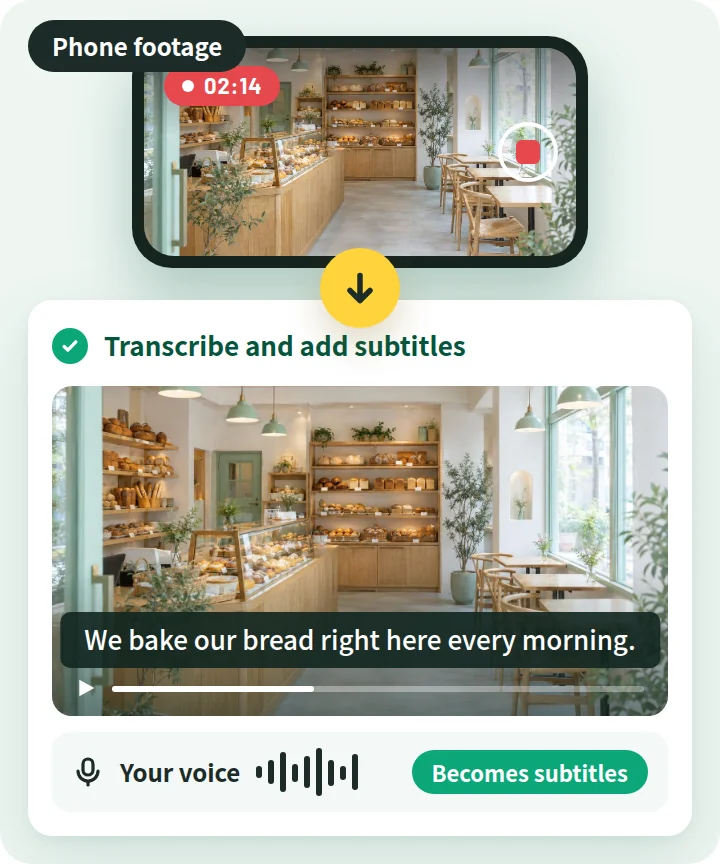
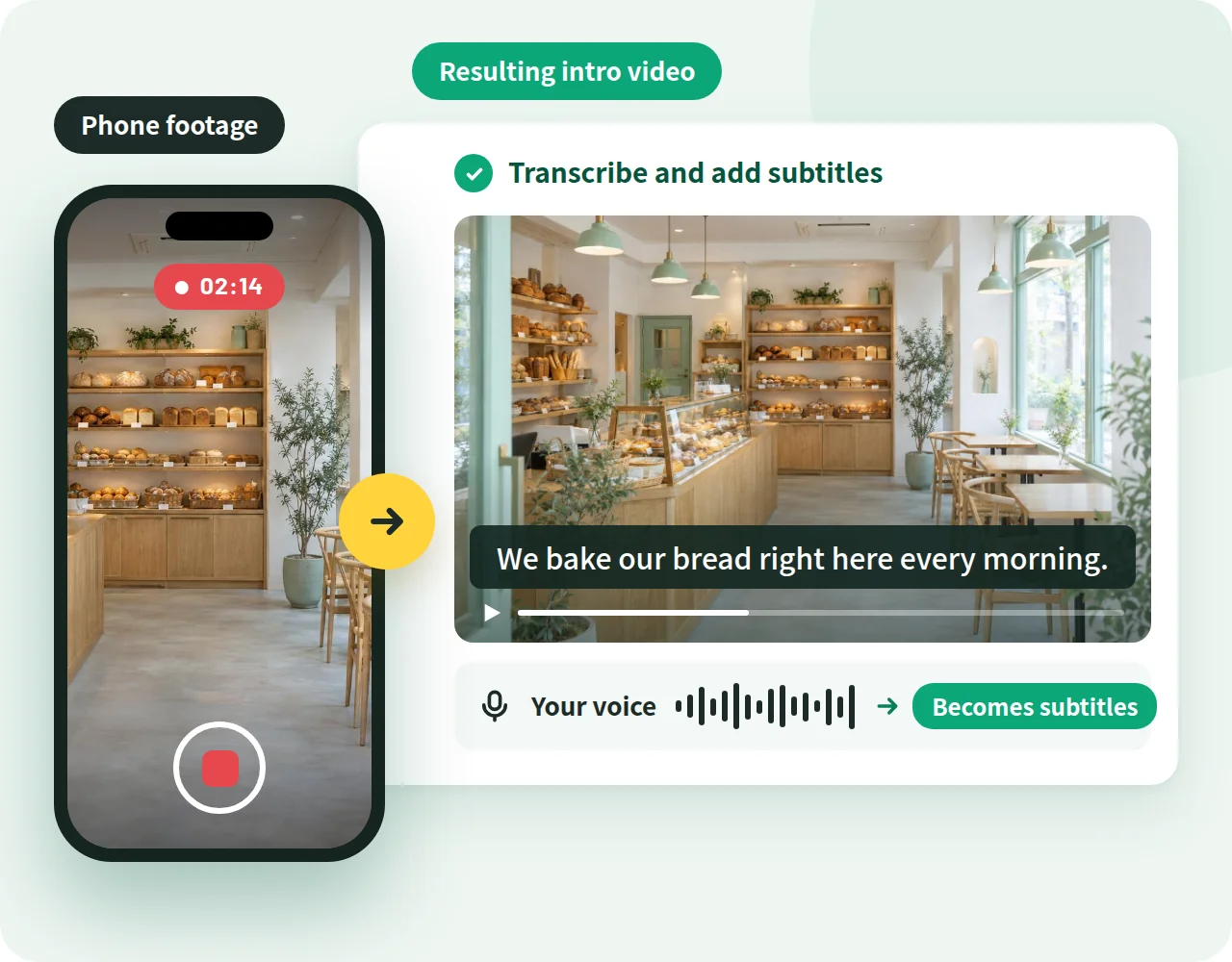
Intro text We bake in the oven at the back of the shop every morning.

-
Hours and access
Intro text Open from 7:00 to 18:00. A 5-minute walk from the station.

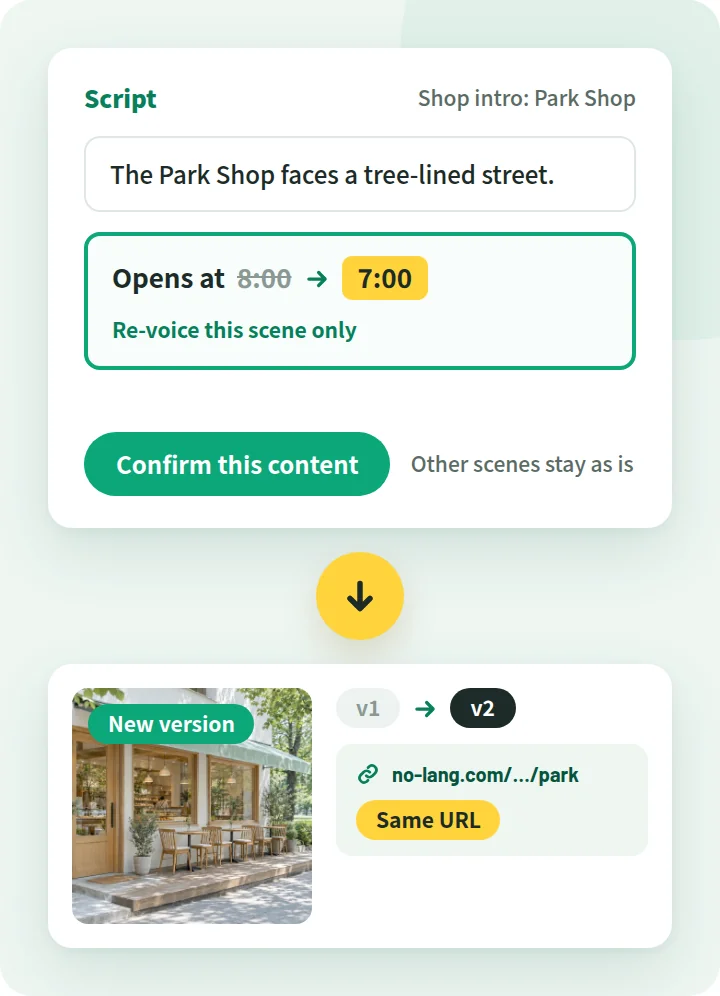
You can fix the AI-written script in the editor. Before publishing, check how opening hours and product names are written.