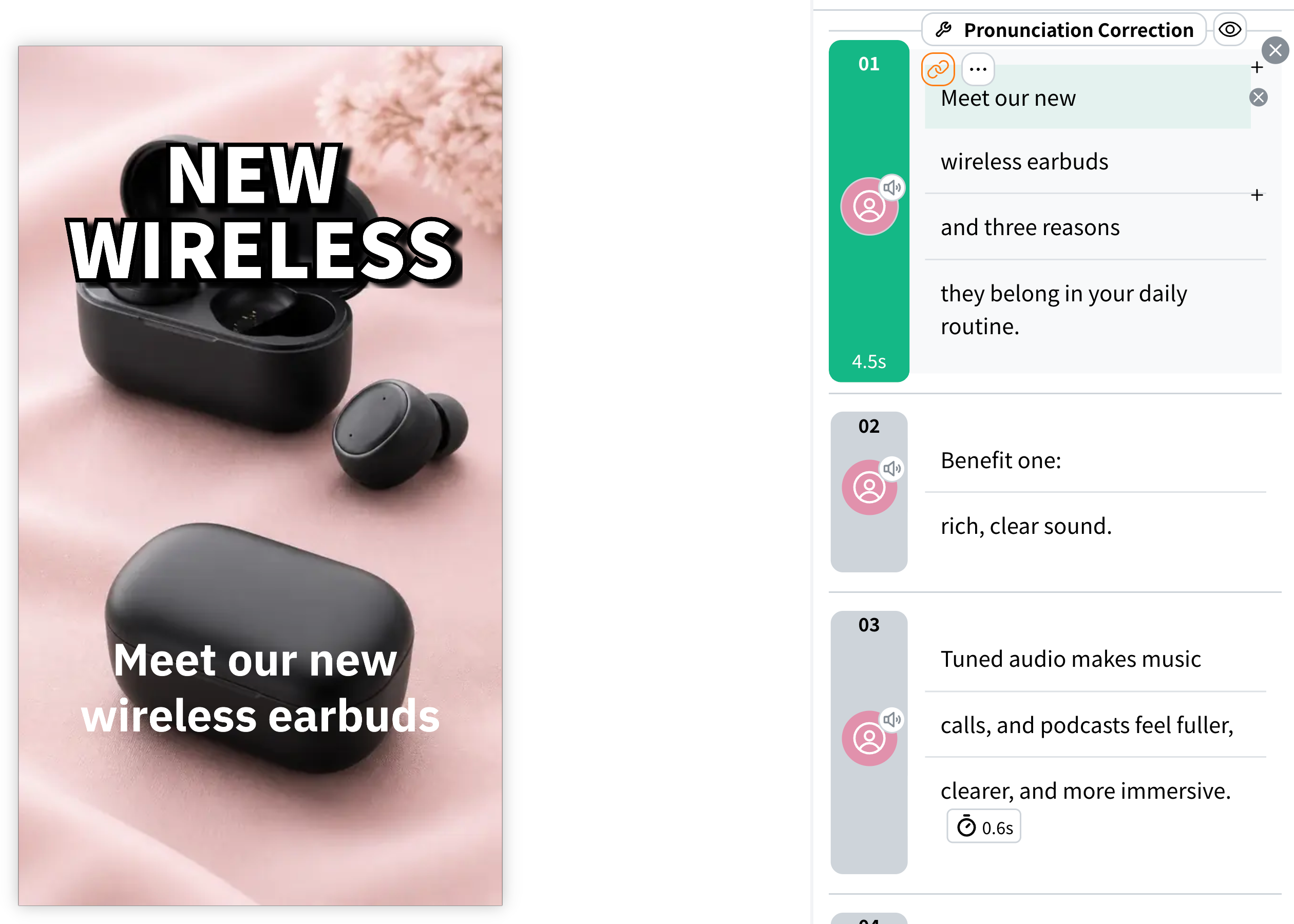
2025/11/18 Pronunciation correction with a dictionary arrives, plus a host of new voices, and more
Last updated
The screenshots have been updated to show the current interface. The descriptions of new features, pricing, and campaigns below reflect the information at the time this article was published.
1. Correcting pronunciation with the dictionary
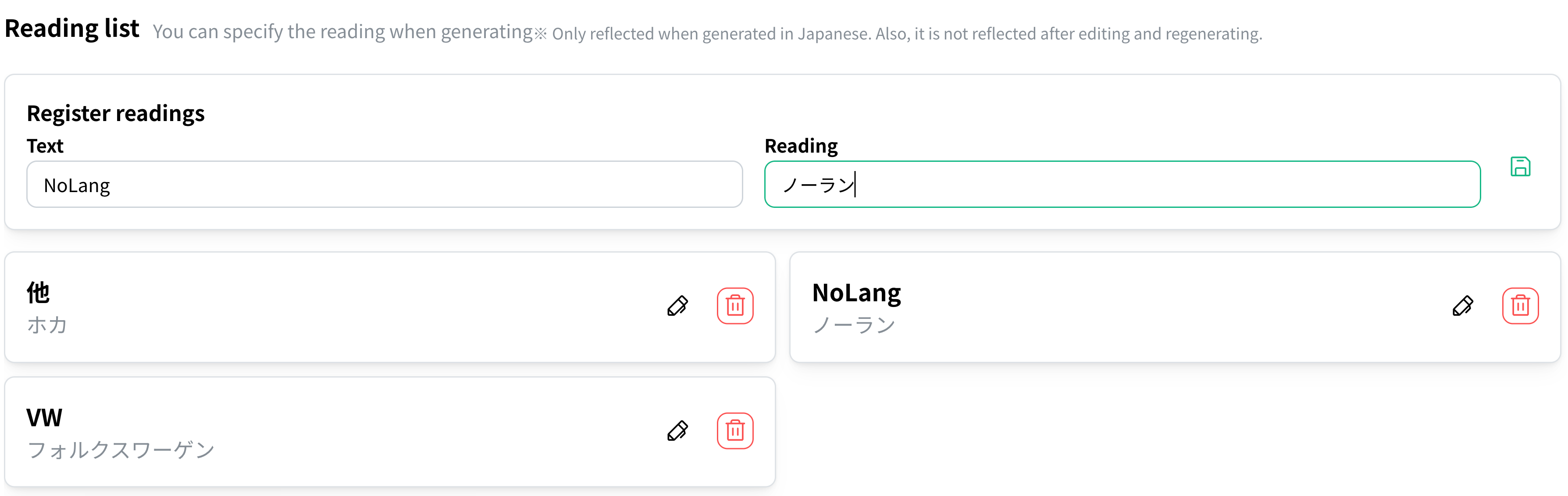
- You no longer need to fix the pronunciation of the same word over and over.
- If you register a word under “My Page” > “Pronunciation list”, it will be read aloud with the pronunciation you specified from then on.
Pronunciation entries apply when generating videos in Japanese. Enter pronunciations in katakana even when adding entries through the English UI.
2. New voices
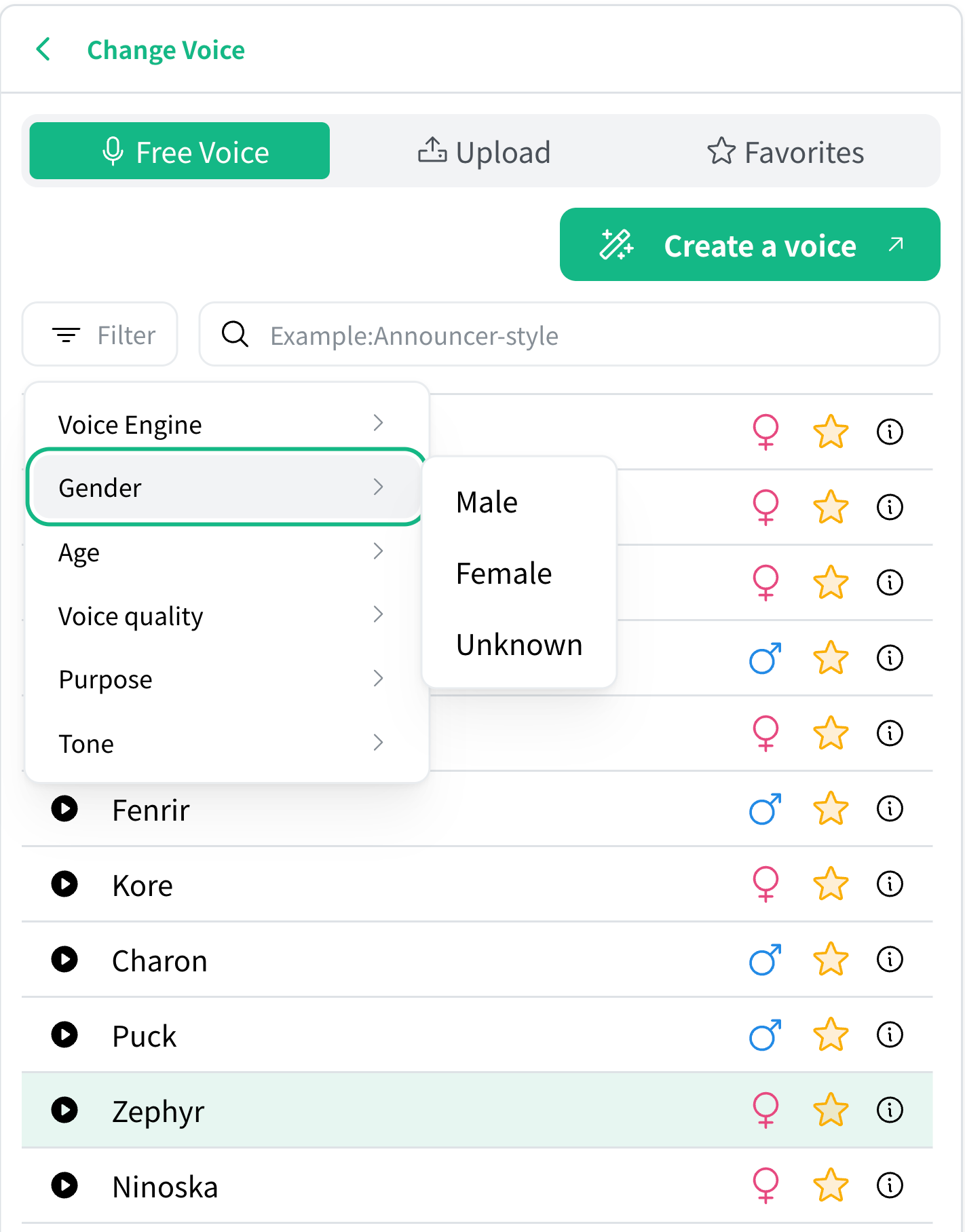
- More than 300 new voices have been added. From high-energy voices perfect for short videos to the weighty tone of a movie villain, a wide range of voices is now available in NoLang.
- A voice search feature is also available. By narrowing down on conditions such as gender, age, pitch, and use case, you should find the voice you want right away.
3. Subtitle line breaks when editing vertical videos
- In the editor for vertical videos, subtitles can now be wrapped across two or more lines.
- Place the cursor where you want a line break in the narration script and press Enter to insert a line break within the subtitle. Shift+Enter adds a cut (a subtitle boundary), which is different from a line break within a subtitle.