
How to create videos from your own videos or from templates
Last updated

1. Creating from a sample (template)
- Select Official Samples on the home screenChoose a video from the Official Samples gallery on the home screen. You can also filter by category, such as history or trivia.
- Choose a sample and check the example videoClick a sample to play the video. Review its content and structure, then choose the sample you want to use.
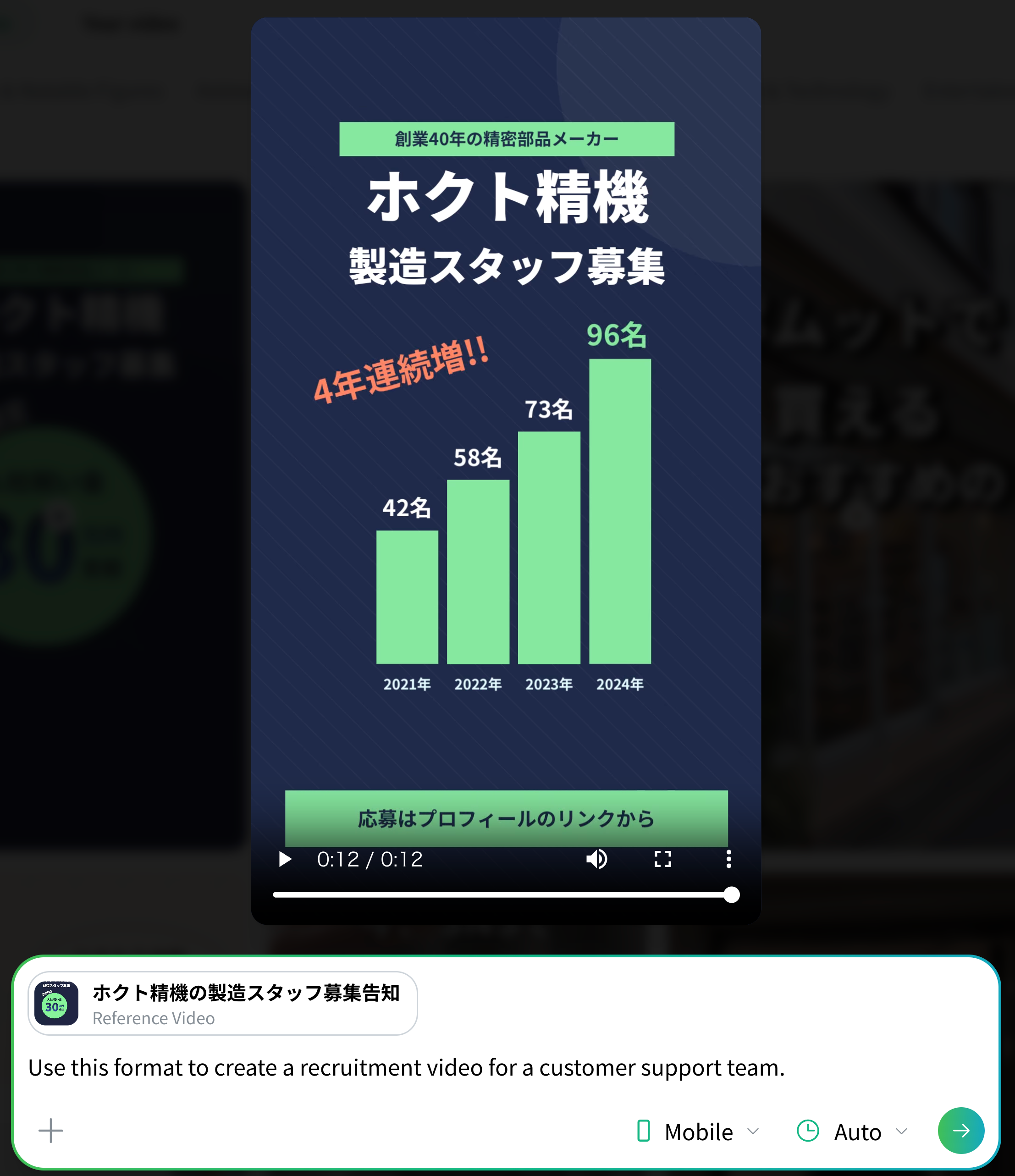
- Enter what you want to create and generateEnter the content of the video you want in the input field with a sample set as the reference video and submit it, and the video is generated with a look similar to that sample.
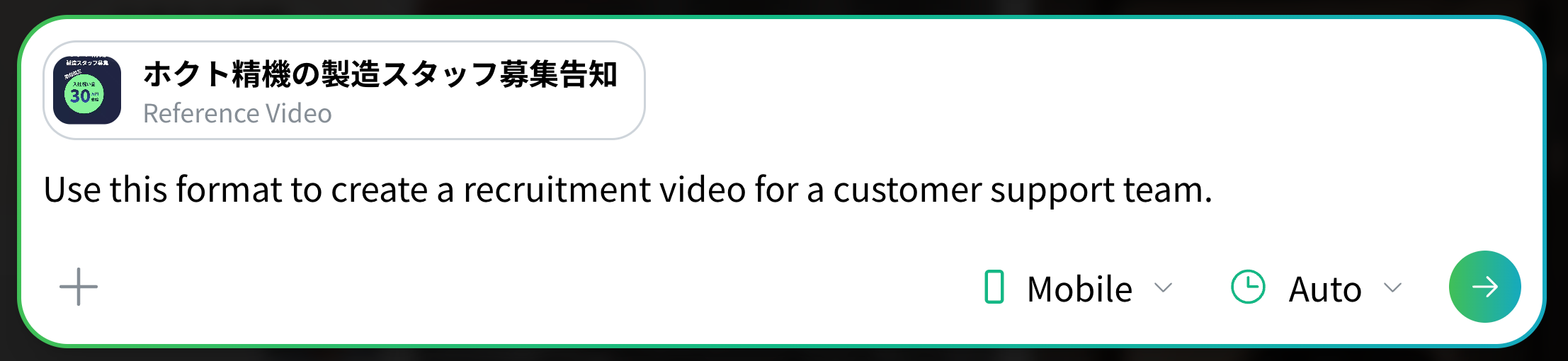
Input example
Use this structure to create a recruiting video for a customer support role.
2. Creating from your own video
Once you have one video you are happy with, you can use it as a reference video.
On the viewing page (the video playback screen), the input field always has the video on screen set as the reference video. Enter what you want to create and send it, and a new video is generated that carries over the design, structure and speaking style of the original.
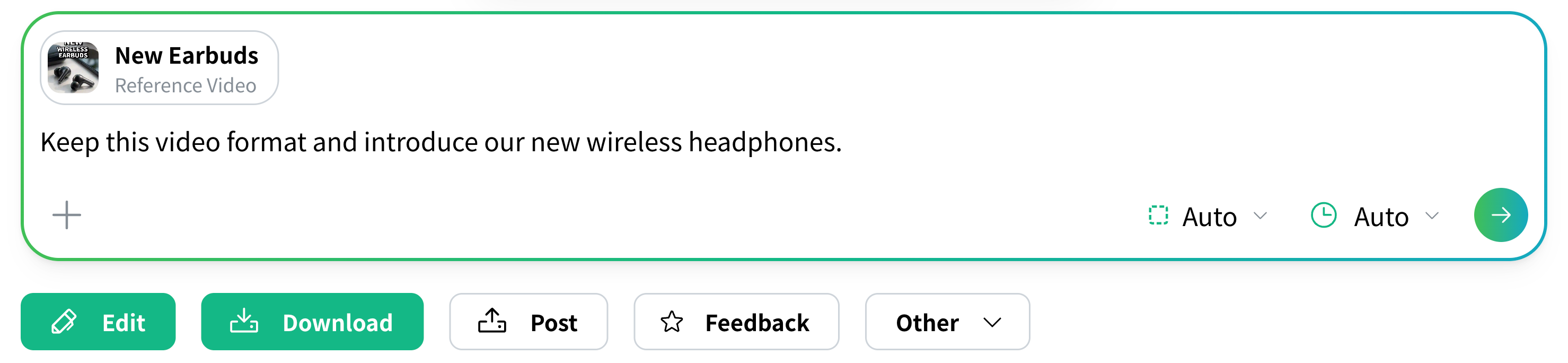
Input example
Use the structure of this video to introduce a new pair of wireless headphones.You can open videos you made in the past at any time from Video Management in the sidebar, then Watch. Handy when you are making a series of videos and want a consistent look.
3. Finish a generated video by editing it directly
In NoLang you can edit a video you have already generated directly. There is no need to generate it again just to fix small things such as a typo in the subtitles or a replacement image.
Open the editor with the Edit button on the viewing page, adjust things like subtitles, images and background music, then press Confirm this content and your edits are applied to the video as they are.
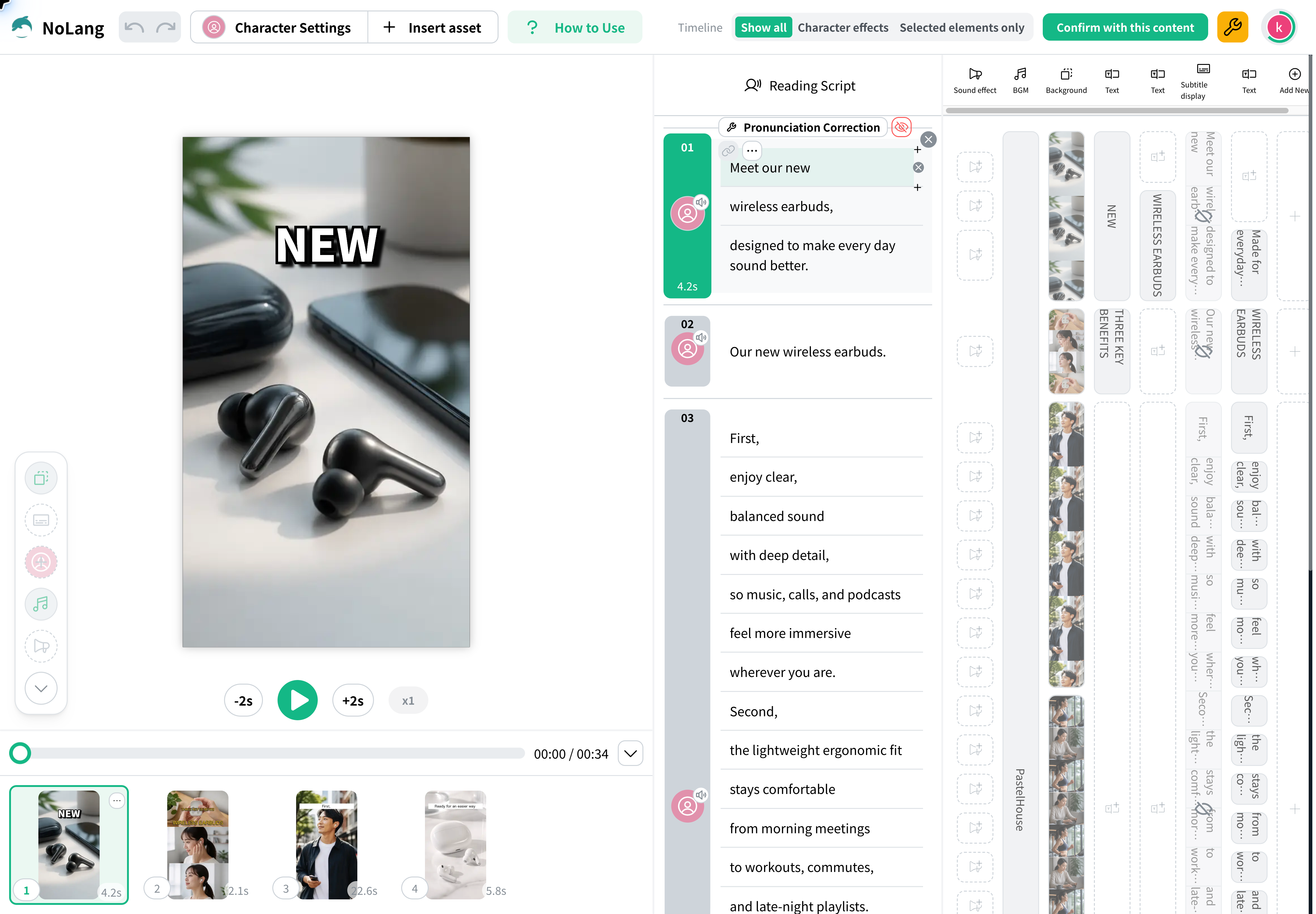
How to use the editor is explained in detail here.
✓ Related Using the New Editor Six pages explaining how to work in the editor, from adjusting subtitles, images, avatars, and background music through to "confirm and regenerate".Use Cases
Real examples of making videos with samples and reference videos.
✓ Related How to create a trivia video This page explains the steps for creating a snappy video that introduces trivia and fun facts. ✓ Related How to create explainer videos on news and current events This page explains the steps for creating an explainer video on current events based on a news article. ✓ Related How to create Yukkuri-style history trivia videos This page explains the steps for creating a history trivia video with a Yukkuri-style commentary feel.