Table of contents

  1. 1. Generated video example
  2. 2. Creation steps
  3. 3. Types of avatars

How to create a dialogue-style video with avatars

Last updated

1. Examples of videos you can create

Example of a generated Live2D avatar
Example of an avatar generated from a standing character illustration PSD

2. Creation steps

  1. Choose a dialogue-style sample under "From Sample"
    Click "From Sample" below the input field on the Home screen, pick a dialogue-style sample (such as "Rethinking AI adoption: a talk between an employee and the CEO"), and play the example video to see how it looks.
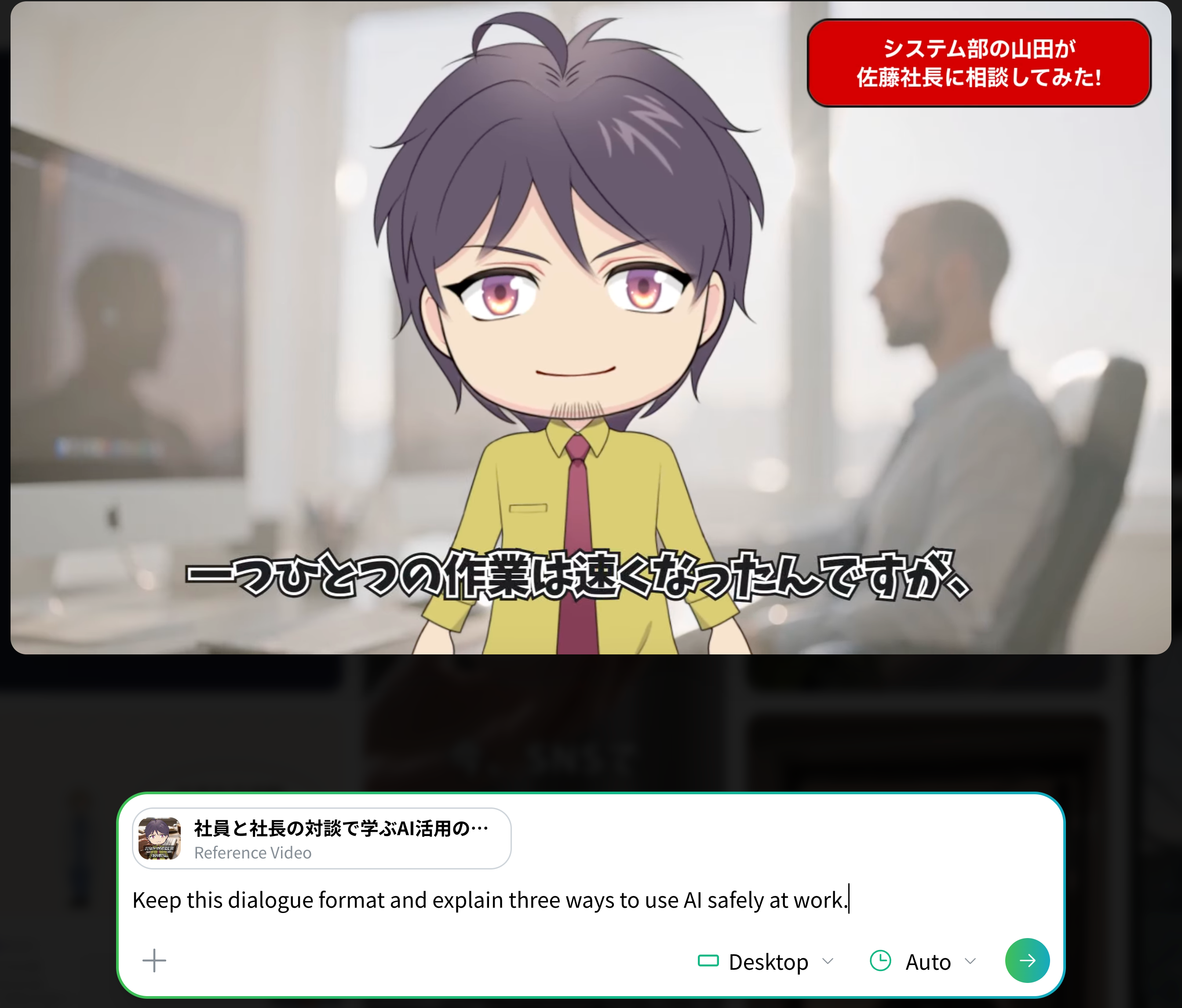
    Choose a conversation-style sample
  2. Enter what you want to create and generate
    Enter the content of the video you want in the input field with a sample set as the reference video and submit it, and it is generated in a similar style while staying in dialogue form.
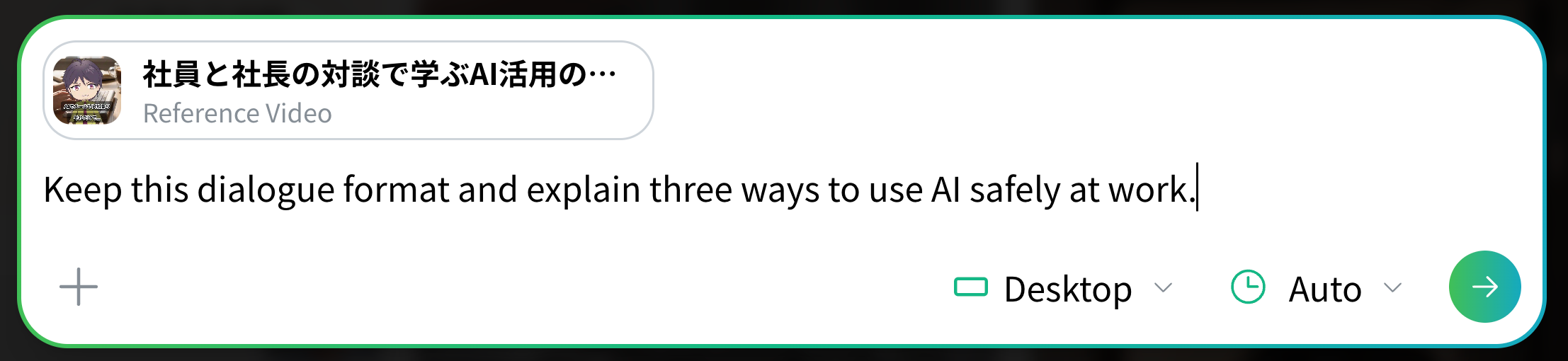
    Enter the roles of both speakers and the content of their conversation

3. Types of avatars

✓ Related [Advanced] How to edit a Live2D avatar file so it shows emotions and motions that match the dialogue Explains how to edit a Live2D file to assign the expressions and motions you want. ✓ Related How to download a standing character illustration PSD file Explains how to download a PSD character file you can use in NoLang from the official website.